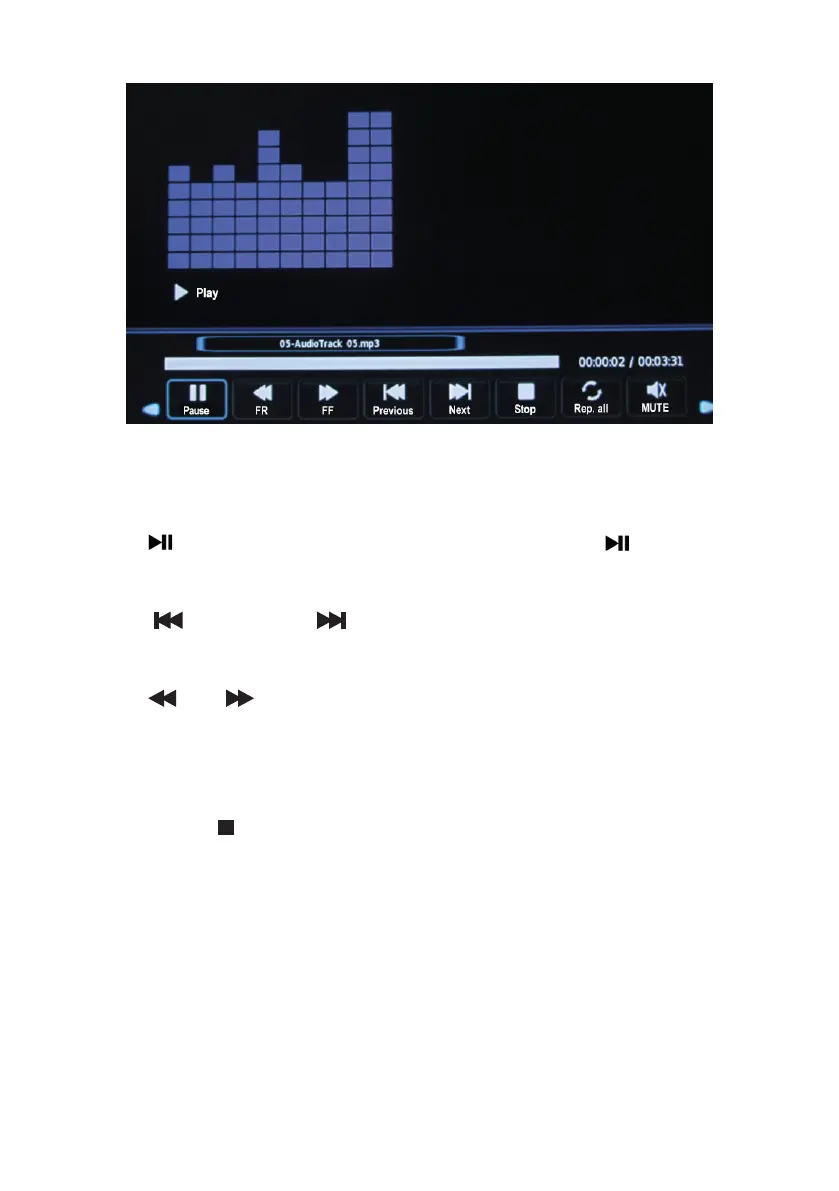
During playback:
• Press the ENTER button to enter the menu bar (play, repeat, list, info, rotate, zoom, move).
• Use the (pause) button to pause. To resume playback, press the (playback) button
again.
• Use the (previous) and (next) buttons on the remote control to move to the
previous or next audio le.
• Use the and buttons on the remote control to increase or decrease the playback
speed (x2, x4, x8, x16).
• When playback ends, the next track starts automatically.
• Press the EXIT or button to return to the list of audio les.
• You can also display information about an audio le by waiting a few seconds after selecting
the le without pressing the ENTER button.
• Playing a video le
Press the or buttons to select the FILM mode and press ENTER to conrm.
V.1.0 94



 To Next Page