RECORDING ON USB MEDIA
You have the possibility to record a DTT programme on an external USB device in FAT32 format.
• Making an instant recording
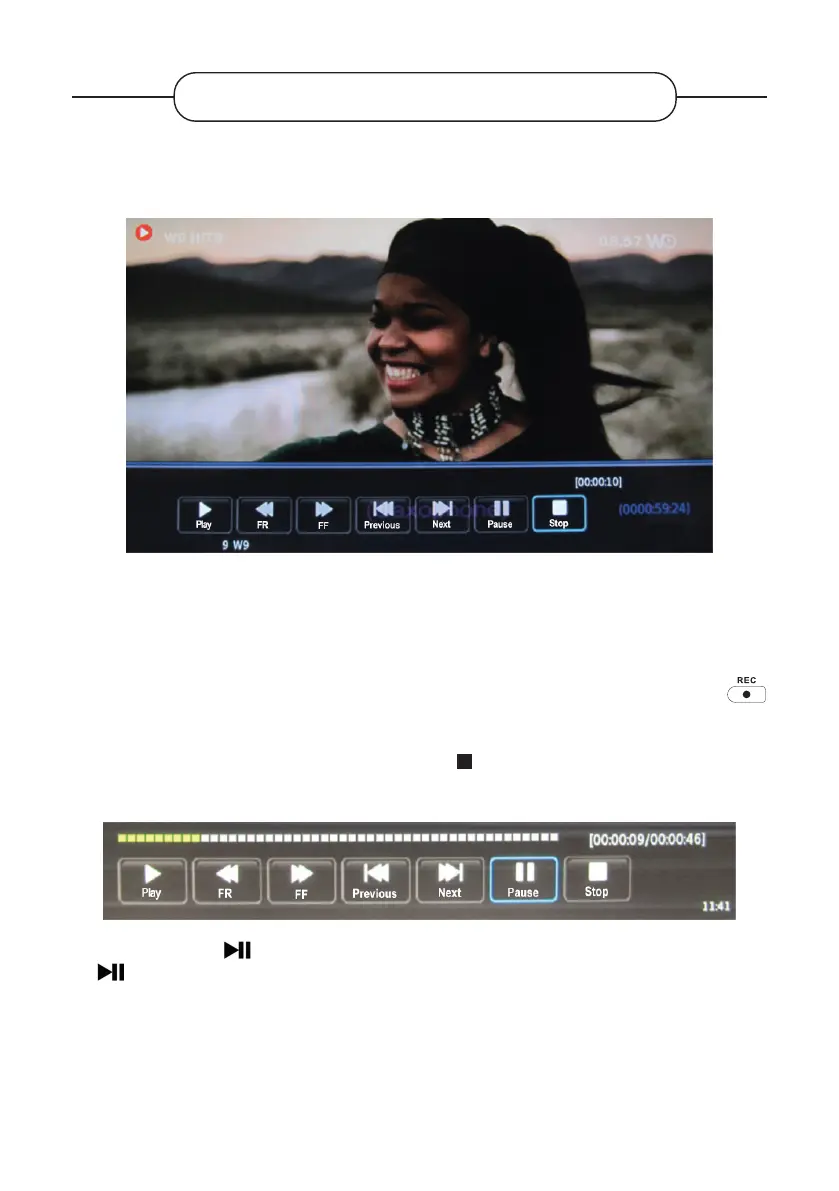
This function allows you to start an immediate recording of the DTT programme being broadcast.
1. Insert a USB media (external hard drive, USB memory stick) into the USB port on the TV, then press the
button on the remote control. Recording begins.
2. From the menu bar at the bottom of the screen, select (Stop) using the or buttons, and press
ENTER to stop recording. Then validate with the button.
You can also select the button to pause the recording, and avoid recording adverts for example. Select
the button again to resume recording.
Note: Some USB devices with a low read/write speed may not support the Recording function.
V.1.0 98



 To Next Page