13
The Charging Dock (continued)
Using the Charging Dock
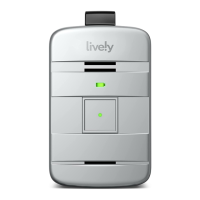
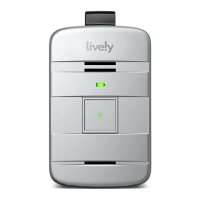
1. Lower your Lively Mobile2 in the charging dock until the charging
contacts on both the device and the charging dock make contact.
You will hear a tone from the speaker indicating that the device
is placed properly and charging.
2. The power indicator on the charging dock lashes green while
charging. When fully charged, the battery indicator will remain solid
green. Charge fully before your irst use of the Lively Mobile2.
3. To remove your Lively Mobile2 from the charging dock, grasp the
device and lift it up and away from the charging dock. You will hear
a tone from the speaker indicating that it is no longer charging.
Unless additional charging is required, the battery indicator on the
device turns o to save power.
Getting Started



 To Next Page