Page 50 Pulse
TM
Smartpen User Manual
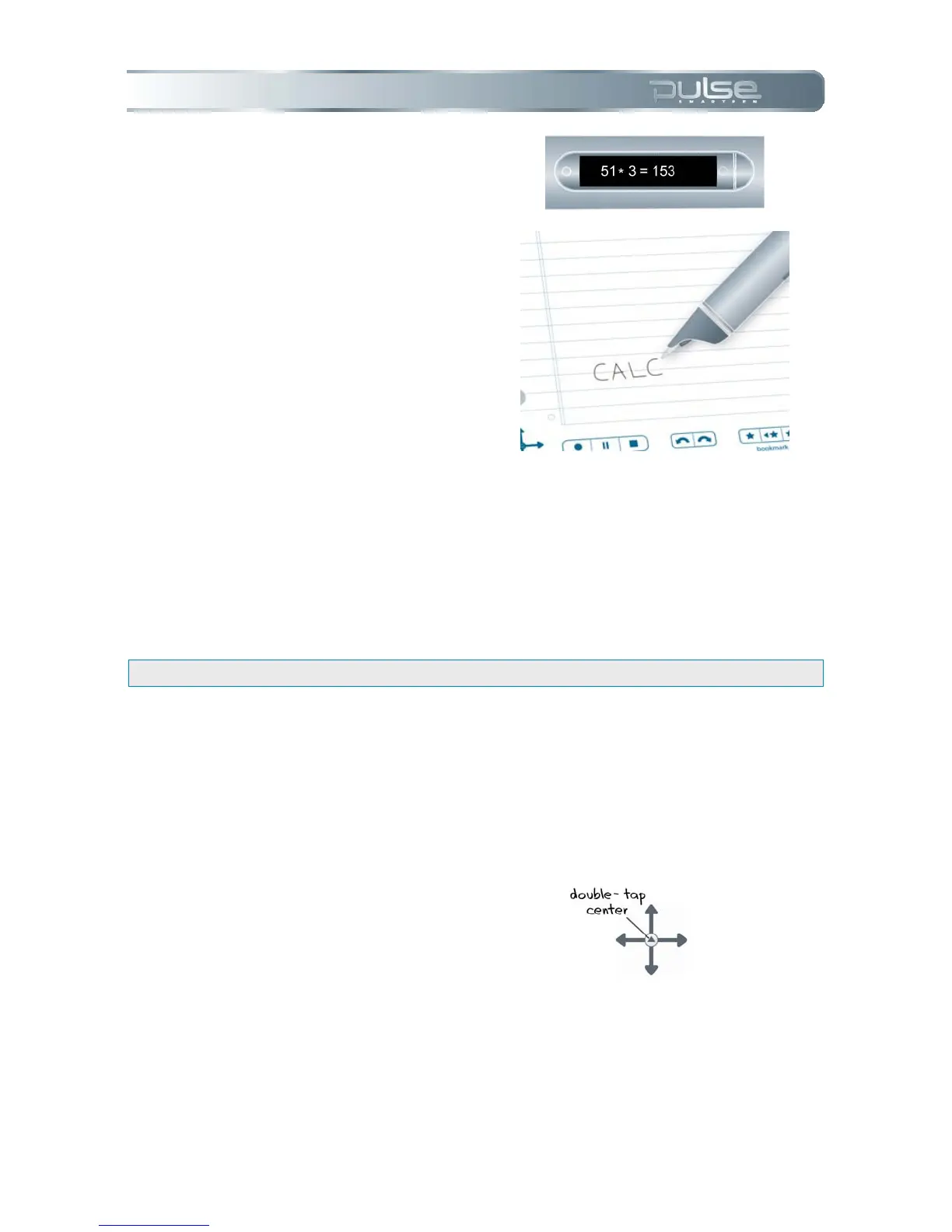
7. Your Pulse smartpen will
display the result.
8. Once you have written a
Quick Command, you can tap
where you wrote it to repeat
the command.
Guidelines for writing a math problem:
• Numbers can contain up to 12 characters, including a decimal point.
• Operators can include +, -, ×, *, /, and ÷.
• A double-tap can be used in place of the equals sign.
Example: 52 - 14 followed by a double-tap is an accepted entry.
• If the length of the math problem exceeds the screen size, the beginning of the
problem scrolls off the left of the screen as new characters are added to the right.
Storage Quick Command
To display the amount of available of memory on your Pulse smartpen:
1. Double-tap on the center of a
Nav Plus.



 To Next Page