Chapter 6: 5BAdditional Pulse Smartpen Applications Page 51
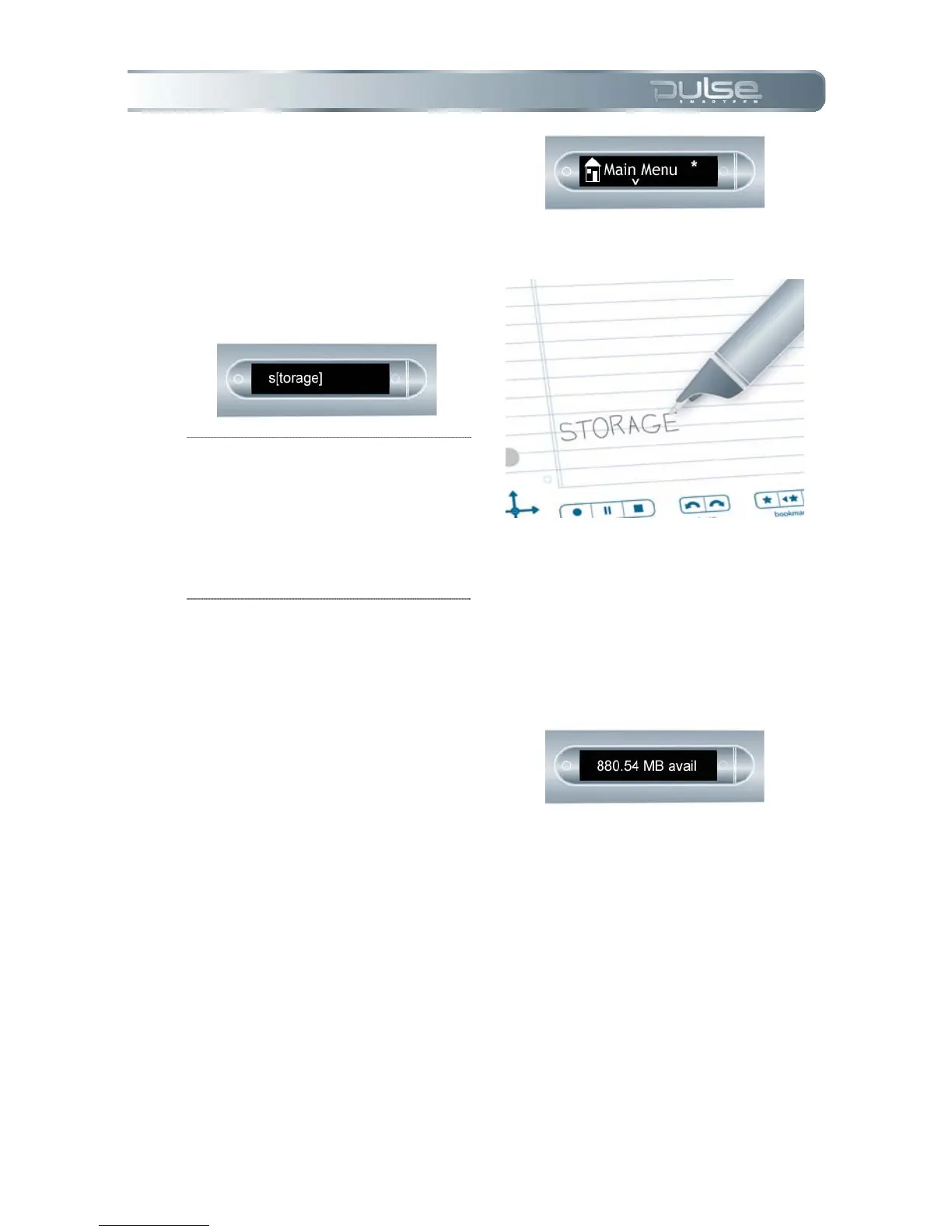
2. Your Pulse smartpen will
display the Quick Command
indicator in the Main Menu. It
is waiting for you to write a
Quick Command.
3. Within five seconds, write the
word “storage.”
NOTE: With predictive text, your
Pulse smartpen will display the first
command that matches your written
input In this case, s[torage] is
displayed as soon as you write a “s.”
As soon as you see the command
you want on the display, you can
stop writing.
4. Wait briefly or double-tap on
the page near where you
wrote the command.
5. Your Pulse smartpen will
display the available memory.
a. If available space is less
than 1 MB, your Pulse
smartpen will display
memory in available KB.


 To Next Page
 Loading...




