Chapter 6: 5BAdditional Pulse Smartpen Applications Page 53
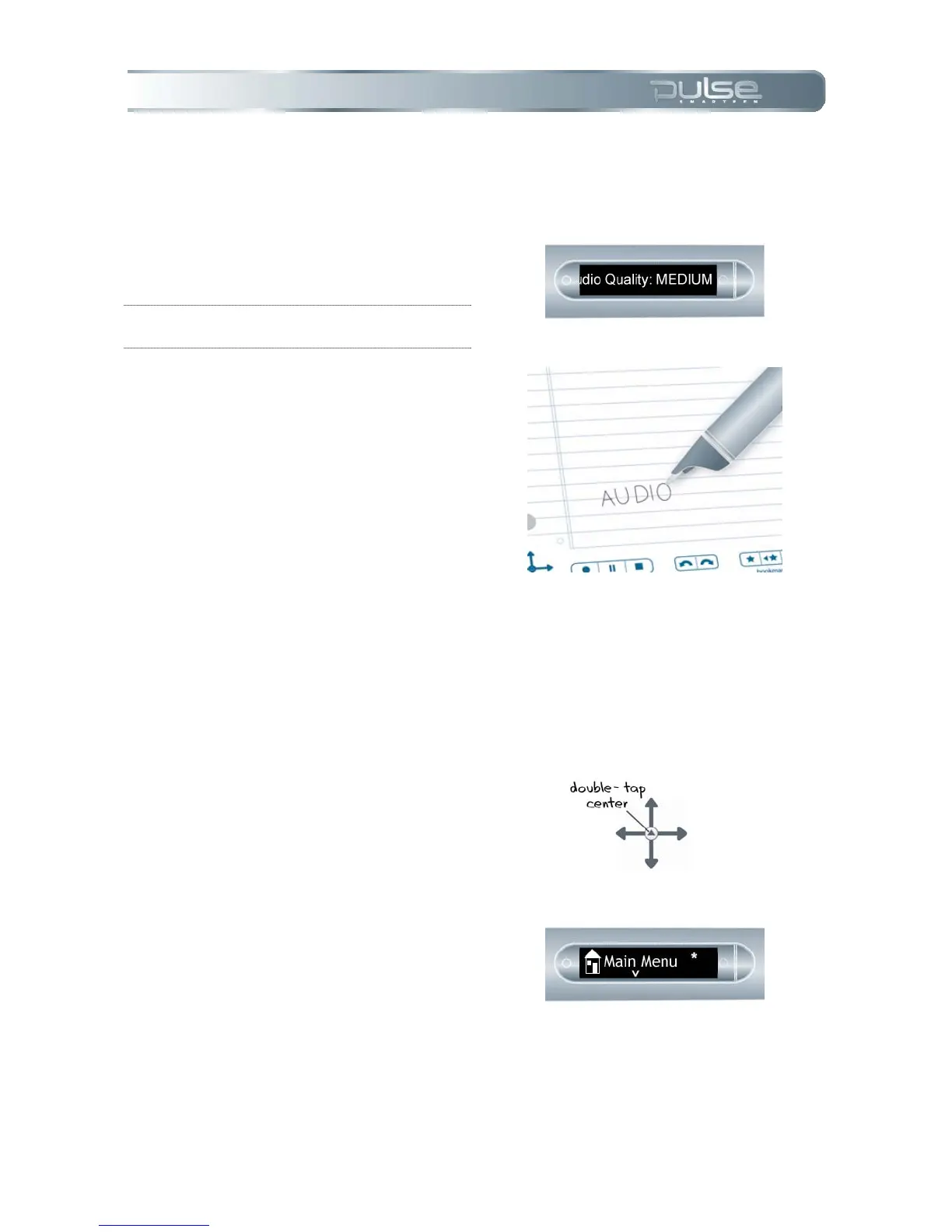
4. Wait briefly or double-tap on
the page near where you
wrote the command.
5. Your Pulse smartpen will
display the audio settings.
NOTE: To change audio settings, refer to
Chapter 5: Pulse Smartpen Settings.
6. Once you have written a
Quick Command, you can tap
where you wrote it to repeat
the command.
Time & Date Quick Command
You can use Quick Commands to check the time or date, in addition to using the printed controls
on the inside cover of your notebook or on the Livescribe sticker sheet.
1. Double-tap on the center of a
Nav Plus.
2. Your Pulse smartpen will
display the Quick Command
indicator in the Main Menu. It
is waiting for you to write a
Quick Command.



 To Next Page