– Dispensing pressure not set correctly.
– Pressure hose not properly connected.
– Dispensing needle is clogged, too small
or too large.
– Dispensing valve not correctly connected
or defect.
– Product reservoir not switched on or
defect.
– Controller is defect.
– LED defect.
– Button defect.
– Control unit is defect.
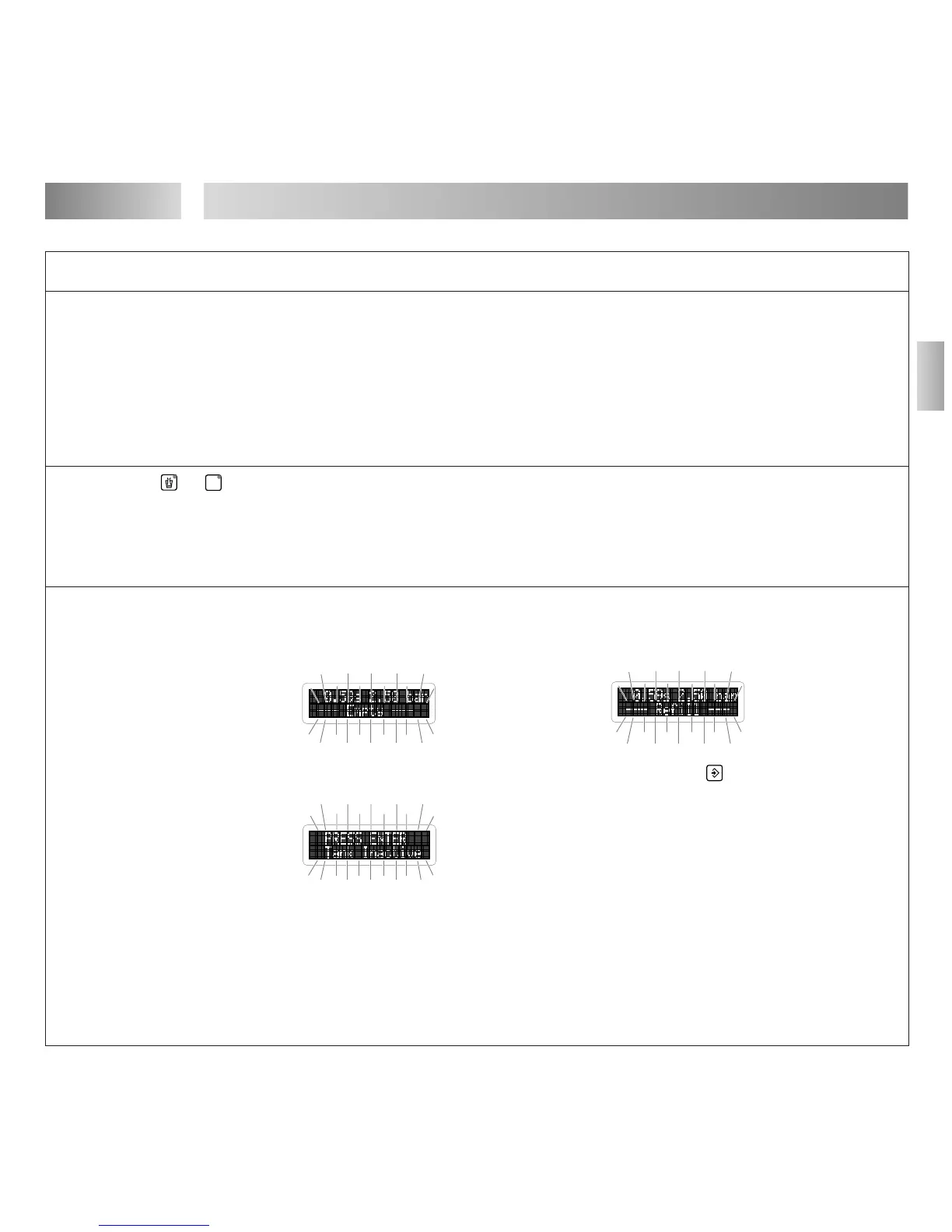
– Automatic reservoir empty.
The error message (with beeping) blinks
in the digital display:
– Automatic reservoir refilled but not yet
pressurized. The error message blinks in
the digital display:
Tank = Automatic reservoir .
Inactive = Not pressurized.
– Plug on the socket XS1: Start 16 is
loose.
– Footswitch 15 defect.
– Control unit is defect.
● Adjust dispensing pressure setting.
● Connect air pressure hose correctly.
● Replace the dispensing needle.
● Check the dispensing valve (see
instruction manual for dispensing valve).
● Check product reservoir (see instruction
manual for product reservoir).
● Loctite Service.
● Loctite Service.
When the button is operational (check by
means of the digital display), the unit can
be used until repaired by Loctite Service.
● Loctite Service.
● Loctite Service.
● Refill automatic reservoir
(see Section 5.2).
The error message appears previously in
the digital display:
● Pressurize the automatic reservoir.
Press button (ENTER). The automatic
reservoir is pressurized.
● Switch the power switch 7 to the
position O (OFF).
Tighten the screws of the plug.
Switch the power switch 7 to the
position I (ON).
● Replace the Footswitch 15.
● Loctite Service.


 To Next Page