EasyManua.ls Logo

Loepfe YARNMASTER ZENIT+ - Function Button Actions; Navigation and Basic Controls; Data and System Management; Message Acknowledgment and Firmware Updates

Loepfe YARNMASTER ZENIT+
16 pages
Print Icon
To Next Page IconTo Next Page
To Previous Page IconTo Previous Page
Loading...
9
First Startup Zenit
+
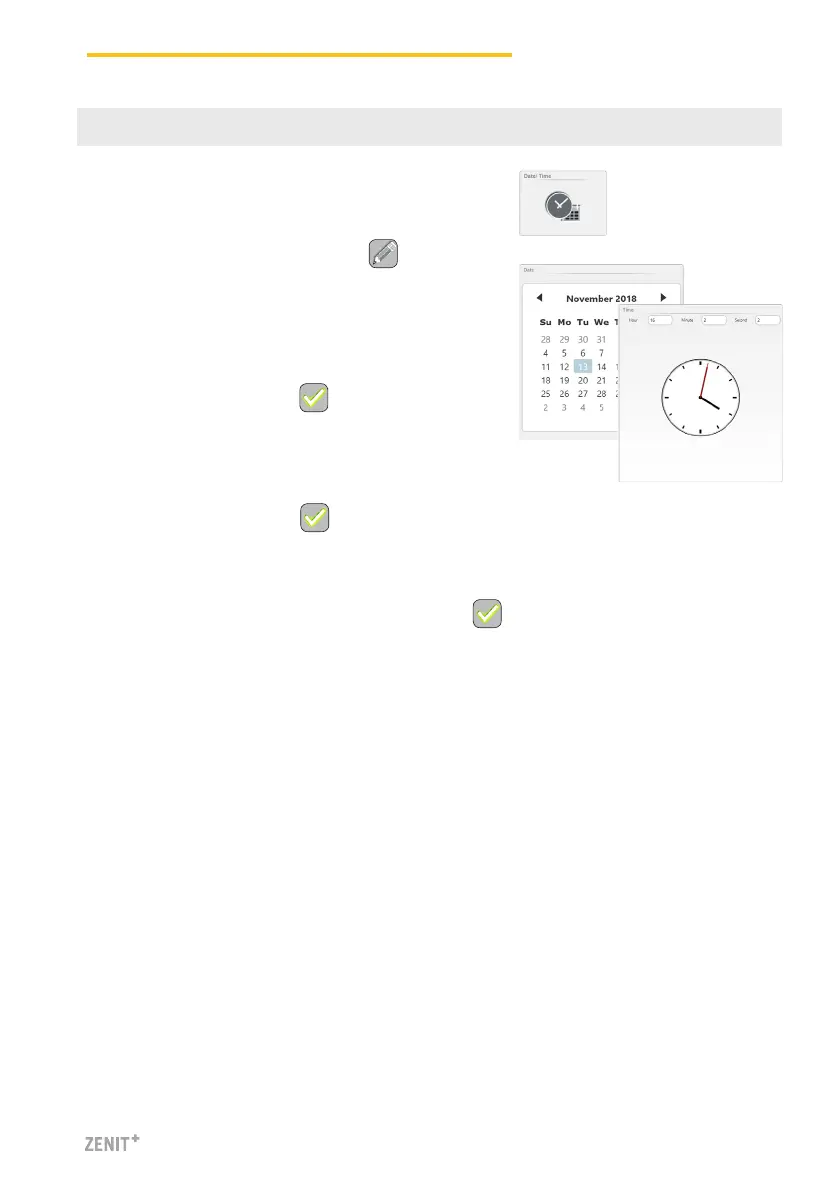
SERVICE > Setup > Date and Time
1. Activate the Edit mode by tapping .
2. Enter date / day.
3. Enter time (hour, minutes, seconds).
4. Confirm each entry with .
6 Set Date and Time
5. Save date and time with .
6. Confirm pop-up “Save date and time settings” with .


Other manuals for Loepfe YARNMASTER ZENIT+

Related product manuals