13
First Startup Zenit
+
10 Start Group
SETTINGS > Group (List)
1. Select group no. 1.
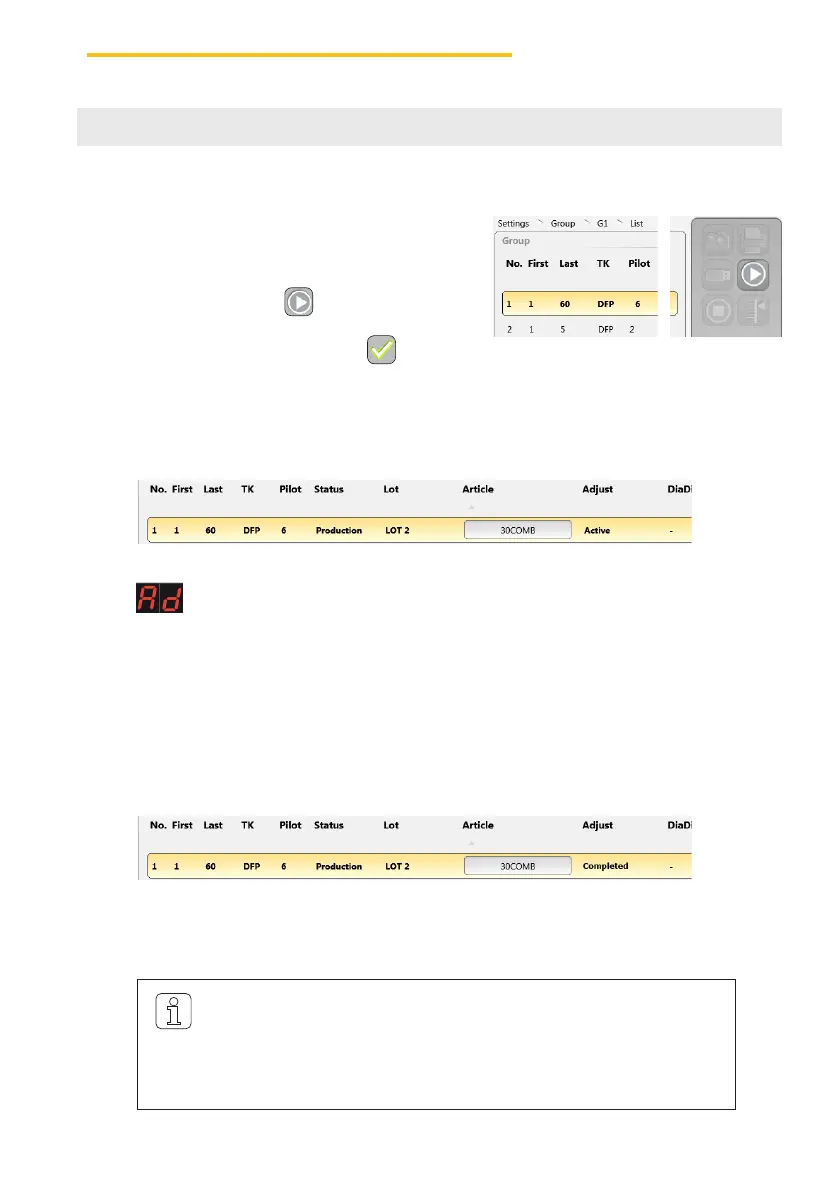
2. Start group no. 1 with .
3. Confirm pop-up“Start Group” with .
» (Adjust) is displayed for all sensing heads.
Afterwards, an adjustment must also be performed for each non-pilot spindle.
» The Ad display goes out for each non-pilot spindle when adjustment is terminated.
The adjustment is started:
» “Production” is displayed in column “Status” and “Active” in column “Adjust”.
4. Start and monitor the respective number of pilot spindles individually.
» The Ad display goes out for each pilot spindle when adjustment is terminated.
After successful adjustment of all pilot spindles:
» “Completed” is displayed in column “Adjust”
If “Completed [x]” is displayed after adjustment, it was not possible
to complete adjustment with all pilot spindles. In this case it is recom-
mended to repeat adjustment with other pilot spindles! The other
spindles may be started only when adjustment status “Completed” is
displayed!



 To Next Page