Connect ID 40-55 - 23 -
Quick guide
english
TV
Digital Recorder
DR+ archive
With the DR+ archive you have access to all the recorded programmes
and and you can start their playback.
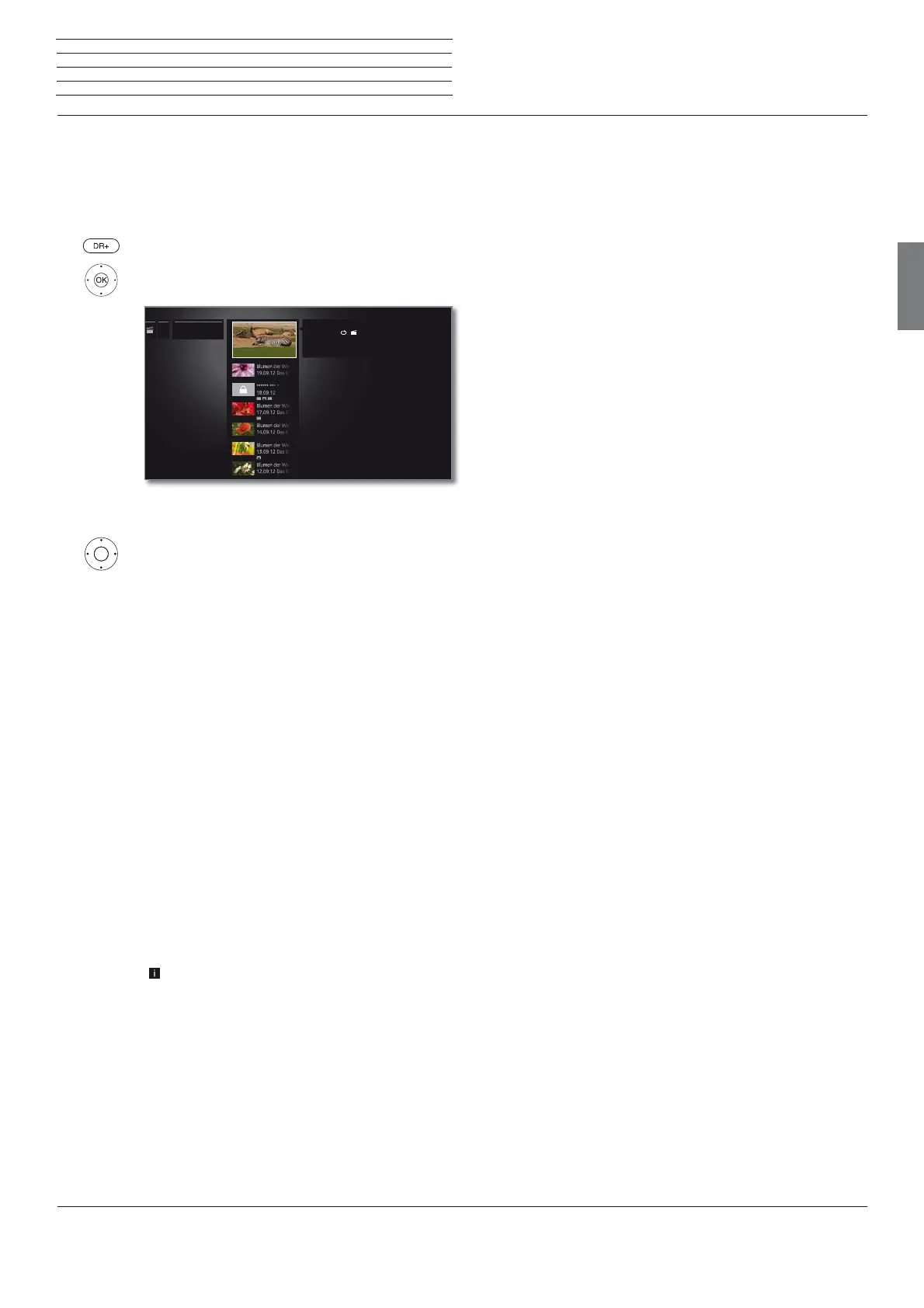
Open the DR+ archive
Open the DR+ archive.
Select desired archive,
OK Display archive entries.
Selecting the recorded programme
Mark the recorded programme.
Call function list.
View Start or continue replaying the selected archive entry.
See section Video playback for further information.
Detailed info Show detailed information on the marked archive
entry.
Sort Sort archive entries in alphabetical (ascending A-Z)
or (descending Z-A) order or according to recording
date (newest entries first).
Rename
Edit title of archive entry.
Delete Delete archive entry from hard disk and recover
disk space.
Copy Copy an archive entry to another external hard disk.
Favourite Add archive entry to Home favourites.
See chapter Home view for further information.
Delete
protection
Activate or deactivate protection against automatic
deletion by the Delete Manager.
Parental
lock
Protect recorded broadcast by a four digit PIN against
unauthorised playback.
This menu item appears only when a PIN has
already been defined.
Repeat Playing archive entry repeatedly (in a loop) during
future playbacks.
Settings opens the video settings.
...... Unsere Tierwelt
20:15 - 22:00
21.09.12 ZDF HD
Unsere Tierwelt
LOEWE USB






 To Next Page