Loewe bild 5 oled / bild 4 oled
User handbook
101
System settings
Multimedia / Network
Multimedia settings
Under this menu item you find further settings for Audio, Video and
Photo.
Calling the Multimedia settings menu
HOME: Call Home view.
Mark System settings,
OK call System settings.
Mark Multimedia / Network,
go to next column.
Mark Multimedia settings,
go to next column.
Select desired settings.
Explanations of the setting options in the Multimedia settings
menu:
Auto return
to music
player
The music player will reappear whenever another
dialogue, e.g., music selection is called during
playback, and no keys are pressed for the set time
period.
You can specify if and after which time the music
player reappears (selection options are No, After
1 min, After 5 min).
...
Multimedia
settings
When navigating through the files if you pause in this view
you can input whether and when the view should
automatically return to the player.
Renderer
Here you can allow external devices to access your TV set (renderer)
via app to render (play back) contents there.
Call up renderer menu
Default setting: on
HOME: Call Home view.
Mark System settings,
OK call System settings.
Mark Multimedia / Network,
go to next column.
Mark Renderer,
go to next column.
Select the setting on or off.
...
Renderer
on
off
You can allow external devices here and access your TV
(renderer) via an app to play content there.
Home Automation
You will find your Home Network settings under this menu item.
Call up home automation menu
HOME: Call Home view.
Mark System settings,
OK call System settings.
Mark Multimedia / Network,
go to next column.
Mark Home Automation,
go to next column.
Explanation of the setting options in the Home Automation
menu:
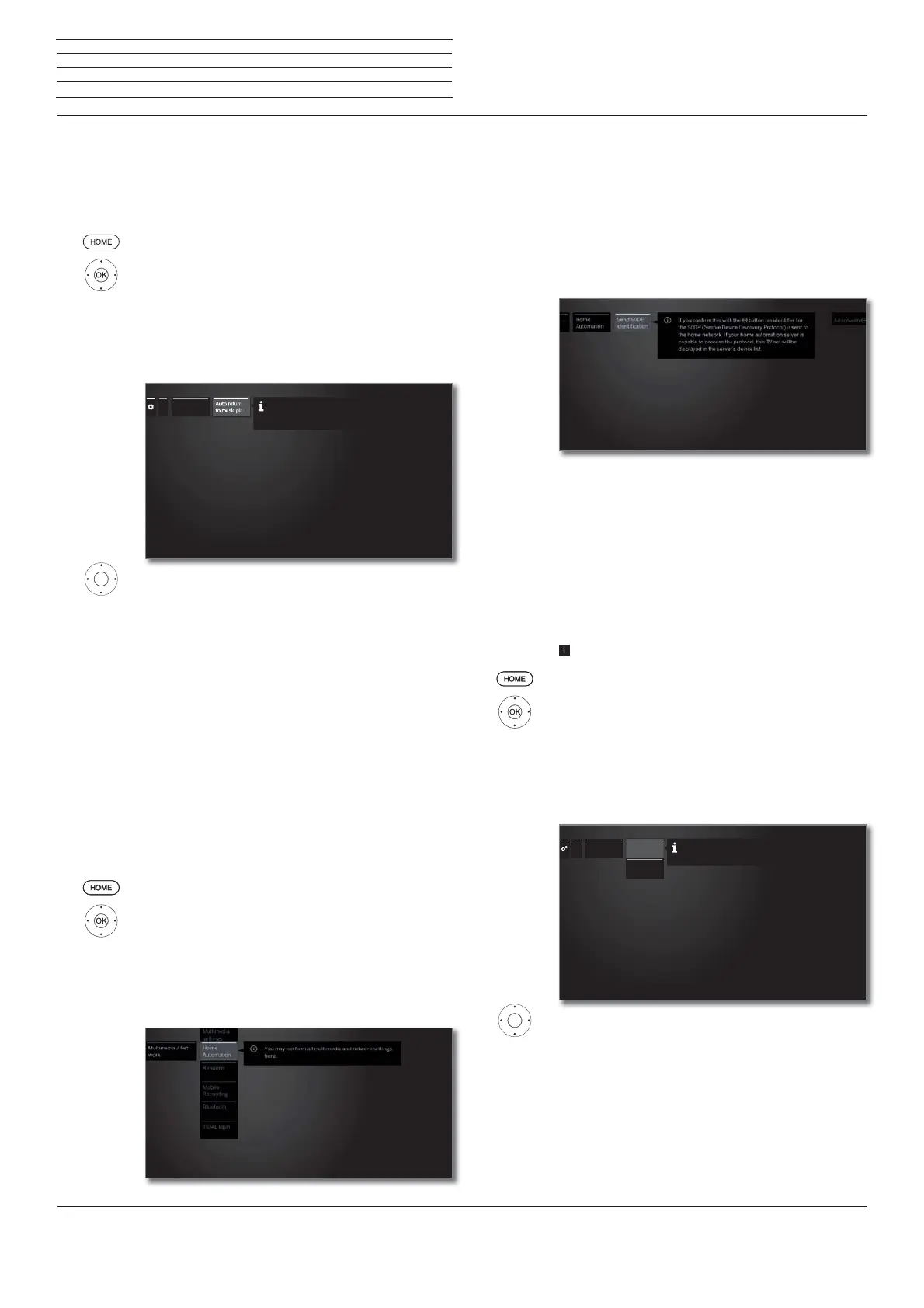
Send SDDP-
identification
Here you can assign an ID to the SDDP (Sim-
ple Device Discovery Protocol) in your Home
Network. By doing this your TV set can be
displayed in the device list of your Home Au-
tomation Server.



 To Next Page