Loewe bild 5 oled / bild 4 oled
User handbook
62
Sources
Audio
Audio playback
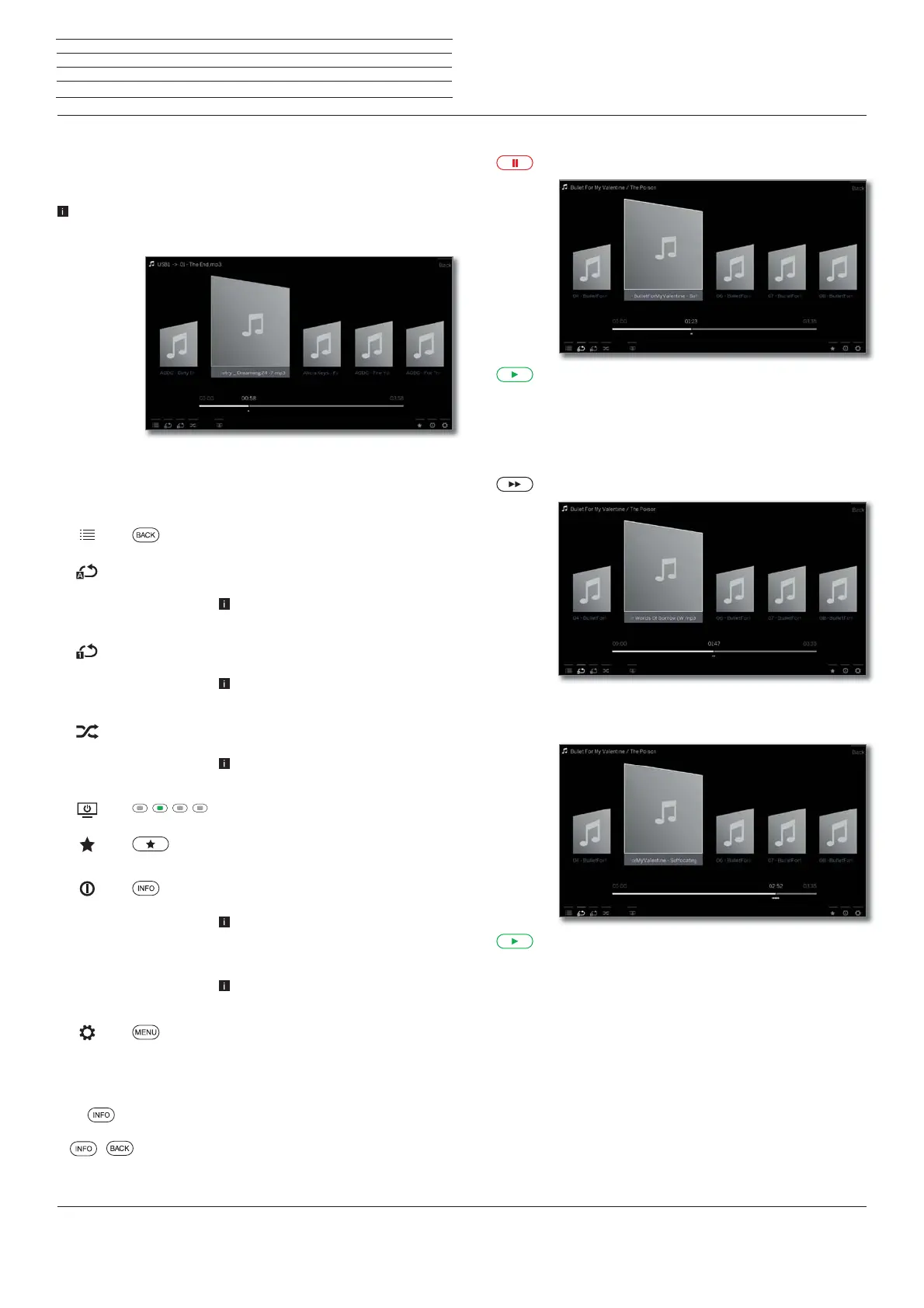
Description of the symbols in the status display for audio
playback
An audio file is being played back. Selection of the audio file via the
menu item Sources (see chapter Sources).
Symbol Remote
control key
Description
Call list view (select music title / station).
– Switch repetition (loop playback) of all
titles of the current directory ON/OFF.
Only for playback of music titles via
USB / Home network.
– Switch ON/OFF repetition (loop play-
back) of the current title.
Only for playback of music titles via
USB / Home network.
– Switch shuffle playback for the titles of
the current directory ON/OFF.
Only for playback of music titles via
USB / Home network.
Switch off the TV screen.
Add the current station / music title to
the favourites in Home view.
Show EPG detailed info on the current
broadcast.
Only for DVB radio.
Call detailed info on the played music
titles.
Only for playback of music titles via
USB / Home network.
Call function list with audio settings.
Explanation of keys
INFO (press longer): show Explanation of keys.
INFO or BACK: hide Explanation of keys.
Pause playback
PAUSE key: Stop current playback.
PLAY key: Continue playback.
Wind
You can fast forward music titles at four different speeds. Sound is not
audible during winding.
Press a little bit longer.
With each brief pressing of the speed will increase
until you switch back to the first speed.
Available speeds: 2x, 4x, 8x, 16x.
PLAY key: Continue playback.



 To Next Page