Loewe bild 5 oled / bild 4 oled
User handbook
35
TV
Function list
Function list (TV mode)
The function list contains settings and additional options. Die individual
List items will be briefly explained as follows:
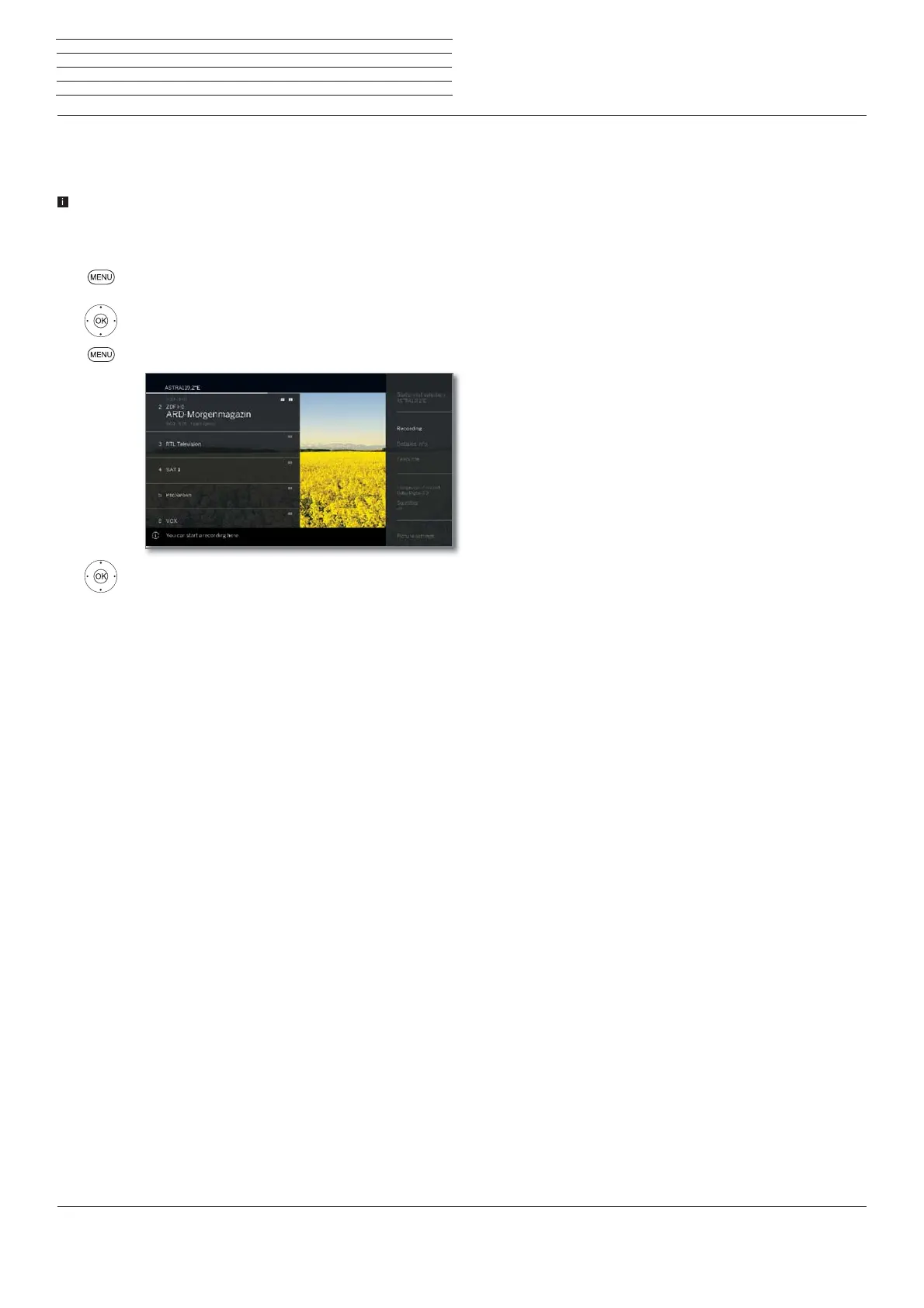
The function list can be opened for the current station or the selected
station list. Depending on this, some list items may possibly not
be available.
Function list for the current station:
MENU: Call function list.
Function list for the selected station list:
OK Call station list,
MENU: Call function list.
Select function,
OK call.
Menu items in the function list for the current station:
Station list
selection
Exchanging the station lists.
Recordings
Here you can call up a recording dialogue.
Detailed info
Calling additional information on the current pro-
gramme.
Favourite
Storing the current station as a favourite.
Language /
sound
Selecting other languages and audio formats (if
available).
Subtitles
Display programme subtitles (if available).
Picture
Make frequently used picture settings.
Sound
Adjusting all available audio settings.
Headphone
volume
The headphone volume can be set independently of
the volume set for the TV speakers.
Screen off
You can turn off screen here. You can turn the
screen on again with the arrow button on the re-
mote control.
Store station
Here you can save the current station to a list that is
selected in the following step.
Expanded
station list
Here, you can open the entire station list in full screen
mode. You can filter it according to various criteria.
More
settings
You can apply all the settings on your TV set here.



 To Next Page