Loewe bild 5 oled / bild 4 oled
User handbook
43
Recordings
Digital Recorder
TV viewing with time shift
You can record programmes on the integrated hard disk
(1
of your TV
set with the digital recorder of your Loewe TV set.
The TV broadcast that you watch is automatically recorded in the
background. You can stop the TV programme at any time and continue
watching it later with a time shift. The maximum time shift is three
hours.
During timeshift operation, the programme is not stored permanently.
If you would like to save programmes for a longer time, use the archive
recording (see next page).
Recording of analogue stations is not possible.
Time-shifted operation is perhaps not possible or only to a limited
extent for programmes of stations working with CI Plus encryption.
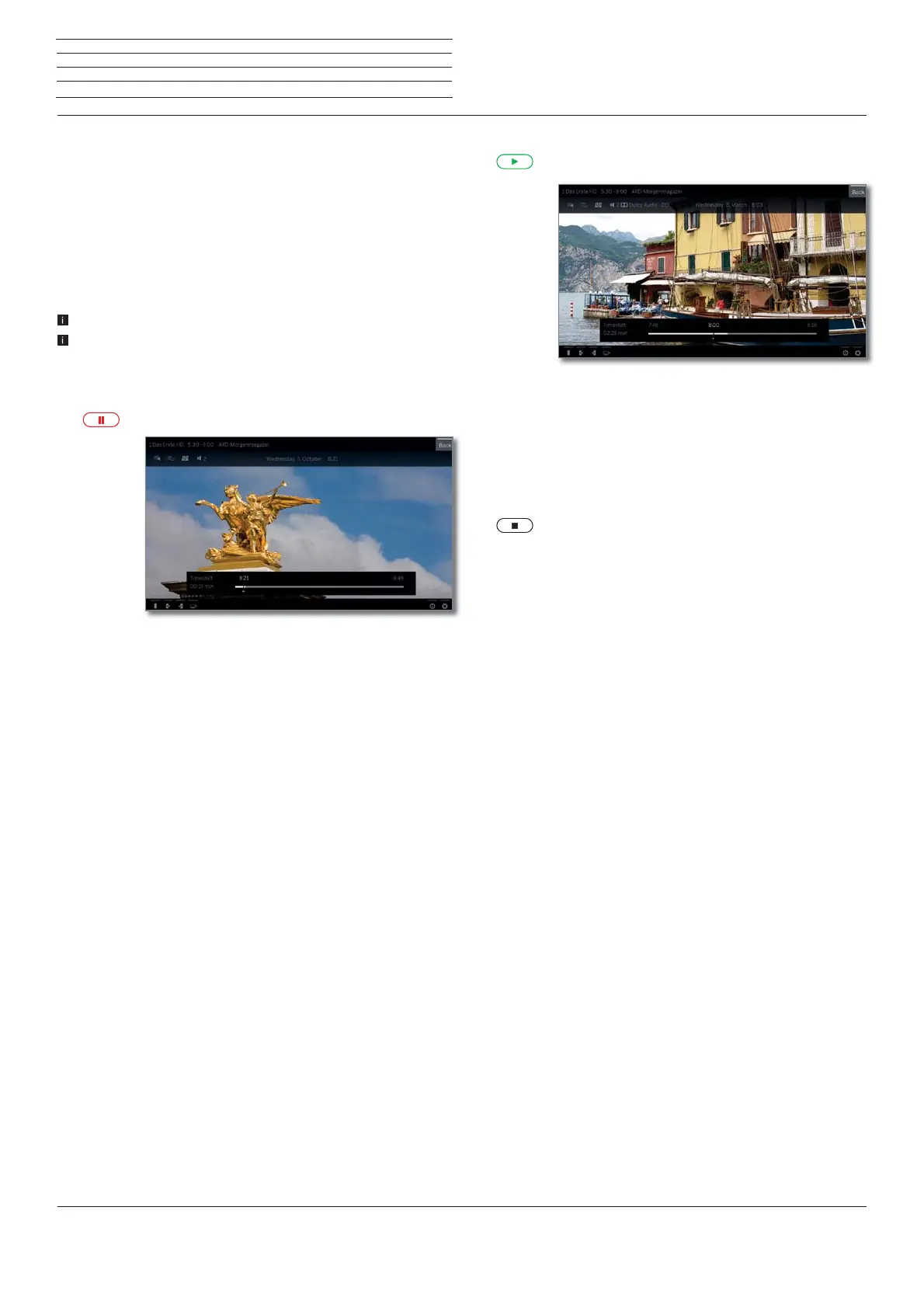
Interrupt watching (start timeshift television)
Press PAUSE key.
The TV image becomes a freeze frame and the DR+
status display appears.
At the top you will see the number and name of
the station, start, end and the title of the current
programme.
In the lower part of the screen at the beginning of the
time bar you find the starting time of the background
recording. On the right hand side of the bar you can
see the time at which the time shift recorder will be
full (automatically extends by 30 minutes, up to a
max. 3 hours).
The time above the bar at the PAUSE key shows the
current time.
Continue (time shift viewing)
Press PLAY key.
You can now continue watching the TV programme
at the time when you had pressed the PAUSE key.
The Playback symbol appears instead of the Pause
symbol.
For further options of time-shift watching see chapter
Sources, section Video playback.
Returning to live picture (end timeshift television)
Press STOP key.
You see the station’s live picture again.
Switch to a different station
If you switch the channel, the current time-delayed recording is dis-
carded (time shift buffer is emptied).
The timeshift recording is automatically started on TV sets with an
internally installed hard disk.
The timeshift recording must be manually started on TV sets with an
external USB hard disk connected.
When switching between encrypted and unencrypted contents of the
same station the timeshift buffer is also cleared.
When doing this, the timeshift television is interrupted and you see
the live picture of the broadcast.
As a precaution, start archive recording of interesting broadcasts when
watching stations with changing coding.
Setting bookmarks
You can manually set bookmarks during time-shift TV watching. For
this, the time shift recording is converted into an archive recording.
(1
For device type bild 4 with external USB hard disk



 To Next Page