Loewe bild 5 oled / bild 4 oled
User handbook
61
Sources
Video
Show hidden sections
A screen message will appear when a hidden section is skipped during
replay of a DR+ archive entry.
In
System settings ט Control טmore ...טDR+
טNotify hidden sections ט yes must be selected
.
When message appears on screen, select yes,
OK confirm.
During future replays, the hidden section is displayed
again.
Deleting part of the recording
An archive entry is replayed.
INFO: Show status bar.
Press PAUSE key at such a position from which the
recording shall be deleted up to the beginning or to
the end.
Mark Interval functions
,
OK Call interval functions.
Mark Delete to start or Delete to end,
OK confirm.
Mark Confirm delete
OK Delete part of recording.
Deleting intervals
Defined intervals will be deleted when you delete the corresponding
bookmark at the beginning or the end of the interval.
Determine cover picture
The covers for the display of the entry in the DR+ archive can be freely
determined by you during an archive replay:
Jump / wind to the desired position in the recording.
PAUSE key: Switch to freeze picture.
Mark Adopt as cover picture
,
OK confirm.
You will see a message on the screen. The image will
be displayed next to the broadcast in the DR archive
in future.
PLAY key: Resume play.
Subtitles
When recording a programme, any existing subtitles can be recorded
as well and displayed when playing back.
An archive entry is replayed.
Subtitles were recorded too (see chapter TV, section
Recordings – Entering the Timer data).
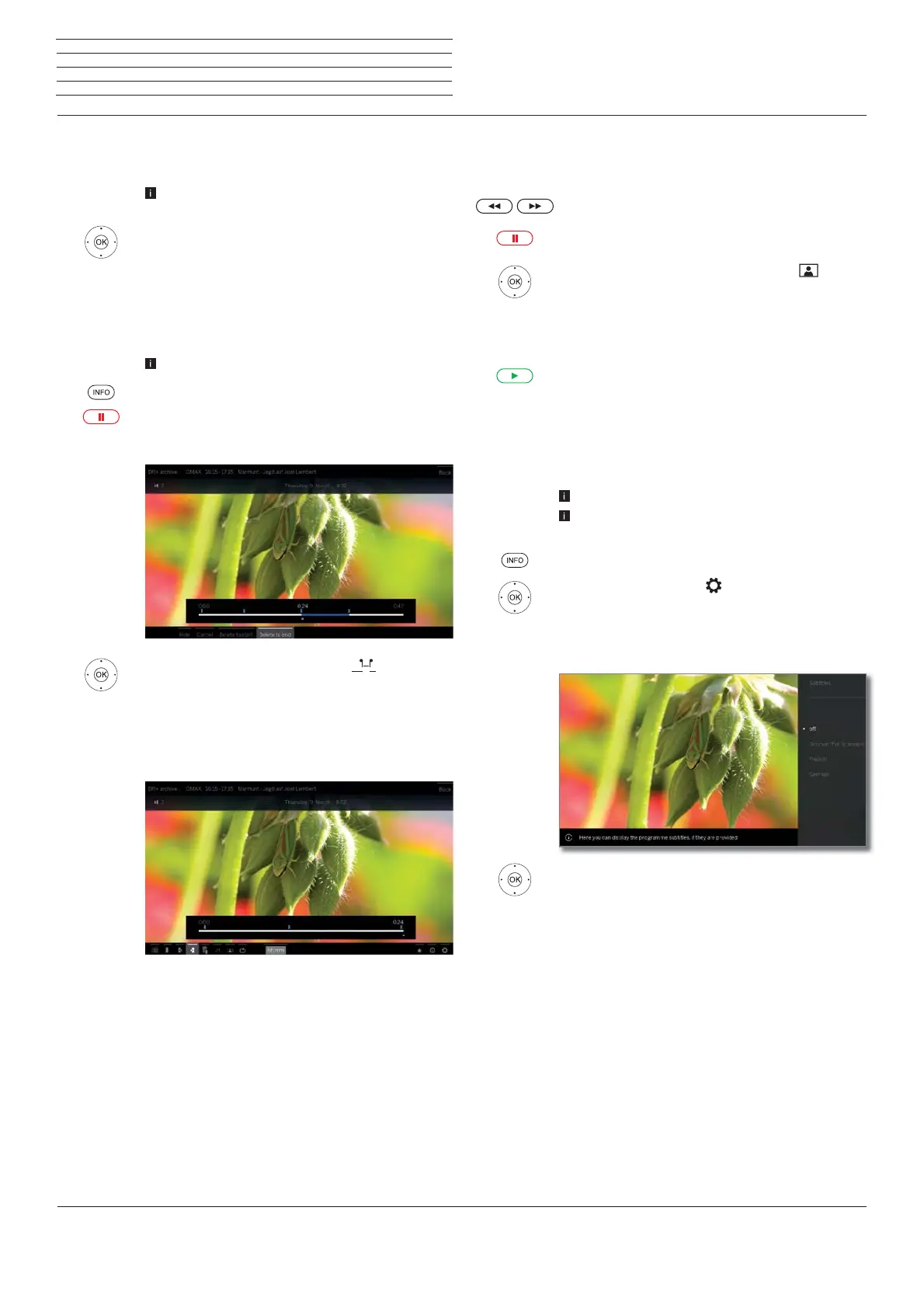
INFO: Show status bar.
Mark Settings
,
OK call settings.
Mark Subtitles,
OK call up available subtitles.
Mark the desired subtitles,
OK show/hide subtitles.



 To Next Page