Loewe bild 5 oled / bild 4 oled
User handbook
110
System settings
Connections
Adjusting the HiFi/AV amplifier
Sound playback via ... - HiFi/AV amplifier
The sound components wizard permits configuration of different
audio amplifiers (stereo amplifiers, surround amplifiers, analogue or
digital) with different digital audio formats (Dolby Digital, dts, MPEG,
and stereo/PCM). See the user guide of the audio amplifier for more
information.
For information on navigation within the wizard see
chapter General information on menu operation.
HOME: Call Home view.
Mark System settings,
OK call System settings.
Select Connections,
go to next column.
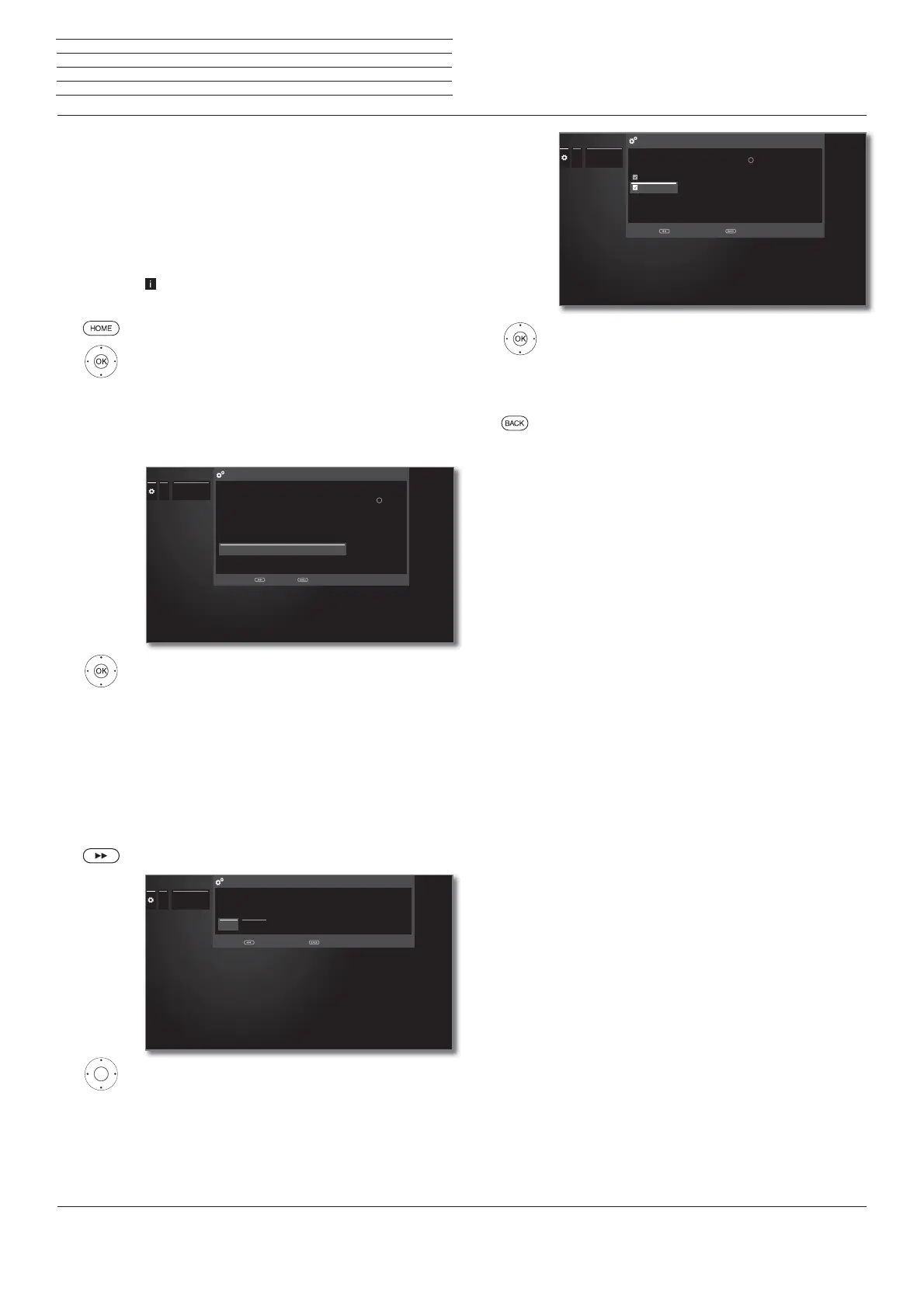
Select Sound components,
Call sound components wizard.
Mark HiFi/AV amplifier or HiFi/AV amplifier or
TV speakers (switchable),
OK Confirm selection.
HiFi/AV
amplifier
Select setting when an amplifier is connected and
the TV speakers are not used.
HiFi/AV
amplifier or
TV speakers
(switchable)
Select setting when an amplifier is connected and
the TV speakers are used. In the sound mode
selection the audio reproduction can then be
switched between the amplifier and the TV speakers.
Proceed to next step.
Select whether the sound is to be transmitted
digitally or analogue to the the amplifier (see right
hand column):
digital: Proceed to Sound formats.
analogue: proceed with Finish wizard.
...
...
Sound com-
ponents
SOUND COMPONENTS WIZARD - Sound playback via ...
Proceed with End with
Please specify here via which sound components you want to listen to your
TV sound.
Note: The newly selected parameter must be confirmed with the button.
TV speakers
Speaker system (AUDIO OUT)
Speaker system (DIGITAL AUDIO LINK)
HiFi/AV amplifier
HiFi/AV amplifier or TV speakers (switchable)
OK
Sound
reproduction
via ...
...
Sound com-
ponents
Type of sound transmission
Please select whether the TV sound signal should be transmitted to the
HiFi/AV amplifier by a digital (via the SPDIF OUT) or analogue (via the AUDIO
OUT/HEADPHONE) signal
digital analogue
Finish wizard withBack with
Type of sound
transmission
Select sound formats which can be decoded with
the digital amplifier (see operating manual of the
used amplifier).
OK adopt sound formats.
Back: Finish wizard.
Sound
formats
...
Sound com-
ponents
Stereo (PCM)
dts
MPEG
Dolby Digital
Stereo (PCM)
Sound formats
Please specify, what kind of sound formats can be processed by your
HiFi/AV amplifier and mark them by the button .
Back with
OK
Finish wizard with



 To Next Page