Loewe bild 5 oled / bild 4 oled
User handbook
25
Initial installation
Setting options for the satellite system
(max. 4 satellites on DiSEqC multiswitch):
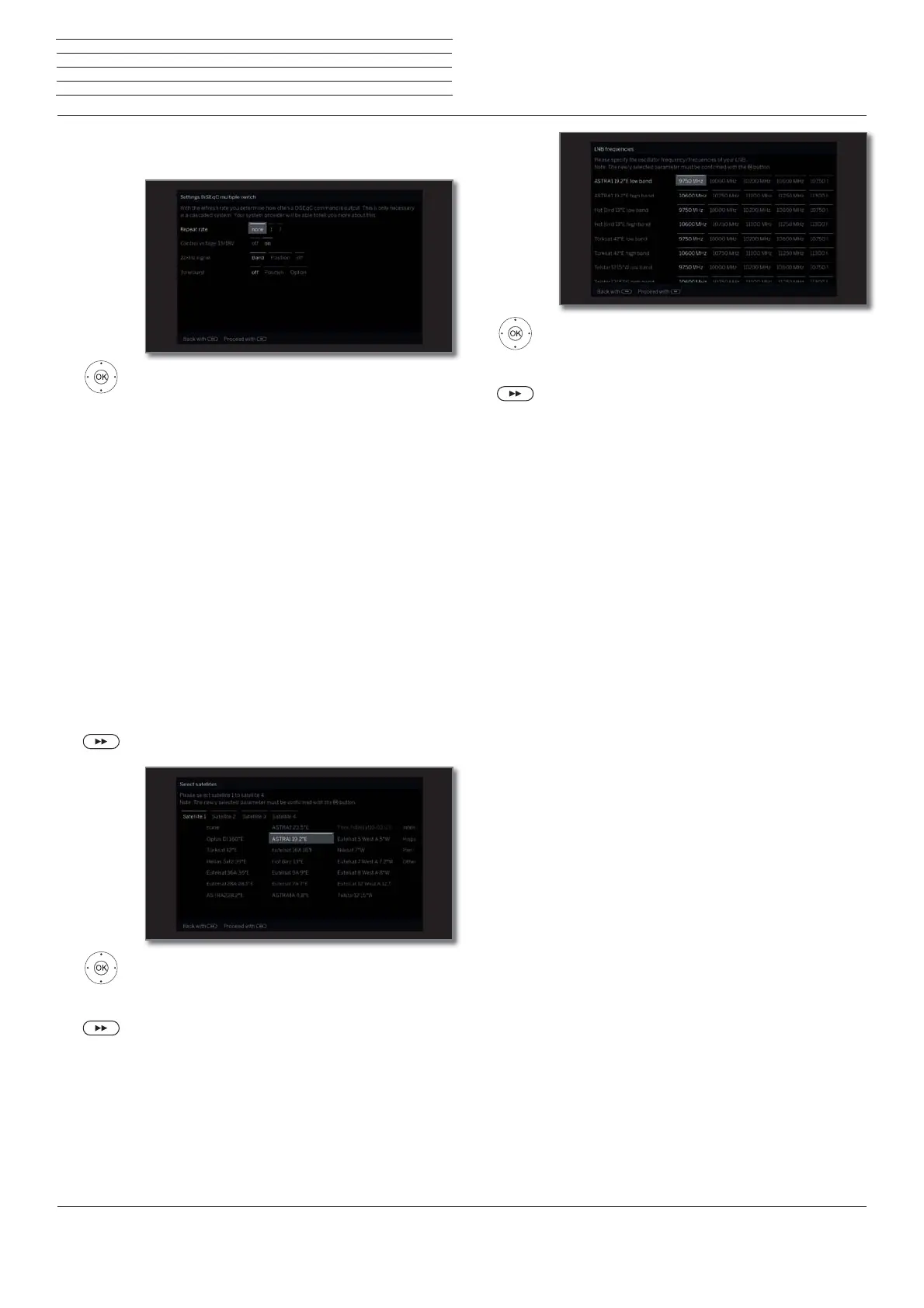
Select and adapt settings for the DiSEqC
multiswitch.
OK Adopt settings.
Repeat rate
The refresh rate determines how often a DiSEqC
command is output. A refresh is only necessary with
cascaded systems.
Control
voltage
The control voltage controls the switching of the
polarisation level (horizontal/vertical) in non-DiSEqC
capable components (e.g., control of single LNBs via
DiSEqC multiswitch).
22kHz signal
The 22 kHz signal controls the switching between
high and low band in the Band setting. The Position
setting controls the selection of the satellites in non-
DiSEqC capable components.
Toneburst
The Toneburst controls the selection of the satellites
in non-DiSEqC but Toneburst capable components
with the Position and Option settings.
Proceed to next step.
Mark Satellite 1 ... Satellite 4,
Select satellite.
OK Adopt settings.
Proceed to next step.
DiSEqC
multiple
switch
Satellite
selection
.
Set LNB frequencies.
Normally, you do not need to change the values.
OK Adopt settings.
Proceed to next step.
Proceed to section Setting options for DVB-S
reception (continued).
LNC
frequencies



 To Next Page