Loewe bild 5 oled / bild 4 oled
User handbook
57
Sources
Video
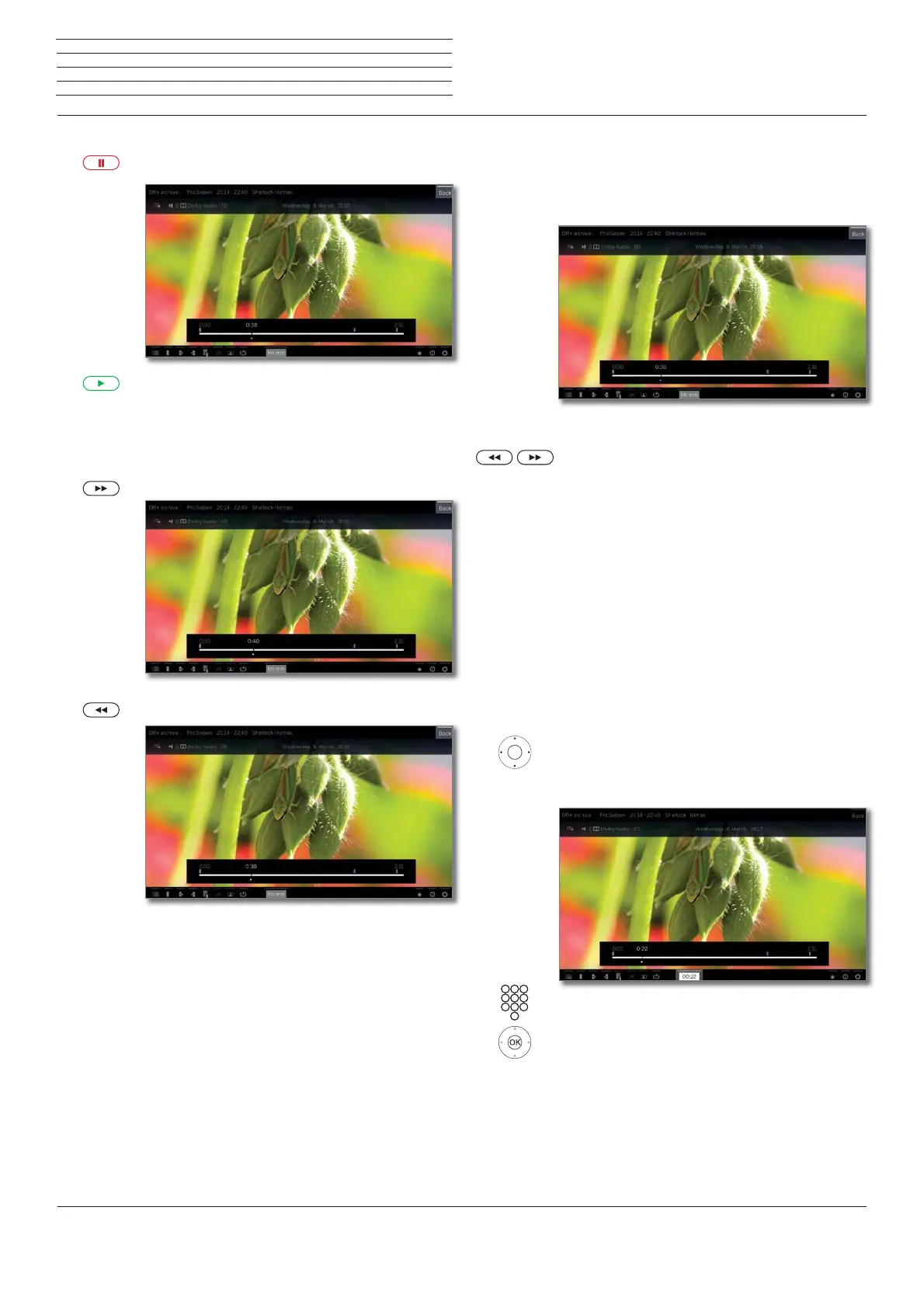
Pause playback (freeze picture)
PAUSE key: Switch to freeze picture.
PLAY key: Continue playback.
Jump
By briefly pressing the or keys you can skip forwards and back-
wards in the movie.
Skip forwards.
Skip backwards.
Skipping with Smart jump
The Smart jump function ensures that the jump width is halved each
time the jump direction is changed or doubled after three jumps in
the same direction (max. 8 minutes). This way you can quickly find a
certain spot of the recording.
You are looking for a particular scene in a running
programme:
Depending on your needs, press the key (back-
wards) or (forwards) briefly several times, to roughly
jump to the area of the programme you are looking for.
If you skipped the desired scene of the programme,
jump in the opposite direction. This jump is executed
in halfs of the jump distance.
If you skipped the desired scene of the programme
again, jump again in the opposite direction. In the
process, the jump distance is cut in half again.
By halving the jump distance again when changing
direction you can gradually approach the desired
location.
Jump by entering a time
You can jump to any position in the video by entering a time.
Show status bar.
mark hh:mm (Jump to ...).
Enter the desired time with the numerical keys.
OK Execute jump.



 To Next Page