Loewe bild 5 oled / bild 4 oled
User handbook
87
System settings
Control
Software update via USB storage device
To do this, plug the USB stick with the downloaded software into a
free USB port of the TV set.
Calling Software update
HOME: Call Home view.
Mark System settings,
OK call System settings.
Mark Control,
go to next column.
Mark Software,
go to next column.
Mark Software update,
go to next column.
Mark Via USB,
call Software update.
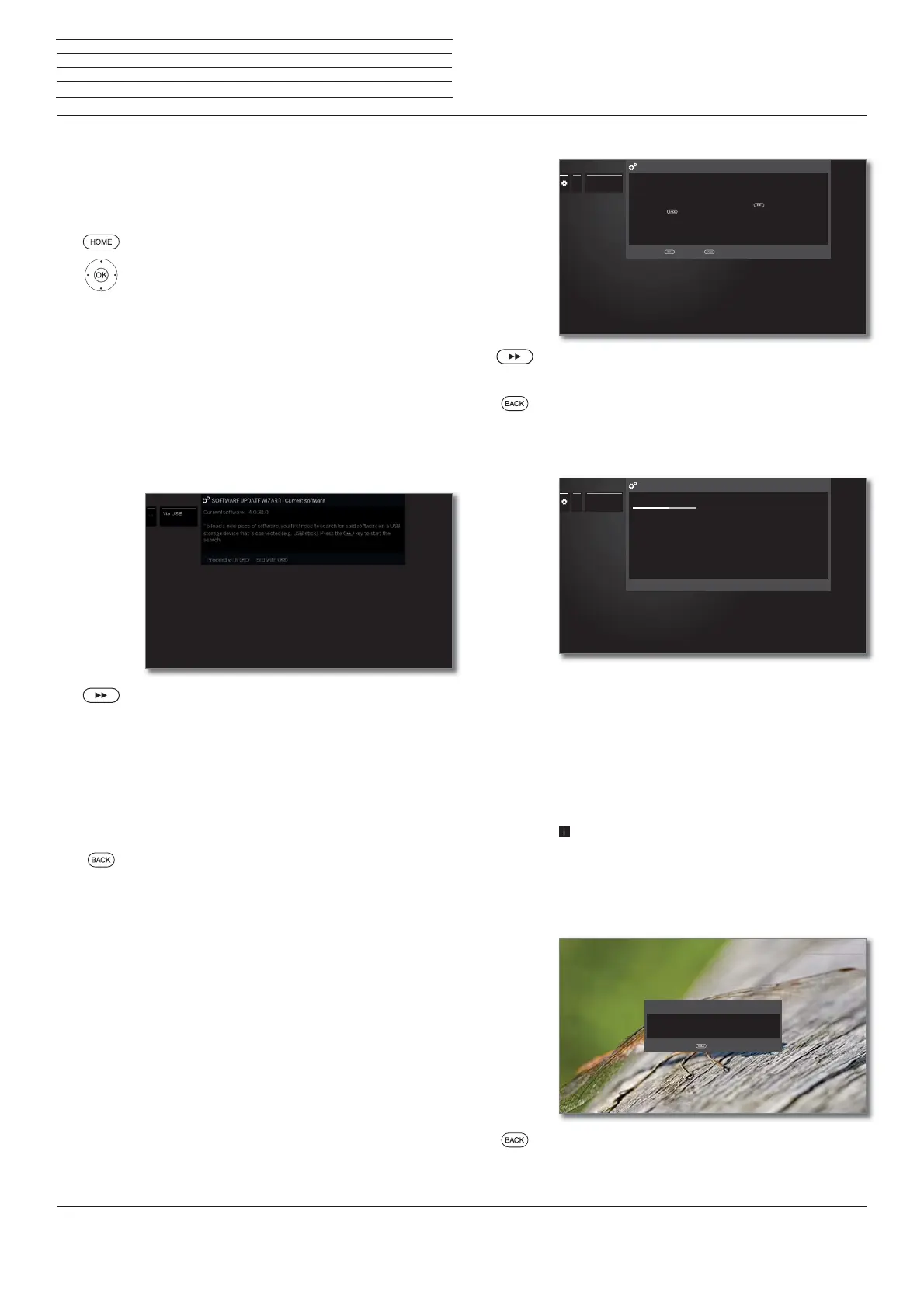
The version of the software package that is
currently installed will be displayed.
Proceed.
The TV set searches for a new software package
on the USB stick.
If a new software version is available after the search,
an on-screen message appears (see right hand
column).
If several different software packages are found on the
USB stick, the latest software package is always used.
If no new software package was found in the search:
BACK:End of wizard.
New software package found
Proceed starts loading of the new software.
Or:
BACK: End of wizard.
The update will then not be carried out.
Load new software package
The software is loaded in several steps. The total loading
and programming process can take up to approx. 50
minutes in total.
Please do not switch off your TV set with the mains
switch during the entire loading and programming
process.
After the update, the TV set is automatically powered
off and on again.
Depending on the software loaded, it is possible that
the device may not turn off automatically after the
update. Therefore, please supervise the update
process.
When the TV set is switched on again, a message is
displayed.
BACK:End of wizard.
...... Via USB
New software
Proceed withProceed with End withEnd with
A new software version was found.
New software: V1.1.14.0 (Current software: V.1.1.11.0)
If you now wish to load the new software, press the button. Otherwise
close with the button.
Ensure that the TV set is not switched off at the mains while it is loading the
data.
A new software version was found.
New software: V1.1.14.0 (Current software: V.1.1.11.0)
If you now wish to load the new software, press the button. Otherwise
close with the button.
Ensure that the TV set is not switched off at the mains while it is loading the
data.
60%
...
... Via USB
Note: The loading and programming process can take up to approx. 50 minutes
in total. Please do not switch off your TV set at the mains during this time.
Note: The TV set will automatically restart after programming. You will then be
informed about the end of the programming in a dialogue.
Note: The loading and programming process can take up to approx. 50 minutes
in total. Please do not switch off your TV set at the mains during this time.
Note: The TV set will automatically restart after programming. You will then be
informed about the end of the programming in a dialogue.
Updating software
The "V1.1.14.0" software is currently being programmed, please wait ...
The software was successfully updated.
Hint
Finish wizard with



 To Next Page