31 -
english
If you want to run the station search independently of
the channel grid, select frequency search for the search
method.
The symbol rates are specified by the satellite provider
and do not normally need to be changed.
OK Proceed.
(with Setting options for all types of reception on
page 32).
Search
method
Symbol rates
Setting options for DVB-S reception (continued):
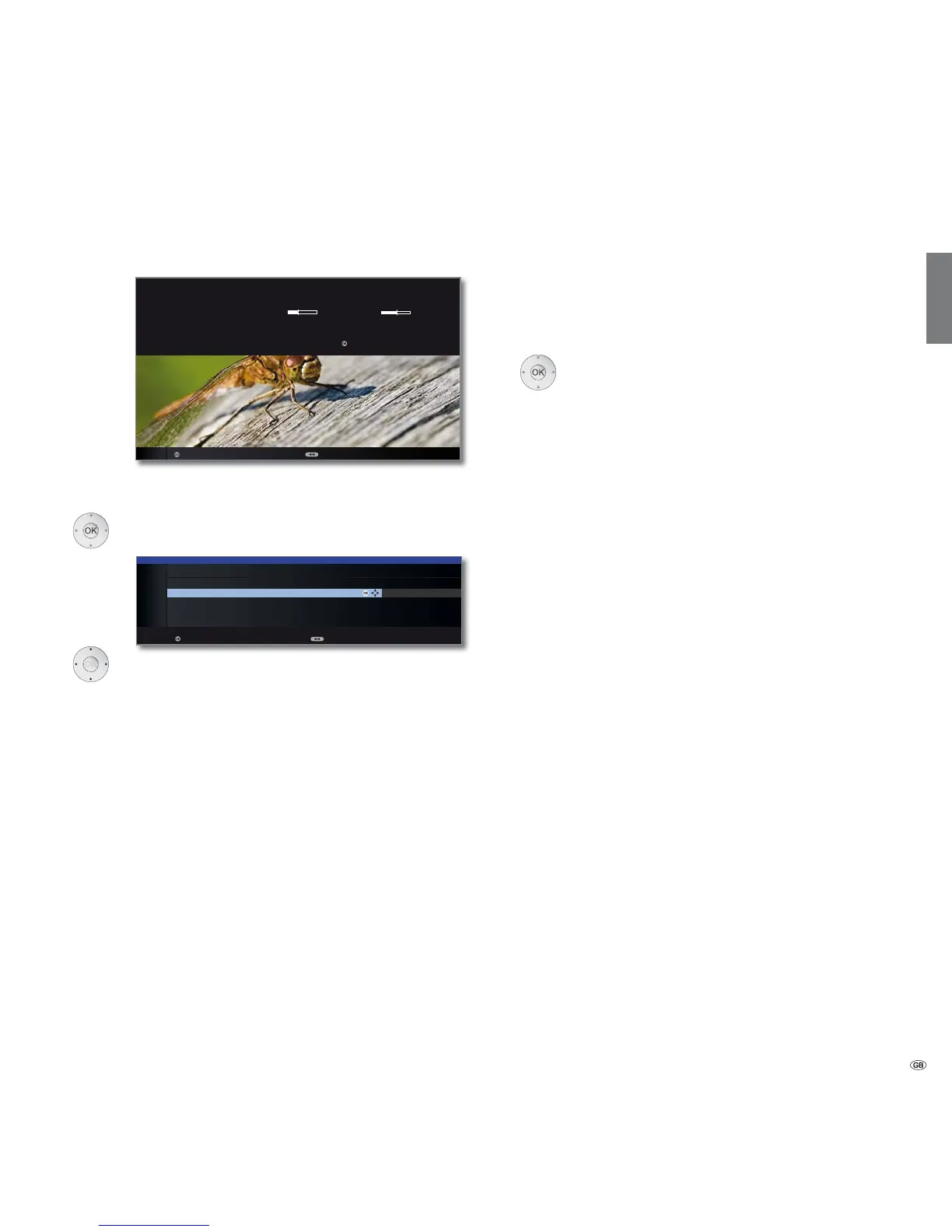
After you have made the previous settings, you should
receive picture and sound of the selected satellites (only
possible for Astra1 and HOTBIRD).
OK Proceed.
Select and adapt settings.
If several satellites are received, the following settings
must be made for every satellite. The type of settings
available may differ depending on the selected satellite
or network.
Here you can choose whether high resolution channels
should be prioritised in the channel overview.
➠ The menu item is only available for certain receiving
networks.
You can state whether coded stations are to be searched
for in the search/update.
Select yes to save all found
scrambled stations. However, these stations can only be
received in connection with a CA module and the appro-
priate Smart Card.
Handling of the CA module is described
on page 67.
If a CA module with a SmartCard is already plugged in for
the station search, all the stations which this module can
descramble are also saved when no is preset.
Test reception
Settings
HD station
preferred
Encrypted
stations
OK
FIRST INSTALLATION WIZARD
You should now receive a picture and sound from the following satellite:
ASTRA1 19,2°E C/N Level
If not, please align your dish correctly. If however it is correctly aligned and
you have an older version you can proceed with .
Proceed Back
OK
OK
yes
INITIAL INSTALLATION (ASTRA1 19,2°E)
HD station preferred yes
Scrambled stations no
Search method Channel search
Symbol rate 1 (DVB-S) 27500
Symbol rate 2 (DVB-S) 22000
Proceed Back
OK
Initial installation














 To Next Page