- 30
english
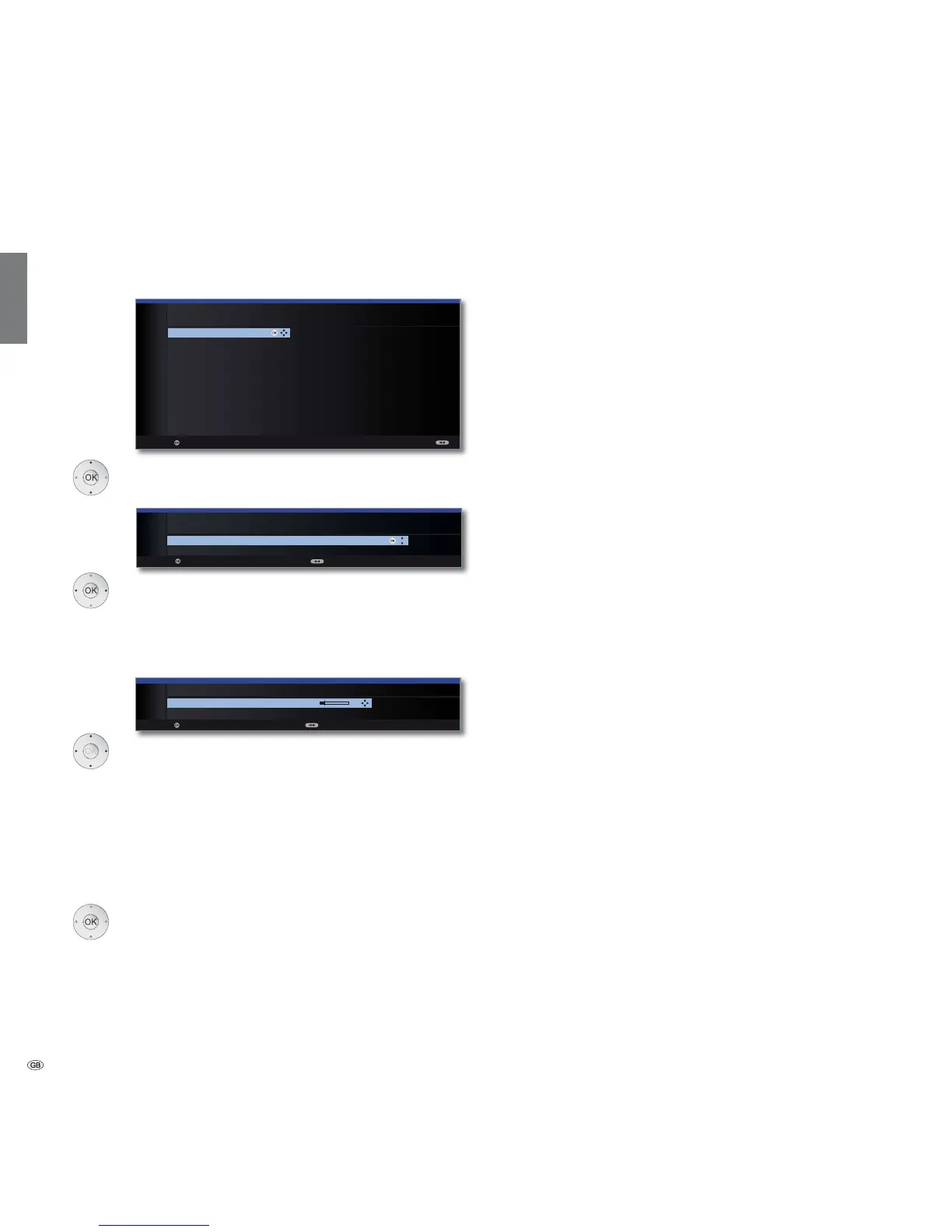
Setting options for the satellite system
(other communal installation):
Select satellite,
OK Proceed.
Select network.
If several networks are available over DVB-S, you
can decide which network you want to receive your
channels from.
OK Proceed.
Select and adapt settings.
Normally, you do not need to change the values for high
and low band, unless the LNC (LNB) of your satellite
system uses a different oscillator frequency (important
for the frequency display).
If your set is connected to a single-cable system without
external voltage supply, you can connect the antenna
supply (13V or 18V / max. 450mA).
OK Proceed.
(with Setting options for all types of reception on
page 32).
Initial installation
Select single
satellite
Network
selection
LNB
settings
LNC
frequency
Supply voltage
OK
OK
INITIAL INSTALLATION (DVB-S)
Select single satellite
Astra1 19,2°E Hellas Sat2 39°E
Hot Bird 13°E Hispasat 30°W
Astra2 28,2°E Intelsat10 02 1°W
Astra3 23,5°E Intelsat901 18°W
Atlantic Bird1 12,5 °W Nilesat 7°W
Atlantic Bird2 8°W Pan Am Sat 43°W
Atlantic Bird3 5°W Sirius2/3 5°E
Eurobird1 28,5°E
Telekom2C 5°W
Eurobird 9A 9°E
Telekom2D 8°W
Eutelsat W2 16°E Telestar12 12,5°W
Eutelsat W3A 7°E Thor2/3 0,8°W
Eutelsat W4 36°E Türksat 42°E
Proceed
OK
INITIAL INSTALLATION (DVB-S)
LNB frequency 9750 MHz
Supply voltage off
Proceed Back
OK
Proceed Back
INITIAL INSTALLATION
Network selection
other network
CanalDigitaal
OK














 To Next Page