29 -
english
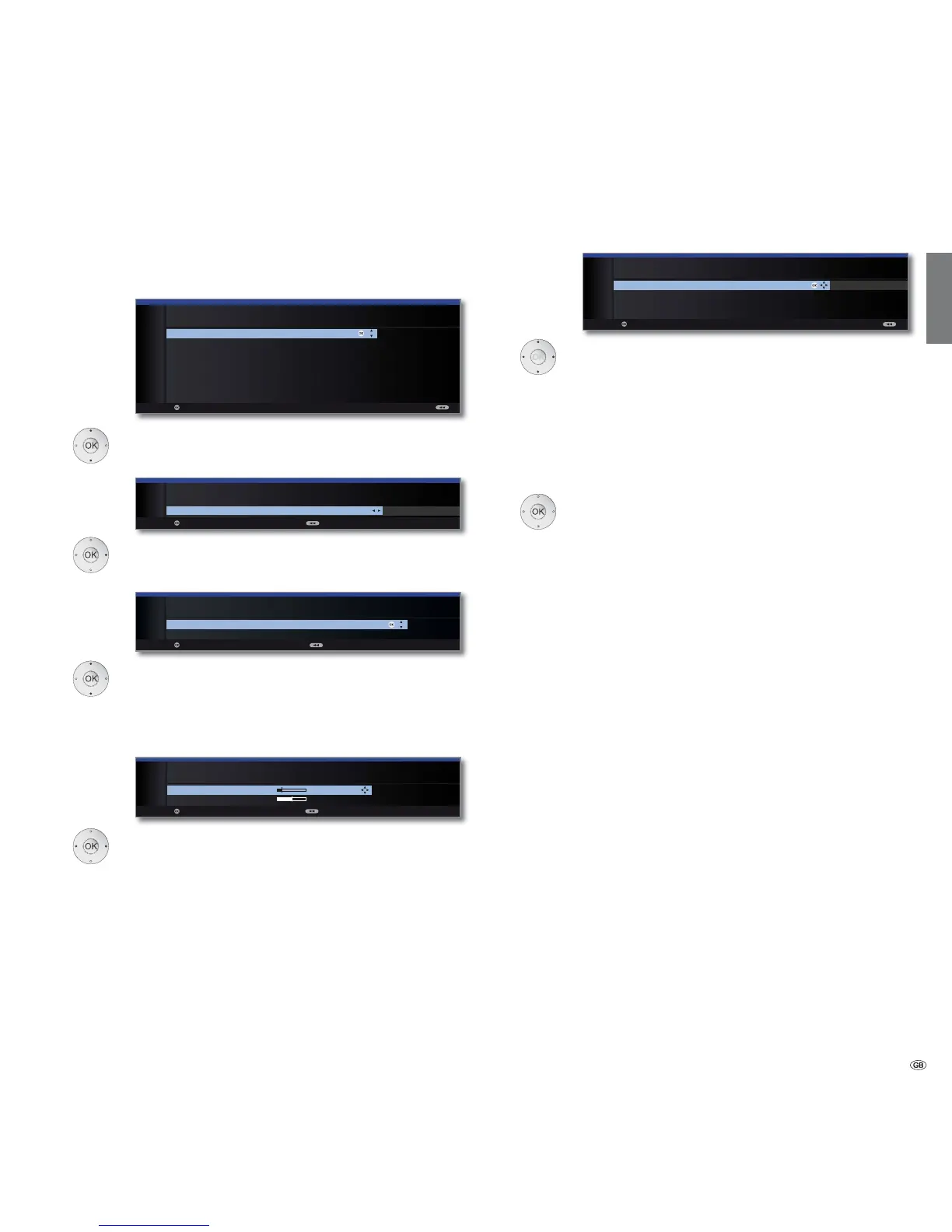
Setting options for the satellite system
(DiSEqC one cable communal system):
Select DiSEqC single cable communal installation.
OK Proceed.
Select satellites from list,
OK Proceed.
Select network.
If several networks are available over DVB-S, you
can decide which network you want to receive your
channels from.
OK Proceed.
Set LNB frequencies.
Normally, you do not need to change the values for
high and low band, unless the LNC (LNB) of your
satellite system uses a different oscillator frequency
(important for the frequency display).
OK Proceed.
Select and adjust settings for the DiSEqC single
cable communal installation.
Select the desired transmission channel and the corre-
sponding transmission frequency.
If your system is designed for it, it is possible to protect
your used transmission data from use by other subscrib-
ers with a PIN.
OK Proceed.
(with Setting options for DVB-S reception (continued)
on page 31).
Manual
registration
(for socket
ANT SAT)
Transmission
channel /frequency
PIN protection
DiSEqC one
cable
communal
system
Satellite
selection
Network
selection
LNB
frequencies
OK
OK
INITIAL INSTALLATION (DVB-S)
Select DiSEqC single cable communal installation
DELTA SUM-514
DELTA SUM-516
DELTA SUM-518
DELTA SUM-918
DELTA SUM-928
KATHREIN EXR-551
KATHREIN EXR-552
KATHREIN EXR-501
Proceed
OK
INITIAL INSTALLATION (DVB-S)
Satellite selection
Satellite 1 Astra1 19,2°E ...
Proceed Back
OK
Proceed Back
INITIAL INSTALLATION (DVB-S)
LNB frequencies
Low band 9750 MHz
High band 10600 MHz
OK
INITIAL INSTALLATION (DVB-S)
Manual registration (for socket ANT SAT)
Transmission channel 1 2 3 4 5 6
Transmission frequency 1284
PIN protection no
Define/change PIN 0000
Proceed
OK
Initial installation
OK
Proceed Back
INITIAL INSTALLATION
Network selection
other network
CanalDigitaal
OK














 To Next Page