6
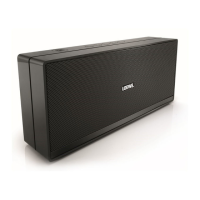
Loewe klang m1
User handbook
english
n
Setting up
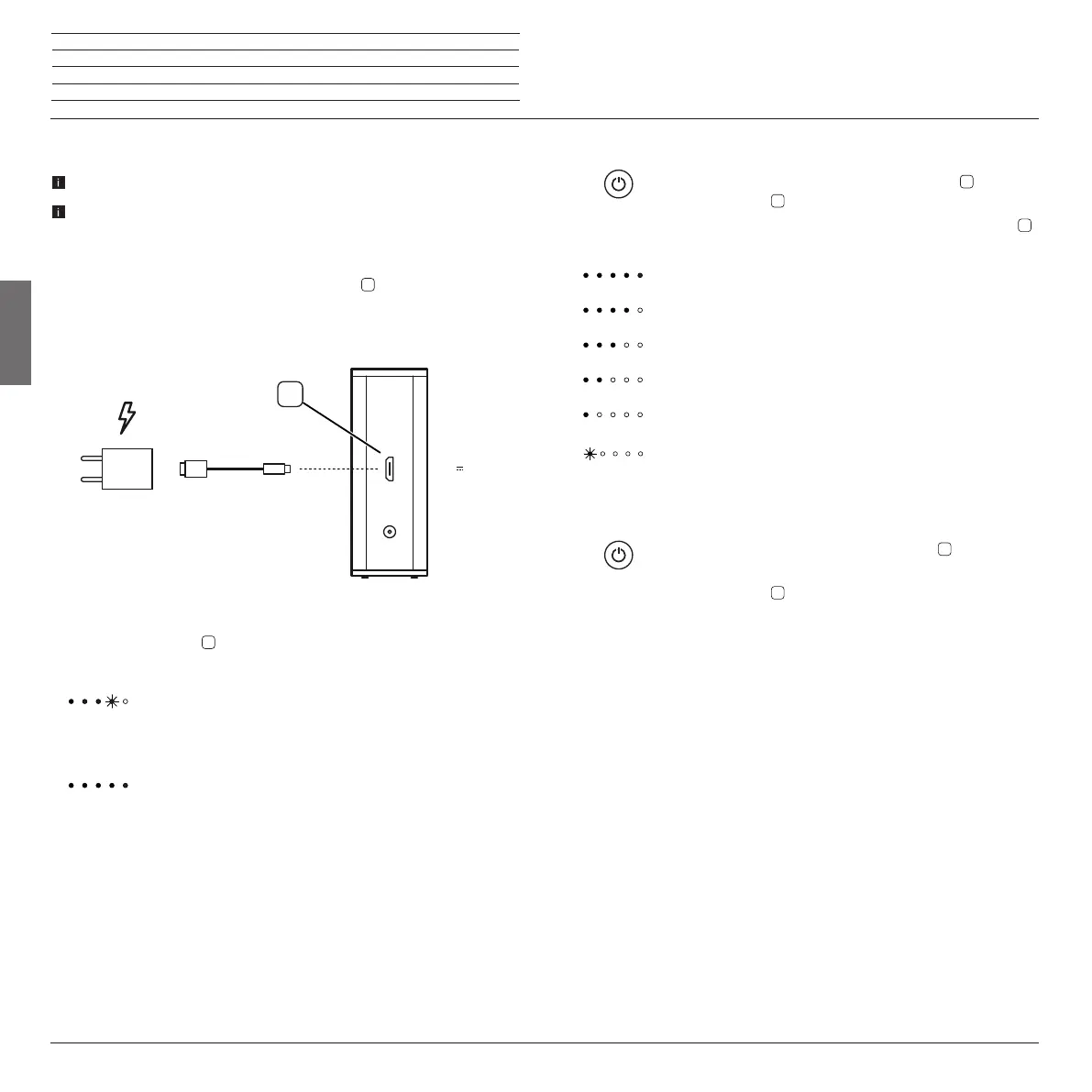
Charging of the integrated battery
Use only a 5V / 1A USB power supply.
The battery is already mounted in the set at the factory The battery must be
charged for approx. 2 hours before first use. With a full battery charge, the
Loewe klang m1 is ready for operation for approx. 12 hours.
Insert the plug (S) into the socket
on the side of the Loewe
klang m1. Then insert the USB power supply (N) into a
220-240 V 50/60 Hz plug socket.
The charging status of the battery is indicated via the LED
display
.
LED display lights/
pulsates green: Set switched on/off, battery is
being charged
LED display lights green: Set switched on/off, battery fully
charged
5V 1A
Audio IN
N
S
7
Switching on
Switch on the Loewe klang m1 with the button
(> 1 sec.).
The LED display
lights.
On battery operation, press the button for a short time
,
then the battery capacity will be shown via the LED display.
Battery capacity 100% - 80%
Battery capacity 80% - 60%
Battery capacity 60% - 40%
Battery capacity 40% - 20%
Battery capacity under 20%
Battery capacity under 10%: The left LED begins to pulsate.
Switch off
Switch the Loewe klang m1 with the button
(> 1 sec.) into
the standby mode.
The LED display
goes out.
If no music is played back for 10 minutes, or a key is pressed,
the Loewe klang m1 automatically switches into standby mode.
Exception: An audio source is connected via audio cable (audio
IN). (Page 8)




 To Next Page