Loewe klang m1
User handbook
7
english
n
Couple audio source via Bluetooth
Couple audio source via Bluetooth
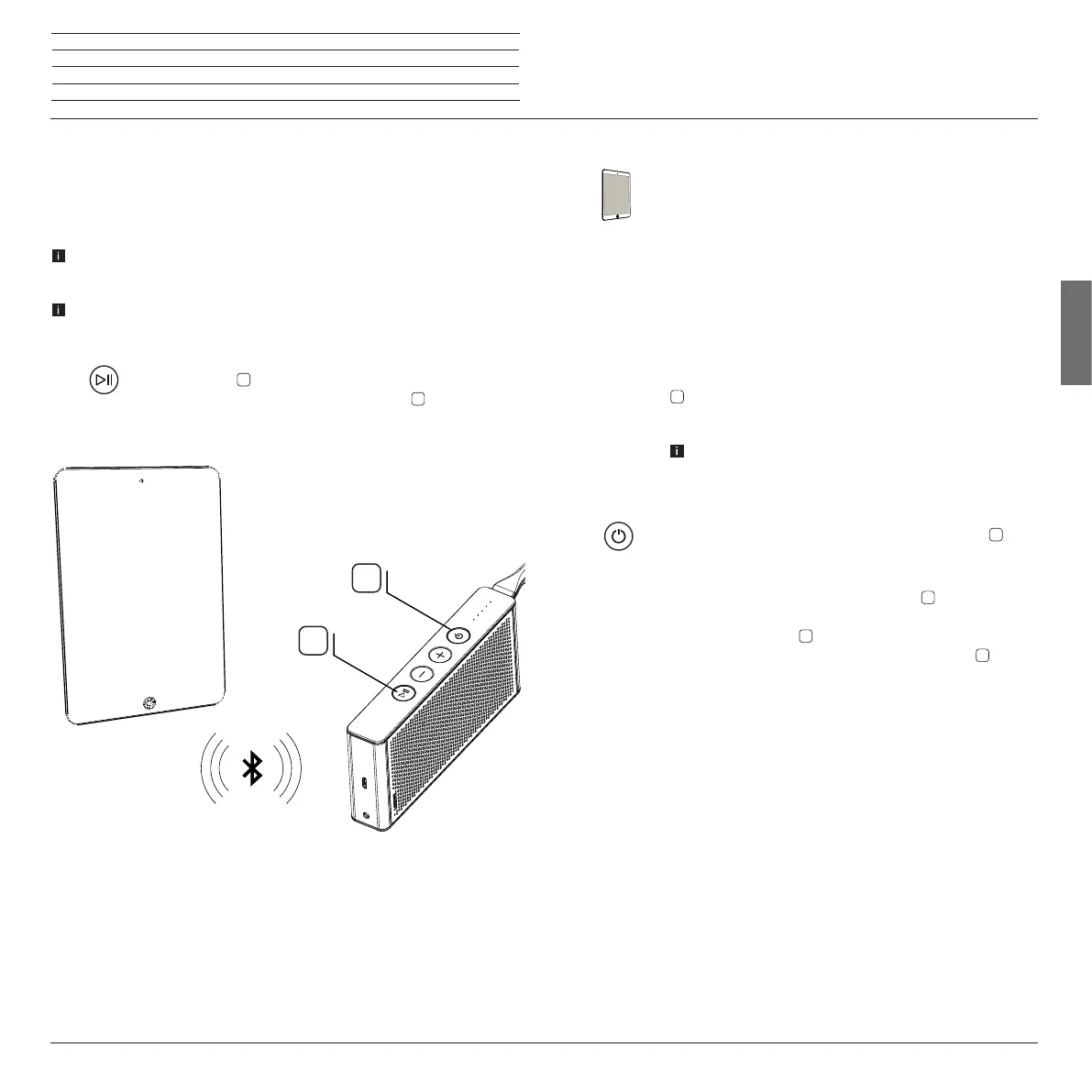
You can couple your Loewe klang m1 cordlessly via Bluetooth with an audio
source, for example, Smartphone, Tablet, PC, etc.. The audio sources must
support the Bluetooth protocol A2DP .
The distance between your Loewe klang m1 and the audio source cannot
amount to more than 10m (visual contact).
Up to 5 audio sources can be coupled via Bluetooth with the Loewe klang m1.
However, only one active connection is possible at the same time.
Press button
on the Loewe klang m1 for a long period (> 1
second). You hear a beep, The LED display
(power) flashes.
5
3
Activate the Bluetooth function of your audio source. If nec-
essary, consult the operating instructions of your audio source .
If necessary, press the Bluetooth search function of the audio
source.
Bluetooth devices are now searched for in the vicinity of the
audio source.
Select Loewe klang m1.
You hear a beep on connection of the coupling, The LED display
lights permanently white, the Loewe klang m1 is now ready
for audio playback (Page 8).
For some audio sources, the connection must be explicitly
activated before the music playback occurs on the Loewe
klang m1.
On switching off the Loewe klang m1 with the button
in the
standby mode the coupling is disconnected from the audio
source.
After switching on again with the button
the Loewe klang
m1 attempts to re-couple the audio source. In this status, the
LED display pulsates
(power).
After successful coupling, the LED display lights
perma-
nently white.




 To Next Page