8
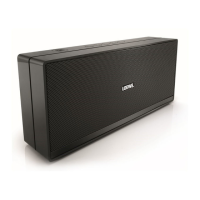
Loewe klang m1
User handbook
english
n
Connect audio source via audio cable
Audio playback
Connect audio source via audio cable
You can couple your Loewe klang m1 via an audio cable with 3.5 mm jack plug
(not contained in the scope of delivery) with your audio source, for example,
mobile telephone, music player etc..
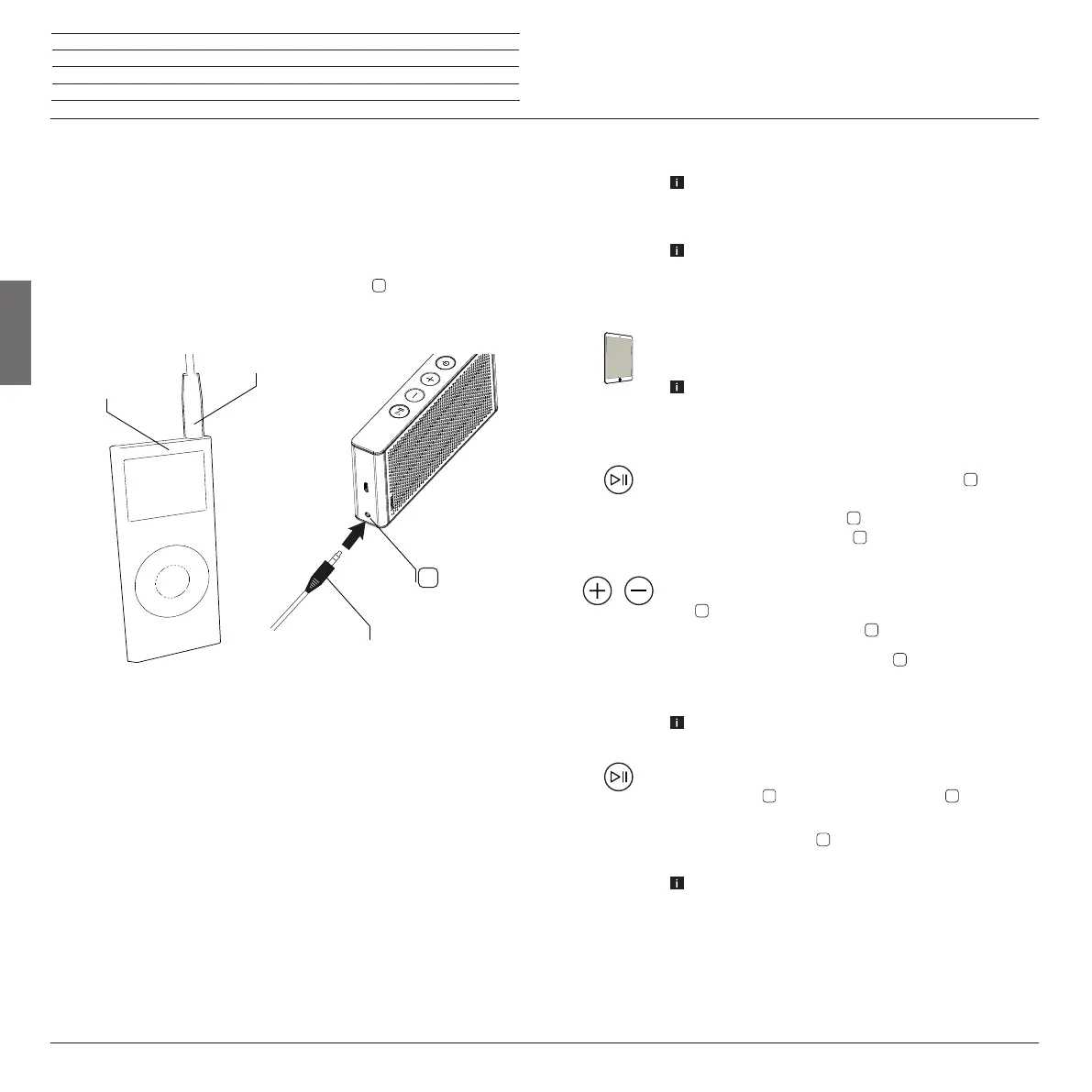
Connect the analogue stereo output of your audio source (A)
with the stereo audio input Audio IN
of the Loewe klang m1.
Use for this an audio cable (S) with 3.5 mm jack plug.
The audio playback (Page 8) now occurs automatically
via the audio cable.
To change back to Bluetooth mode, simply remove the audio
cable from the loudspeaker.
8
A
S
S
Audio playback
The Loewe klang m1 must be coupled via Bluetooth (Page
7) or connected via audio cable (Page 8) with your
audio source and switched on (Page 6) .
The following sequence applies to playback: Cable-asso-
ciated playback before hands-free before Bluetooth audio
playback. A playback of Bluetooth contents is therefore only
possible if neither audio content is played back via audio IN
nor the integrated hands-free system is used.
Start the audio playback at your audio source.
On connection via an audio cable (Page 8) set the
volume of your audio source to a high value before playing
back the music, and then select the desired sound volume
on the Loewe klang m1 to avoid interference noise.
On the playback via Bluetooth press 1x the button
in order to
pause playback. Press again to resume the playback.
If you press 2x on the button
the next track is played back.
If you press 3x on the button
the previous track is played
back.
Set the sound volume on the Loewe klang m1 with the buttons
+/-
. The sound volume can be set in 15 steps, which are
optically displayed via five LEDs
of the LED display.
Every short press on the button +/-
raises or reduces the
sound volume by a step. Keep the button + or - pressed to
travel through the sound volume range.
Loud music can lead to hearing damage. Avoid extreme
sound volume near to your ears.
Switch the sound volume on the Loewe klang m1 to mute,
whilst pressing
the button. The LED display
(play) begins
to flash.
By pressing the button
, the muting is removed. The LED
display shows again the original sound volume.
This is only possible when you play back via an audio cable
(audio IN).




 To Next Page