9
www.lofrans.com
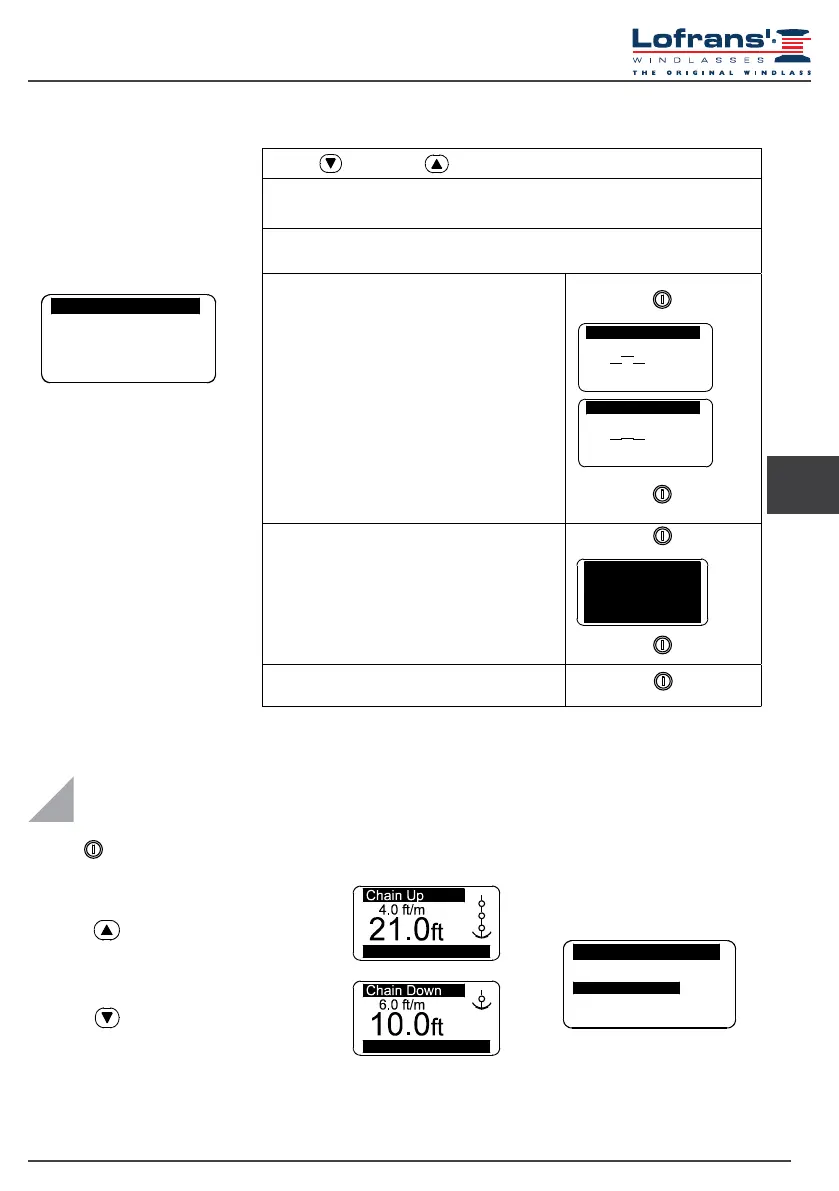
4.9 Check menu
Tests
Software Version
Operat. Time
Sensor Test
Exit
LCD Test
5
0
UK
Use the (DOWN) or (UP) key to move around the parameters
Software Version
Indicates the version of the software installed.
Operation Time
Indicates the time the instrument operates
Select with
Conrm with
LCD Test
This function switches on all the display’s pixels
thus making it possible to perform a check on
them.
Select with
Conrm with
Exit
To return to the settings menu.
Conrm with
Sensor Te st
Sensor Te st
Sensor Test
The purpose of this function is to check the state
of the sensor:
contact open
contact closed
5.1 Measurement reset
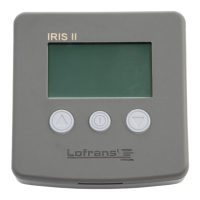
Press the (ON) key to activate controls and to switch on the display lighting. The
display lighting switches off 30 seconds after the last command given (adjustable
default time – see “Light Time”).
Measurement reset can be performed
in the Measurement menu by selecting
“Yes” in the Reset Measure row.
When any key is released (UP or DOWN) the corresponding action is stopped.
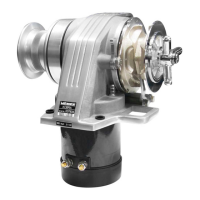
Press key (UP) to control the anchor ascending
Press key (DOWN) to cast anchor
V=11.6 Vdc
V=11.6 Vdc
5 USE
Measure
ResetMeasure No
Unit
eet
Off
Exit


 To Next Page