26
AIR QUALITY
1. Sunlight intensity
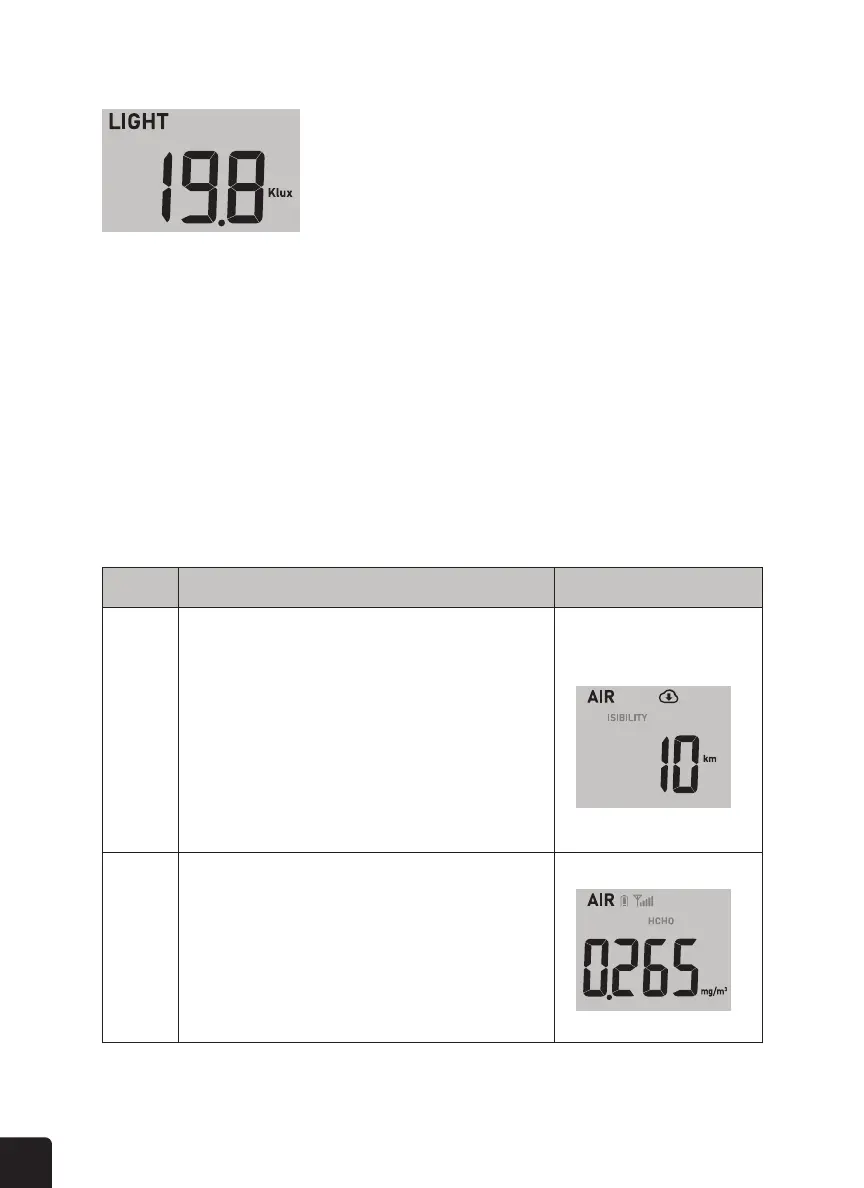
LIGHT INTENSITY
This section shows the visibility distance according to the device’s location inputted into
ProWeatherLive (PWL). If you have optional PM2.5/10, HCHO / VOC, CO
2
and/or CO
sensor(s), you can also view the corresponding data in this section by pressing the AIR button
to check the readings in the following display sequence: Visibility > HCHO > VOC > PM2.5/10
> CO
2
> CO sensor’s reading.
NOTE: The PM2.5/10, HCHO/VOC, CO
2
, and CO sensors are optional sensors, which are
not included.
Step Mode Display
1 Air visibility mode
Air visibility is measured in distance (either in km or miles) and
is generally refer to the distance at which an object or light can
be clearly discerned, and it depends on the transparency of the
surrounding air. If the WI-FI connectivity is not stable for over
3 hours, the air visibility will not be shown, and the icon will
disappear.
2 HCHO (Formaldehyde) mode
If you paired the HCHO/VOC optional sensor. The console can
display HCHO reading.



 To Next Page