Logitek
5
Operation
MLX-WSOFT (Wide Softkey Module) – Screens
The Wide Softkey Module has two LCD color screens, which are used to display user-defined text.
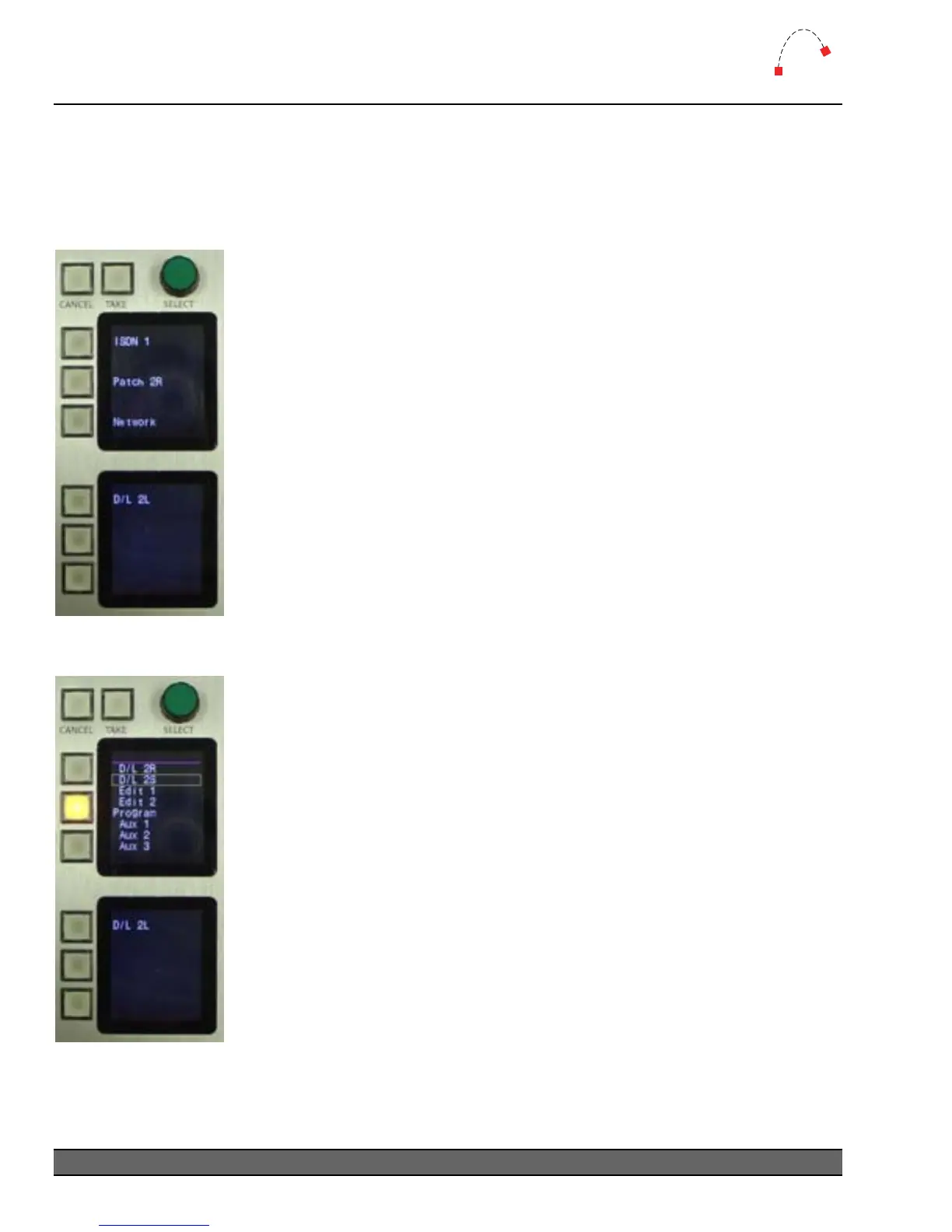
Pictured below are the screens showing the Route Select function, which is programmed with the
CommandBuilder scripting application.
Pictured are the screens showing the normal operation of the Route Select
mode.
The text next to each button shows the currently routed source for that
particular destination.
It is possible to use only one screen for Route Selections, and another for
showing other text or menu selections.
Figure 17 - Route Select
normal
To change a Route Select, press the button for the destination you wish to
change. The lamp will light, and a list of sources will be displayed on the top
screen. Use the SELECT wheel to make a selection, and TAKE to accept the
choice. Use CANCEL to exit the menu without making a change.
When a route is made, the source name will be displayed next to the
button.
To use the Route Select function, you will need to setup the appropriate
outputs and allowed sources in AEConfig. You will then need Route Select
Triggers programmed in CommandBuilder. The CommandBuilder manual
includes examples of how to write these Triggers.
Figure 18 - Route Select
choice list
Logitek Artisan Reference Manual
34



 To Next Page