Logitek
3
Physical Installation
vScreen Meter Bridge
The Artisan Surface is designed to run with Logitek vScreen software on a PC with flat-panel
monitor. vScreen provides flexible meter layouts and screen sizes. A 20” widescreen monitor
running at a resolution of 1680 x 1050 in landscape orientation is recommended.
A default layout optimized for 1680 x 1050 is included. Screen layouts can be custom-made using
vScreen Designer software. Logitek Electronic Systems or your reseller can also provide screen
design and customization services as an option with your purchase.
vScreen requires a dedicated PC running Windows. Other Logitek software will also be installed to
support
Artisan fader Pop-up and console Snapshot save & recall.
In addition an
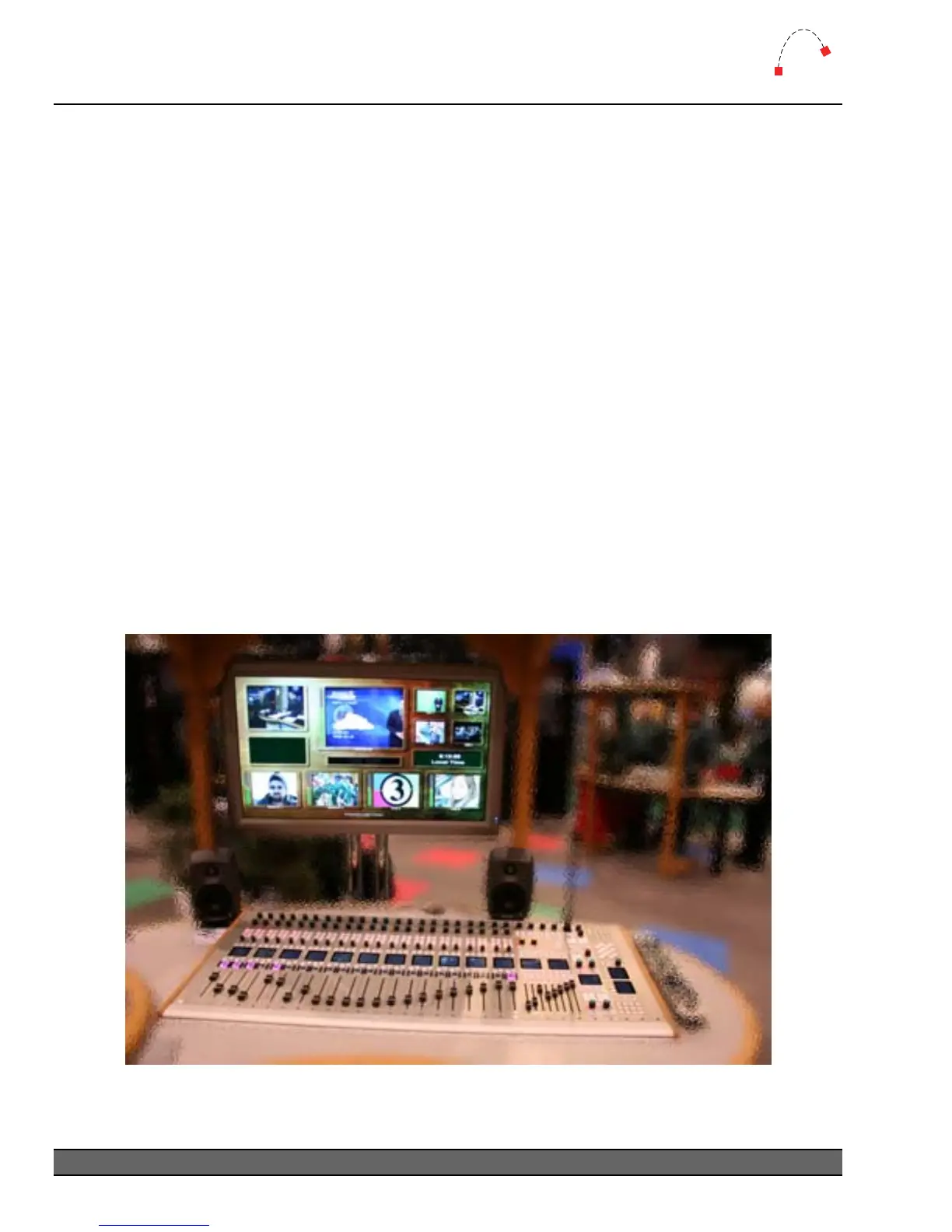
Artisan system can interface with a Miranda Kaleido multi-screen processor, to
provide video monitoring of incoming sources with real-time input level meters, plus
Artisan output
bus metering. Up to 10 layouts can be stored and recalled to suit different show formats.
If space, heat or noise is a concern in the audio suite, we recommend mounting the PC in an
equipment room and using a high-quality KVM extender.
¬ For more information on vScreen setup, consult the vScreen Reference Manual.
Figure 7 - Artisan vScreen / Miranda Kaleido demo at NAB 2006
Logitek Artisan Reference Manual
14



 To Next Page