Logitek
5
Operation
5 Operation
At first glance, your Logitek Artisan may appear a little daunting. But if you’ve had experience with
broadcast or production consoles before, you’ll soon be at home, finding your way around quite
easily.
Logitek Electronic Systems has been manufacturing consoles for decades, so we understand how
to make control surfaces that are both powerful and straightforward. During the design of the
Artisan, customers and operators provided feedback that helped shape the final product. So we’re
confident you’ll find the Artisan a joy to operate.
As much of the Artisan is user-programmable, the specifics of how you use some functions will
depend on your configuration. Following is a look at each of the modules, how the standard
functions are used, and what some of the user-programmable options are.
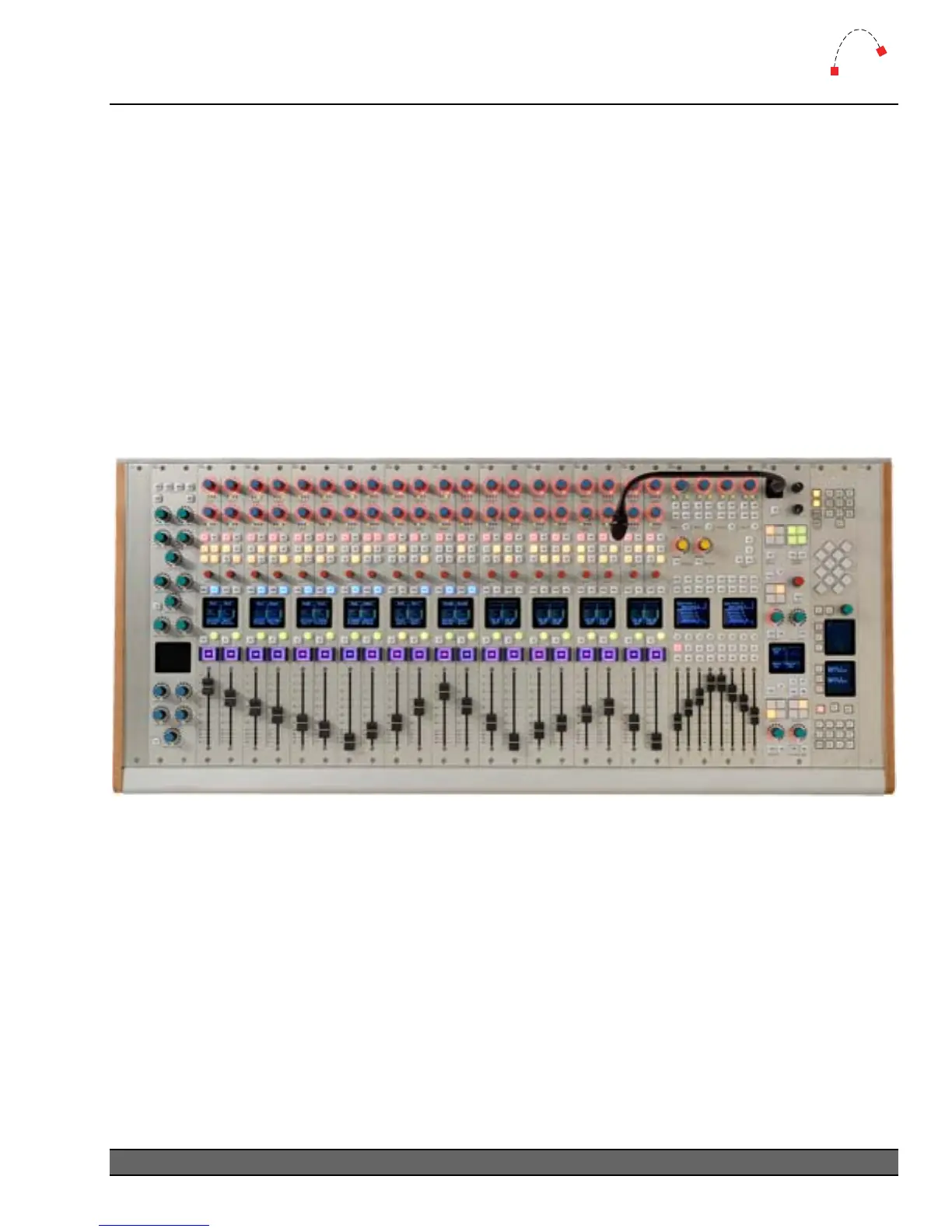
Figure 11 - Artisan 20 fader, Effects, Master, Monitor & Wide Softkey Modules in 32 Slot Frame
Logitek Artisan Reference Manual
23



 To Next Page