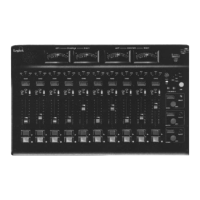
Logitek mixIT Audio Console System/JET67 Manual
Connect Your PC to the JET67
1. Connect the mixIT directly to the JET67 jack marked “Console” with the supplied CAT-5
cable.
2. Connect the JET67 to power if not already plugged in.
3. Plug one of the Ethernet ports on the back of the JET67 to your local network OR plug an
Ethernet cable from your PC directly into one of the Ethernet ports on the back of the
JET67. The JET67 is set up by default to receive an IP address automatically via DHCP. If
no DHCP server is present, your PC and the JET67 will automatically select IP addresses
within the same subnet via AutoIP.
4. On the console touchscreen, tap the word “mixIT” next to the headphone selector and
make note of the IP address. This is the IP address assigned to the JET67.
5. Launch JetStream Server.
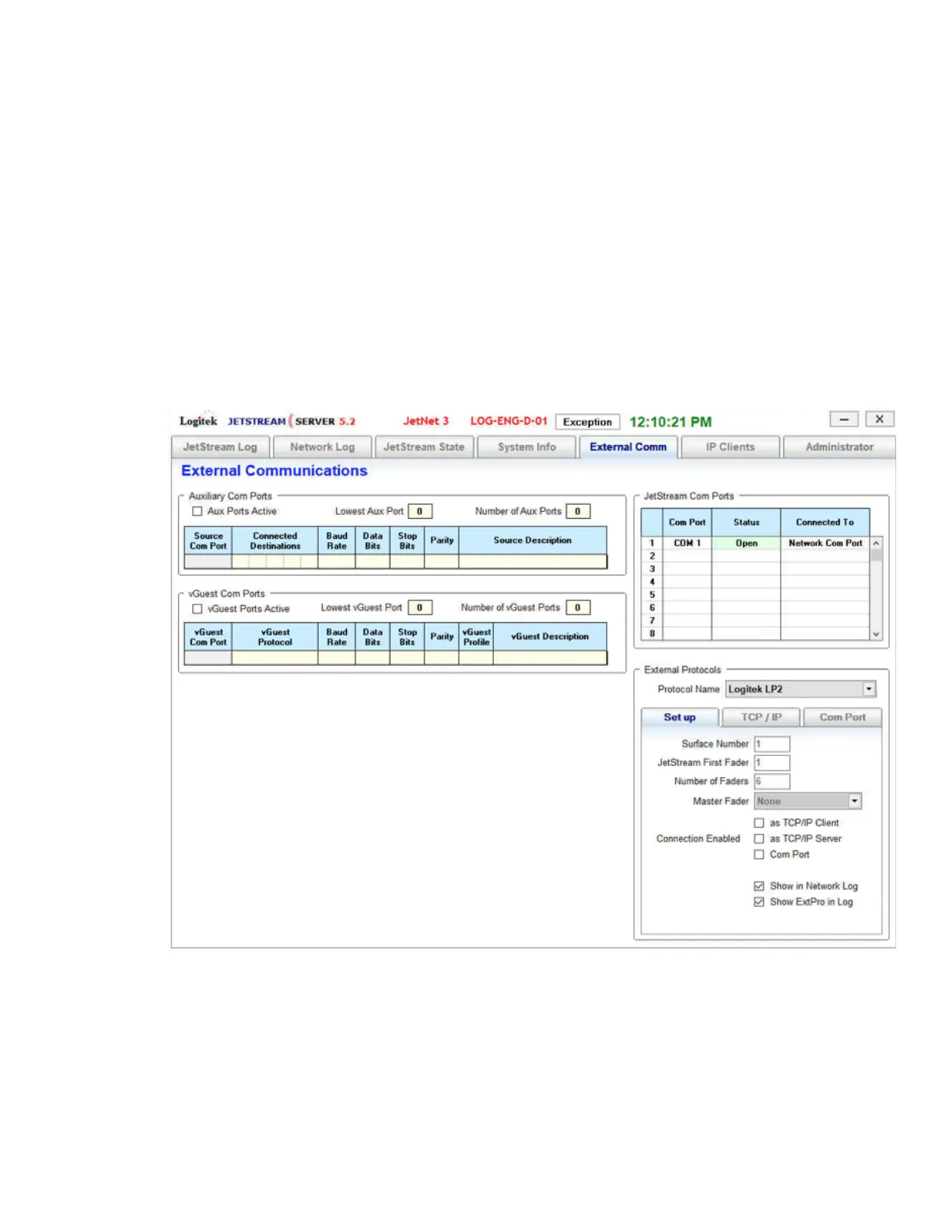
6. After startup completes, go to the External Comm tab.
Figure 6 - JetStream Server External Protocols
7. In the lower right corner, locate External Protocols.
8. Change the Protocol Name from None to Logitek LP2.



 To Next Page