11
5. Operating the Unique 2.1
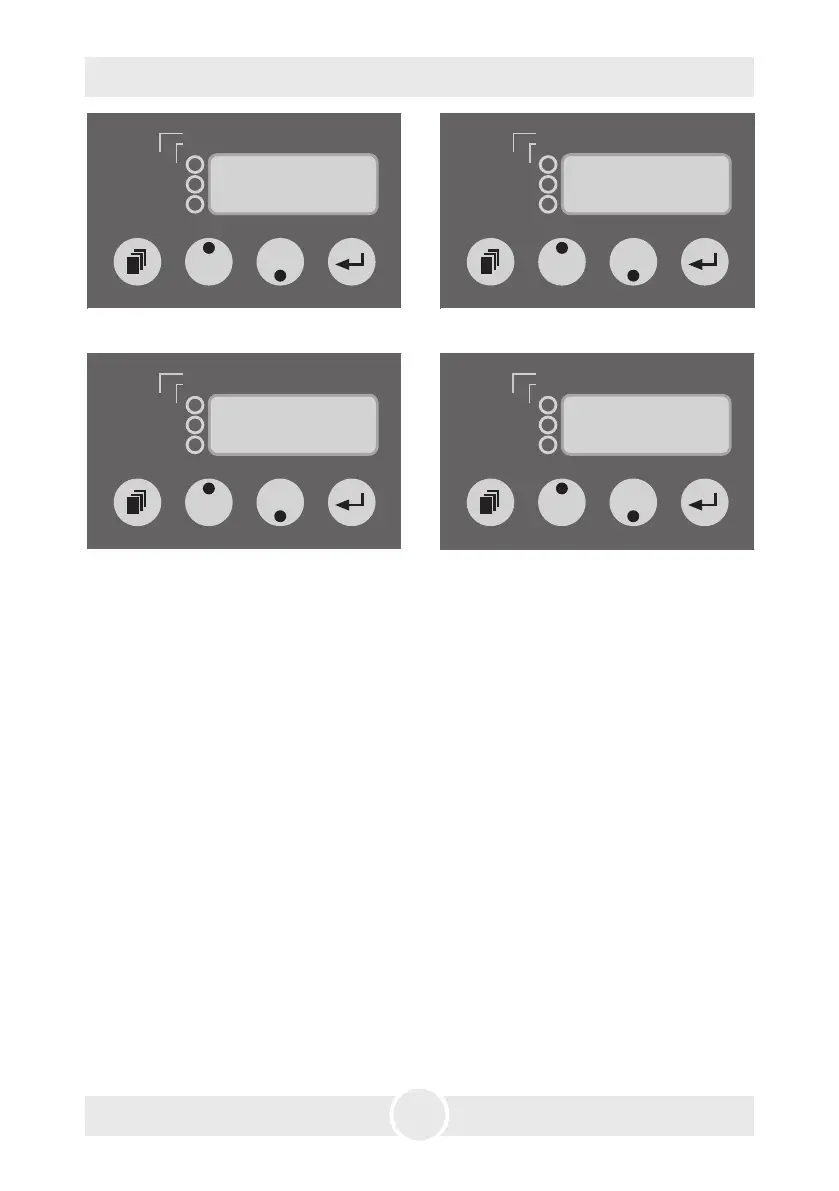
Fig. 2: Adjusting the fan output Fig. 3: Adjusting the DMX-start address
Fig. 4: Changing to the Profile-Mode Fig. 5: Switching the device off
An outstanding feature is the adjustable output of the Unique 2.1. The pump and
the fan can be easily and separately adjusted and regulated in 99 steps via buttons.
Any desired effect can be achieved in steps of 1%: from the finest mist to a thick haze,
similar to fog. To achieve the thickest effect the pump must run at 99%, the fan at 1%.
The finest haze can be achieved with lower pump and higher fan settings. The data
can be readjusted whenever you want to.
You may control the Unique 2.1 externally through the XLR sockets [2 and 3].
Please note: DMX takes priority. That means: when the machine is controlled via DMX
512 this data takes priority over 0-10V (+) DC and Stand alone operation.
Please note: You can‘t hold down the Mode-button for scrolling through the Menu.
The Mode-button has to be pressed only momentarily. If the Mode-button is pressed
more than two Seconds, the machine will change into the Timer-Mode (see point
5.4.5).
5.4.1 Operating via DMX 512
Connecting the Unique 2.1 to a DMX desk, use the XLR socket [2] beside the control
panel. As soon as the machine receives a correct DMX signal, the yellow DMX-LED [19]
will be lit. Please note: The Unique 2.1 uses two channels on your desk! First Channel
= Pump, second Channel =Fan
dmxin
active
XXX = address · PXX = pump · FXX = fan
P. = pause
(min) · F. = fogtime (sec)
1. = pause · 2./3./4. = level a · 5./6./7. = level b
timer
profile
275
dmxin
active
XXX = address · PXX = pump · FXX = fan
P. = pause
(min) · F. = fogtime (sec)
1. = pause · 2./3./4. = level a · 5./6./7. = level b
timer
profile
F75
dmxin
active
XXX = address · PXX = pump · FXX = fan
P. = pause
(min) · F. = fogtime (sec)
1. = pause · 2./3./4. = level a · 5./6./7. = level b
timer
profile
OFF
dmxin
active
XXX = address · PXX = pump · FXX = fan
P. = pause
(min) · F. = fogtime (sec)
1. = pause · 2./3./4. = level a · 5./6./7. = level b
timer
profile
Pro


 To Next Page