42
43
Chart Operation | HOOK series
Chart Operation | HOOK series
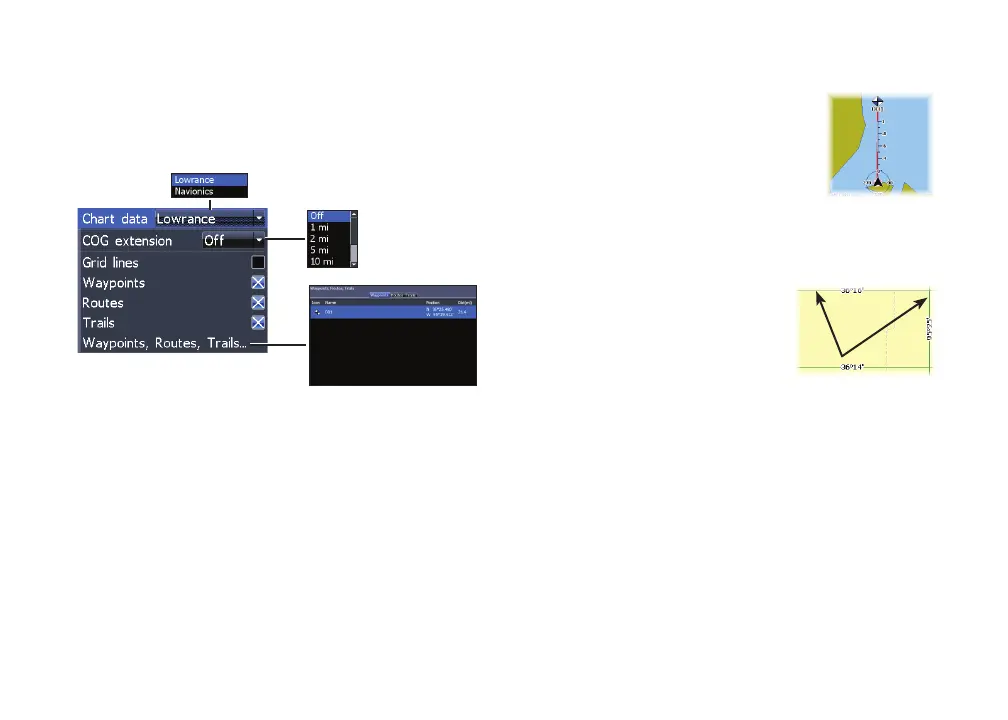
Chart settings
Controls map data used on the chart screen as well
as display settings like grid lines, waypoints, routes
and trails.
Chart data
Selects map data that will be used on the Chart
display (Lowrance or Navionics regional map). Go
to Navionics.com to see a full selection of available
charts.
Chart Settings menu
COG extension
A line extending from the front
of the current position icon that
estimates the time and distance to
areas in front of you.
Grid lines
Displays base values for
latitude and longitude, making
it easier to get a general
idea of your location on the
latitude/longitude scale.










 To Next Page