48
49
Settings | HOOK series
Settings | HOOK series
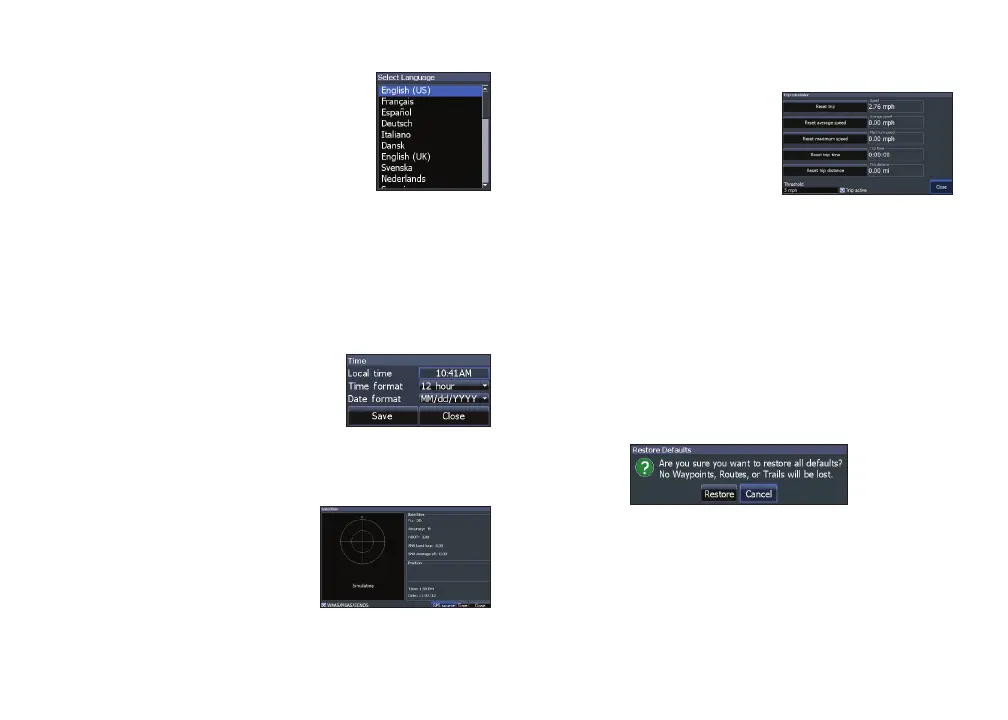
Set language
Selects the language used on
menus and dialogs.
Audio
Adjusts volume and turns on/o unit audio, like
key beeps, alarm sounds, etc.
Time
Used to set local time, and
time and date formats for your
unit.
GPS
Monitors the location of
satellites in view and the
quality of the unit’s satellite
lock-on.
Trip calculator
Tracks trip time, speed
and distance when you
are moving faster than the
selected threshold.
Advanced mode
Enables features and settings only available with
unit in Advanced Mode.
Restore defaults
Switches the unit back to default settings.
Browse les
Allows you to view a list of the les saved to the
microSD card.










 To Next Page