L-Switch User Manual 22 LOYTEC
Version 6.0 LOYTEC electronics GmbH
4 Operating Modes
4.1 Message Forwarding Modes
The L-Switch XP supports three different operating methods defining how packets are
routed between its ports: Smart switch mode, repeater mode and the configured CEA-709
router mode. The operation mode can be selected via the DIP switch settings of DIP switch
1 and 2 or via the console menu.
Important: Whenever the forwarding mode of the L-Switch XP is changed using the DIP switch a
reset to factory defaults is recommended!
4.1.1 Smart Switch Mode
The L-Switch XP can be configured to act as a self-learning switch in an CEA-709 network.
In this operation mode the L-Switch XP decides based on the destination address of a
message, to which port(s) the message has to be forwarded or whether it has to be
forwarded at all. Thus, it isolates local network traffic (e.g. in case of heavy loaded
networks). This is the default operating mode for the L-Switch XP.
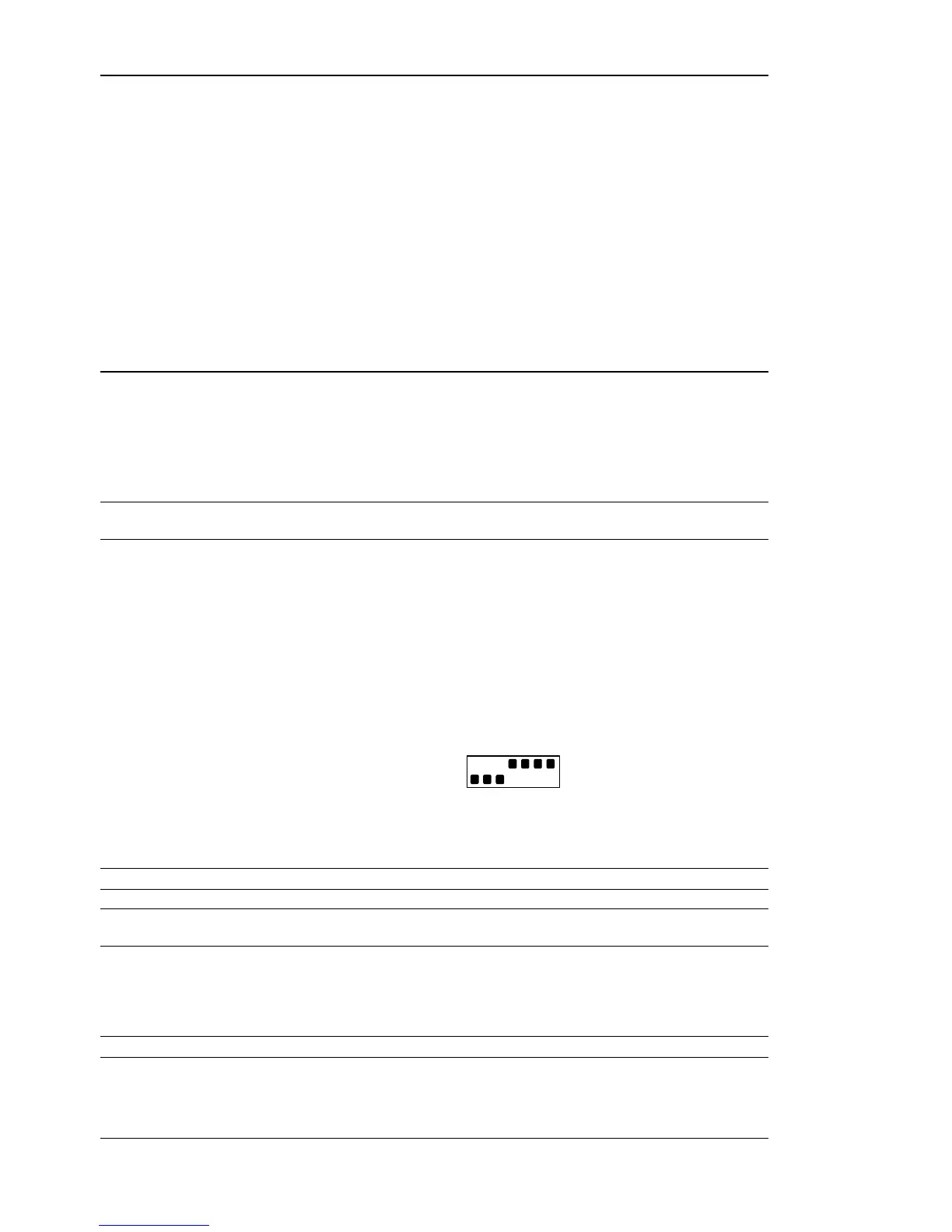
Figure 11 shows the proper DIP switch setting to put the L-Switch XP into learning switch
mode. This DIP switch setting is the factory default setting.
Figure 11: DIP switch setting for learning switch mode (factory default)
Important: This smart switch routing algorithm does not support any kind of network loops!
Important: Whenever a network is reconfigured, it is recommended to clear the forwarding tables in
the L-Switch XP by pressing the status button for at least 20 seconds (see Section 5.5).
4.1.1.1 Domain Learning
The L-Switch XP supports learning of up to 4 Domains.
Note: All messages, which are received on an unknown domain are forwarded to all ports!



 To Next Page