L-Switch User Manual 36 LOYTEC
Version 6.0 LOYTEC electronics GmbH
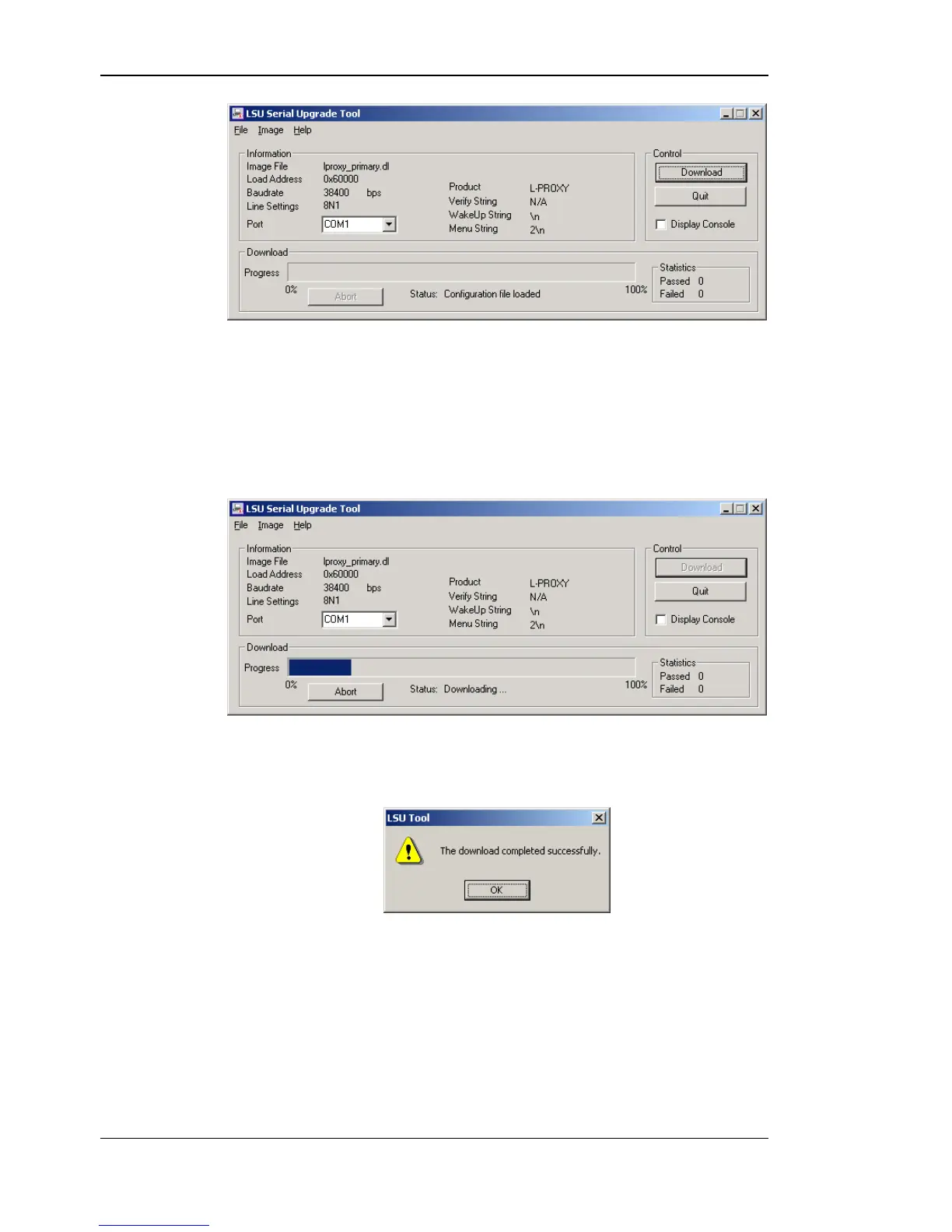
Figure 25: LSU Serial Upgrade Tool in idle mode.
If the L-Switch XP is not connected to COM1 you can change the port to COM1, COM2,
COM3, or COM4. Make sure that the product shown under “Product” matches the device
you are upgrading. Note, that Figure 25 and Figure 26 do not necessarily show the proper
product.
Press “Download” to start the download. A progress bar as shown in Figure 26 can be seen.
Figure 26: Progress bar during firmware download.
If the upgrade is successful the following window appears (Figure 27).
Figure 27: Successful firmware upgrade.
Double check that the new firmware is executed by selecting 1 and pressing Enter in the
console window. This will bring up the device information, which shows the current
firmware version.



 To Next Page