How-To Document
Updated on:
11/13/2008
By:Christopher Ware
Page 10 of 13
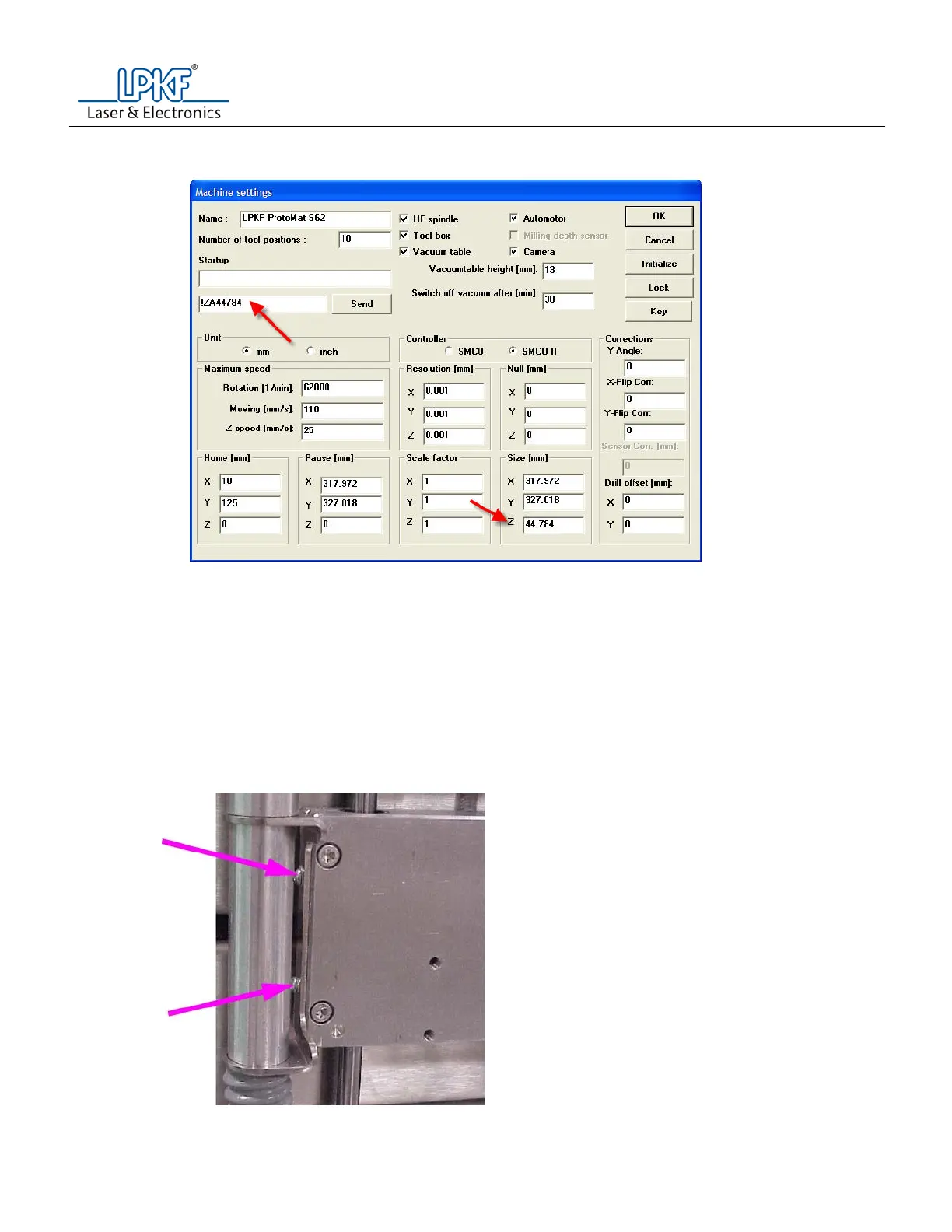
r. Place this number in the command line as follows:
i. !ZA(Z number with no decimal point)
s. Press the send button
t. Check to see if the brown strip can be moved side to side.
u. The tip of the drill bit should make a small groove into the plastic strip.
v. Place this command into the command line and press the send button.
i. PU;
w. Form step 8 u, if the tip breaks, or is not touching the plastic strip, proceed to step 9.
x. From step 8 u, if the tip makes a small groove in the plastic strip, go to step 10.
y. Attach the small section of vacuum hose from the hose holder to the left side of the working depth
limiter.
8. Adjusting the Z axis limits
a. Lift the vacuum hose out of the holder on the left side of the machine head.
b. With the T10 torque wrench, loosen and remove the two screws holding the vacuum hose holder.



 To Next Page