7
. If select ON, select for the sensor to set as:
• Press F4 for Normally Closed (this is the default setting).
• Press F1 for Normally Open.
8. Enter the pager number that will be pager when this event occurs (Pager Num = - - - - ) and press ENTER.
9. Enter a User Message:
• Press F2 to create a new message, use the 1-9 keys to enter the text, and then press ENTER to Save.
•
Press F1 to edit the current message.
1
0. Select paging type mode - F1 (STAFF), F4 (GUEST).
11. Press F4 to EXIT.
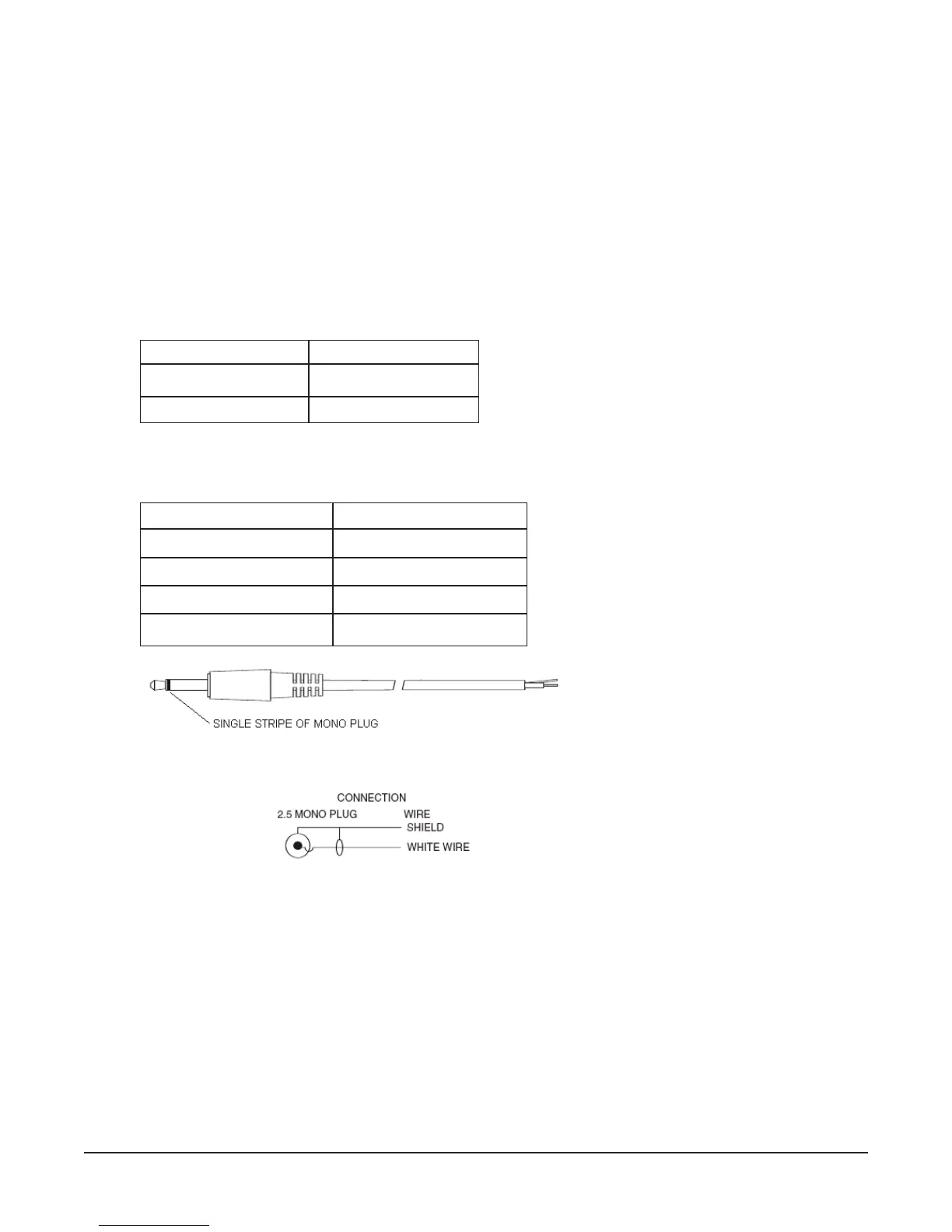
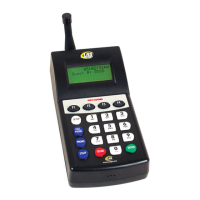
T7470 Dry Contact Specifications:
T7470 Dry Contact Cable Specifications:
Set Alarms
This function is used to set the transmitter to page an individual or all STAFF pagers at a specific time or on
a timed interval. The transmitter can send 10 different time alarms or periodic alarms. Alarms may be set to
page a specific pager (or all pagers) or cell phone at a specific time every day. To make an alarm contact the
manager’s cell phone, this function requires Network Enabled, cell phone paging ON, a manager cell phone
number mapped, and a valid account.
1. Press SETUP and enter Password.
2. Press 1 (System).
3. Press F2 (DN) until display shows 3) ALARMS.
Input Voltage
Contact Diameter
Contact Type
0-5 Volts DC
2.5 mm
Mono Plug
Contact Diameter
Contact Type
Number of Conductors
Ring Connection
Tip Connection
2.5 mm
Mono Plug
2
Positive
Ground
Long Range Systems 13 T7470 User Manual


 To Next Page