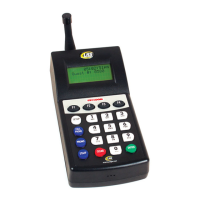
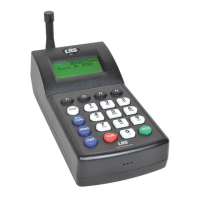
Setting Time and Date for T7470 Transmitter
Set Date:
1. Press SETUP and press 1) System enter Password.
2. Press 3) Date/Time.
3. Press 3) Set Date.
4. Enter Date (MM/DD/YY) (e.g. March 11, 2010 = 03/11/10) and press ENTER.
Set Time:
1. Press SETUP and enter Password.
2. Press 3) Date/Time.
3. Press F2 (DN).
4. Press 1) Set Time.
5. Enter Time (--:--) (e.g. 08:30) and select F1 (AM ) or F2 (PM).
Time Format:
1. Press SETUP and enter Password.
2. Press 3) Date/Time.
3. Press 2) Time Format.
4. Select 1) 12 hour or 2) 24 hour.
Note: Asterisk next to an option indicates the current operation mode
Date Format:
1. Press SETUP and enter Password.
2. Press 3) Date/Time.
3. Select 1) Date Format.
4. Select 1) MM/DD/YY or 2) DD/MM/YY.
Note: Asterisk next to an option indicates the current operation mode
13:34:56
Guest
#
:----
1:34:56pm
Guest
#
:----
24 HOUR TIME
ON DISPLAY
12 HOUR TIME
ON DISPLAY
Long Range Systems 17 T7470 User Manual
T7470 Transmitter Screen


 To Next Page