3 -27
1
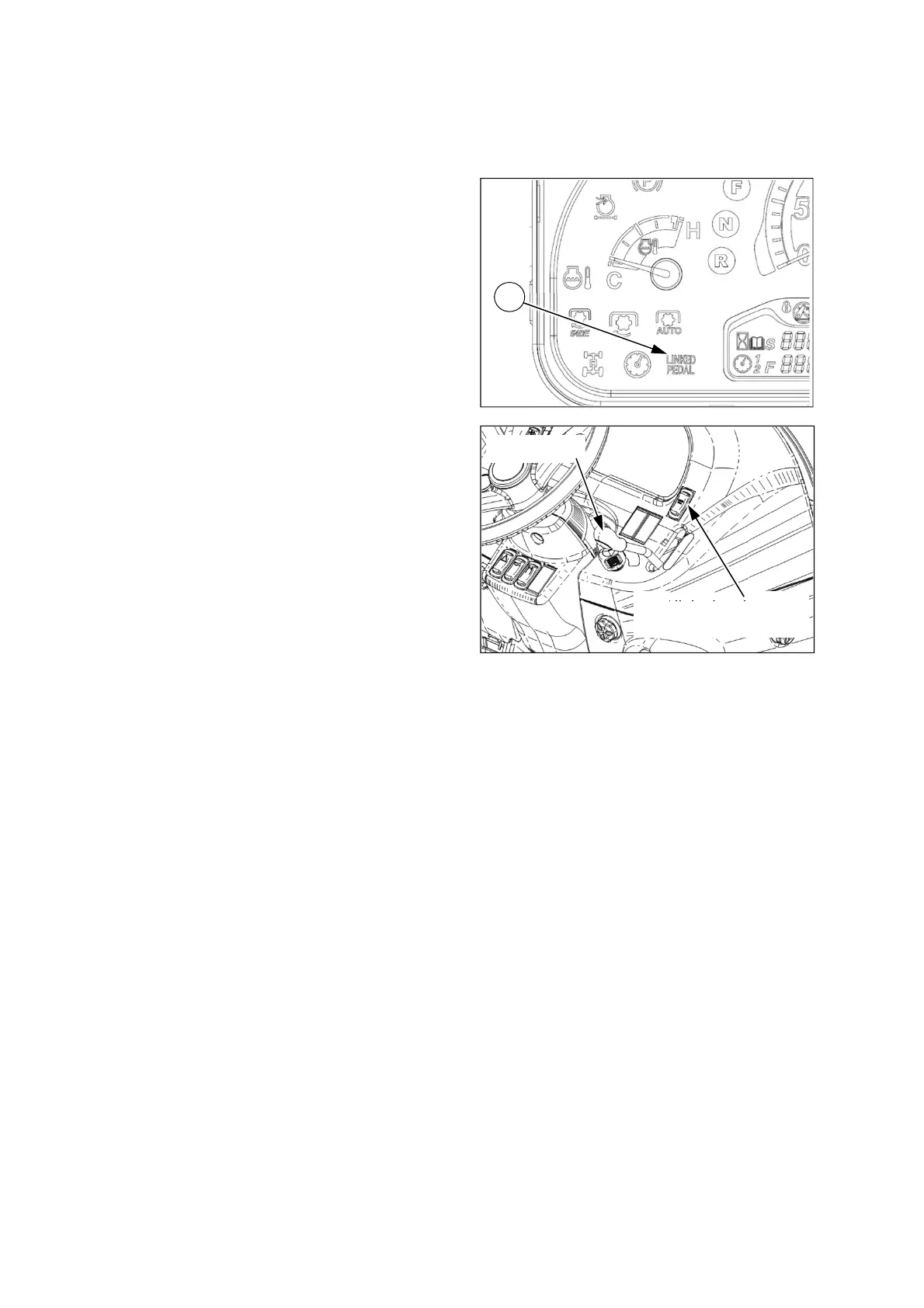
Throttle lever
HST linked pedal switch
(optional)
(19) HST linked pedal switch (HST
type only, optional)
This is only used for HST models. (optional)
When activating the HST linked pedal switch,
the HST forward/reverse pedal can control the
engine speed according to the HST pedal
displacement.
To activate the HST linked pedal switch,
- sit in the driver’s seat,
- start the engine,
- place the throttle lever to “Low speed” position,
- place the HST pedal in the neutral position,
- release the brake pedals and parking brake,
- press down the upper side (symbol part) of the
switch. At this time, the HST linked pedal
indicator① on the instrument panel will be
turned on.
In this mode, the engine speed will be
increased/decreased according to the HST
pedal displacement. But the engine speed is
controlled by the larger stroke of the throttle
lever and HST pedal.
The HST linked pedal function will be disabled
under the following conditions, if you;
- leave the driver’s seat,
- stop the engine,
- apply the brake pedals or parking brake,
- press down the HST linked pedal switch again.










 To Next Page