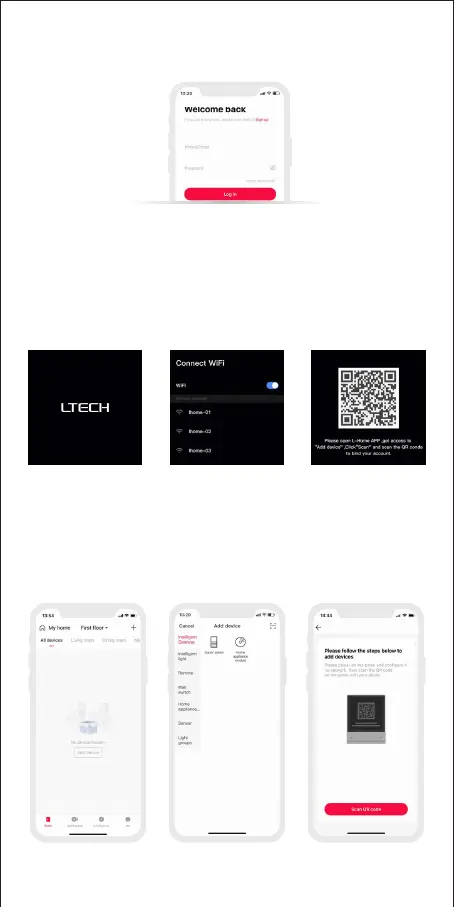
1.2 Open the App and log in or register an account.
2.Configure the Super Panel
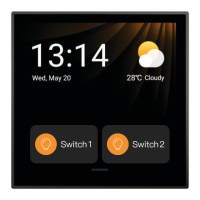
Power on the Super Panel and wait for a while to start it. Follow the page
guidelines of panel to connect the Wi-Fi. Once connected successfully, a QR
code for the device will be displayed on the interface and you’ll able to complete
the configuration.
9
Open the APP and create a home if you are a new user. Click “+” icon in the upper
right corner and access the “Add Device” list. Pick “Intelligent Gateway - Super Panel”
from the “Add Device ” list and follow the prompts to scan the QR code displayed on
the Super Panel screen, then complete your account binding.
3. Bind your account


 To Next Page