Data Logging
User Interface Guide
- 27 -
SD Card Data Logging
The SD Card Data Logging part of the data logging software enables the user to log over long periods
the status of the instrument direct to the SD card. Variables logged include: the primary sensor
readings, any secondary readings, the status of the setpoints, the current output readings, the status of
the digital inputs and any error messages. This data can then be viewed either inside the instrument or
removed and viewed in Microsoft Excel on a PC. Which channels are logged and logging interval are
configurable by the user.
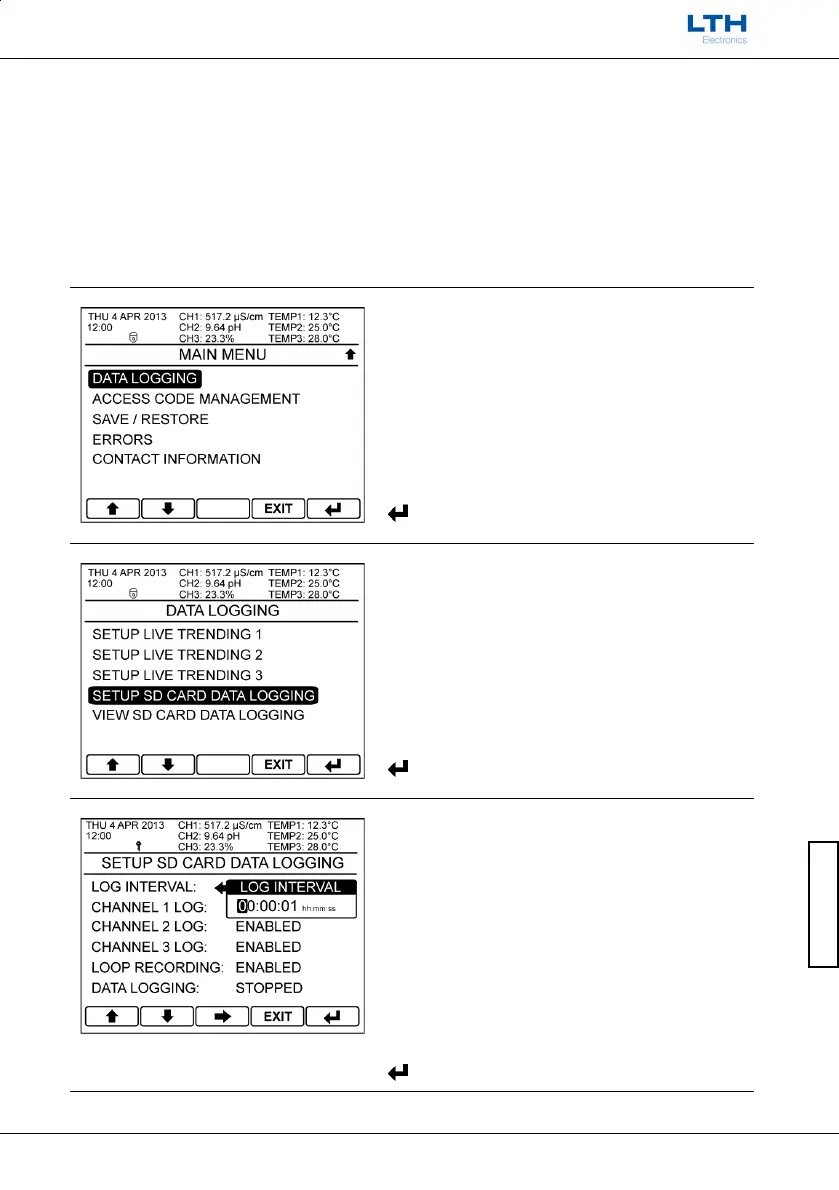
Setup SD Card Data Logging
Main Menu
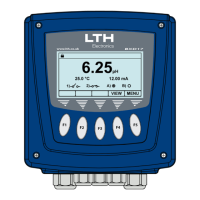
From the front screen press the menu button to
show the main menu options and select Data
Logging.
Data Logging
Select Setup SD Card Data Logging.
Log Interval
Enter the time interval of the SD card data logging.
Note. If logging at 1 sample per second, 1GB of space
on the SD card
will provide at least 40 Days of
logging.
– Increase / Decrease Digit



 To Next Page