User Manual of Network Video Recorder
108
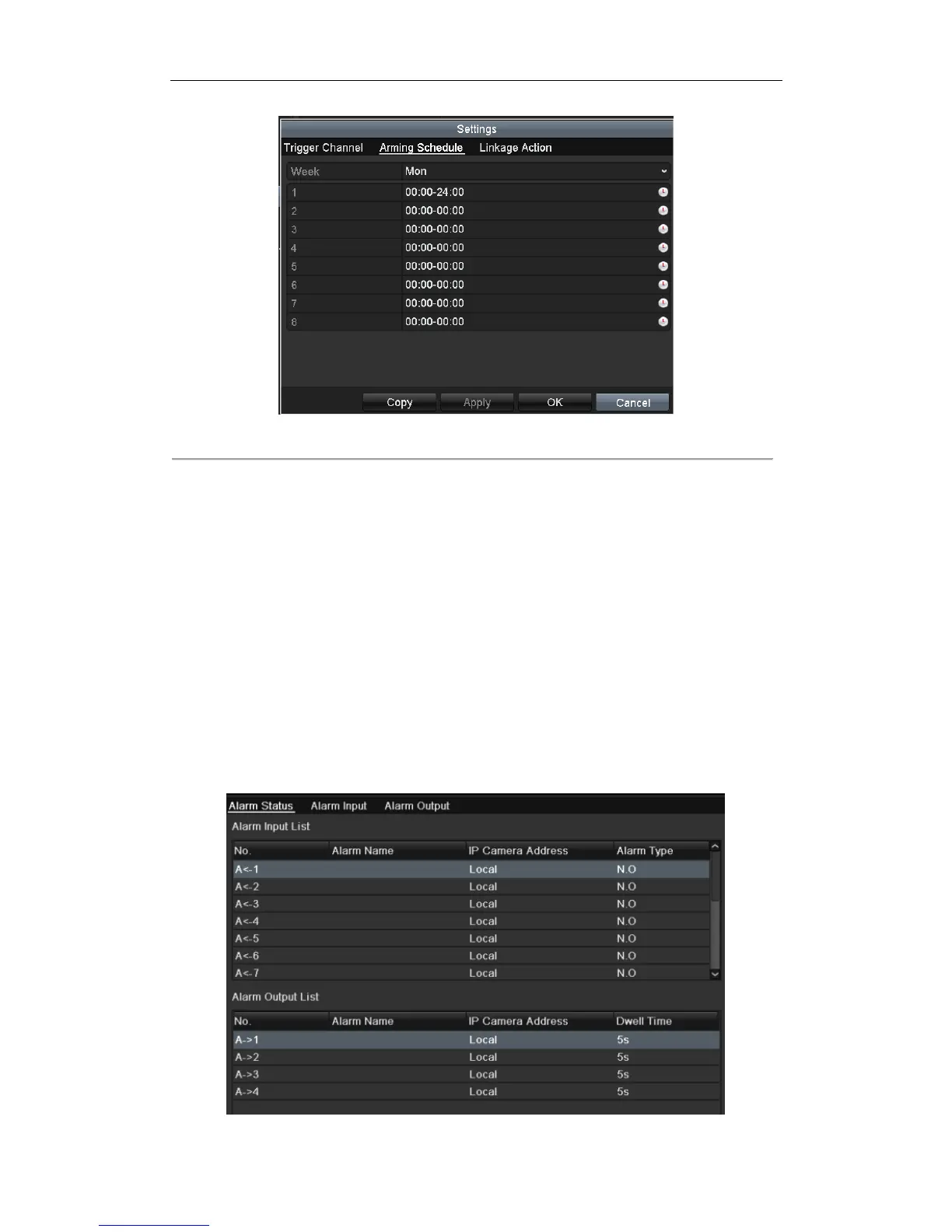
Figure 8. 3 Set Arming Schedule of Motion Detection
5. Click Handling tab to set up alarm response actions of motion alarm (please refer to Chapter Setting Alarm
Response Actions).
6. If you want to set motion detection for another channel, repeat the above steps or just click Copy in the
Motion Detection interface to copy the above settings to it.
8.2 Setting Sensor Alarms
Purpose:
Set the handling action of an external sensor alarm.
Steps:
1. Enter Alarm Settings of System Configuration and select an alarm input.
Menu> Configuration> Alarm
Select Alarm Input tab to enter Alarm Input Settings interface.


 To Next Page
 Loading...






