12
How to turn on Lü
How to turn off Lü
01 Turn on your interactive whiteboard
Select the source corresponding to the HDMI socket into which you have
plugged the system.
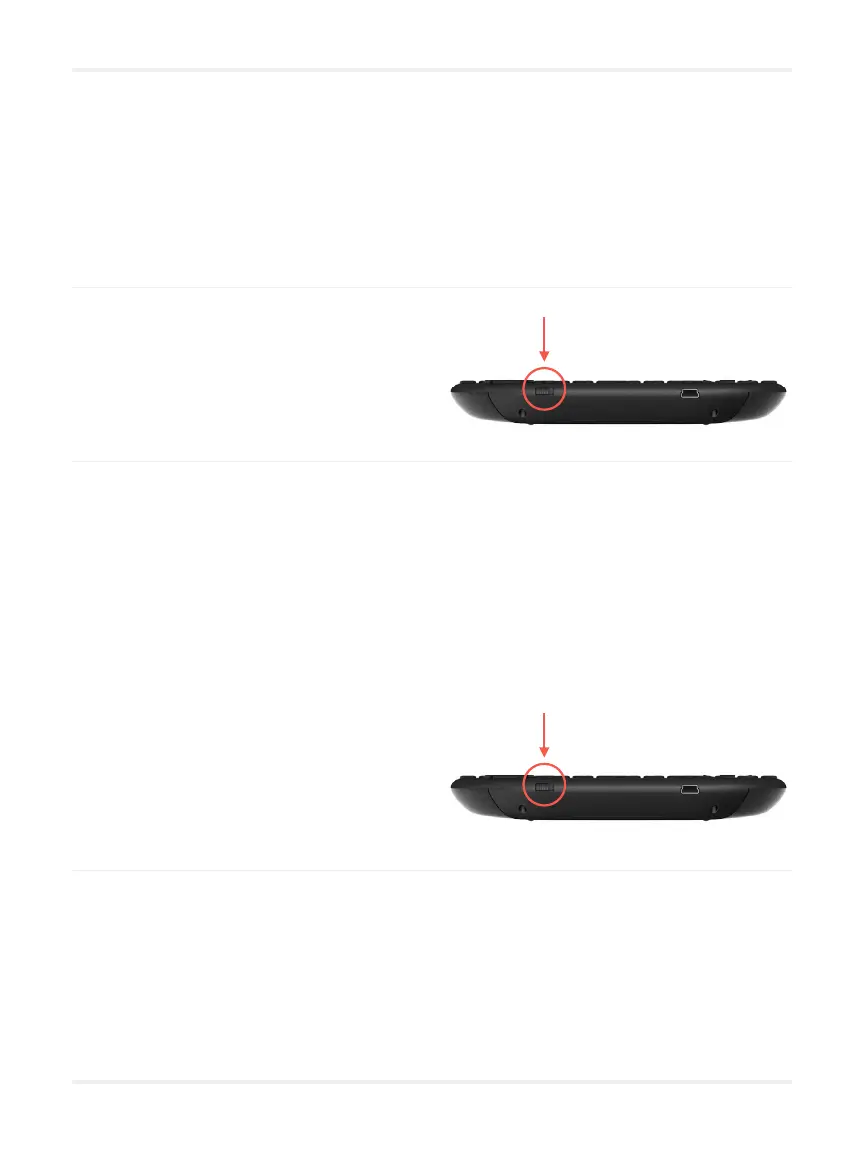
01 Turn off the Rii keyboard remote
Remember to plug it in between
uses.
02 Turn on the Rii keyboard remote
02 Change the HDMI source on your interactive whiteboard if you want to
Your Lü device does not need to be turned off, only the board.
03 Wake up the application
Wait about ten seconds for the system to start up and make the applications
appear.


 To Next Page