8
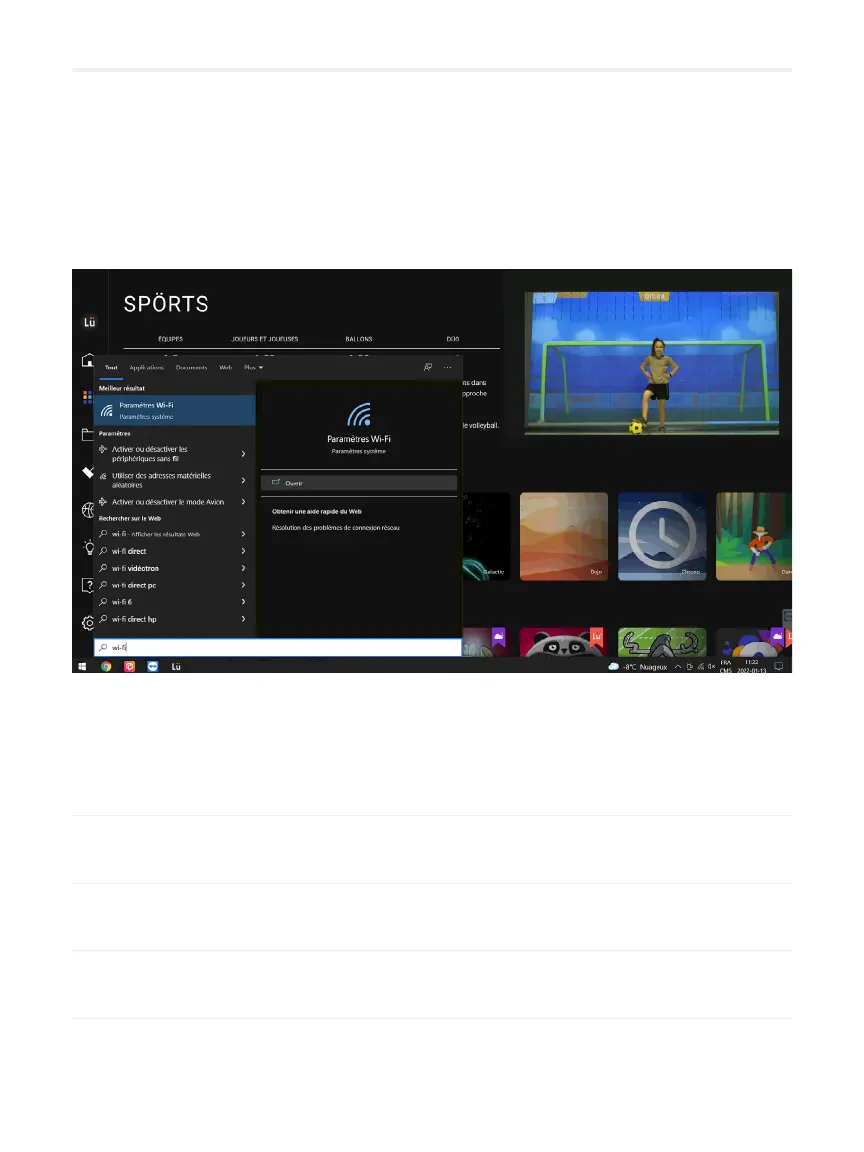
Conguring your Internet network
You have the choice between a Wi connection or a wired connection.
The wired connection will offer you a better quality connection and will be more
stable.Contact your IT department if needed.
01 Press the WIN button on the keyboard remote control.
02
03 Click on the name of the available network in your institution.
04 Close the window by clicking on the X in the upper right corner.
If necessary, your school's IT department will be able to help you nd the most
suitable network for the Lü system.


 To Next Page