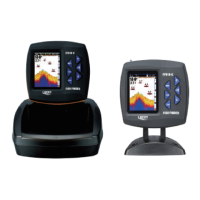
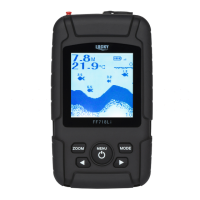
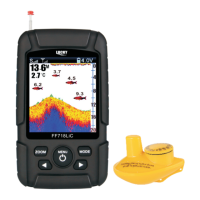
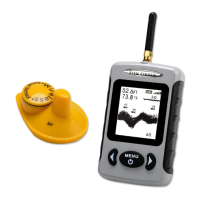
FISHFINDER
5
4. APP DISPLAY VIEW
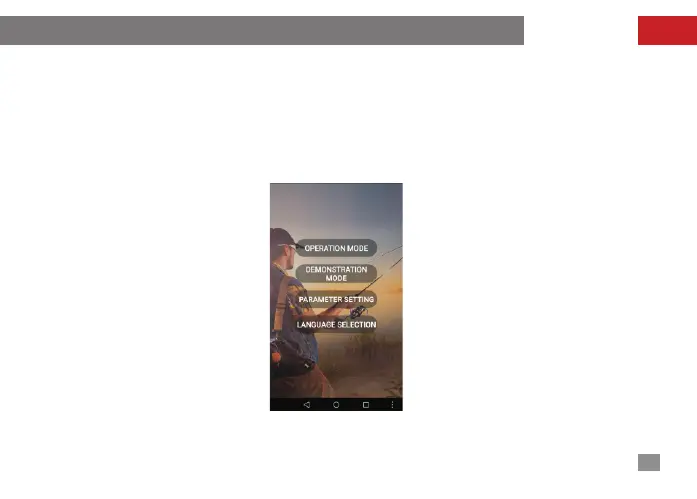
The format of underwaater information showed by this APP is very simple and understandable.
The display information of the whole screen is shown in Figure 9. The first button represents
operation mode; the second button represents simulation and demonstration; the third button
represents the parameter setting and the fourth button represents the language setting.
The function of each button will be introduced in details in the following chapters.
fig-9



 To Next Page