2.0 Player
/ Operations Manual
20
4.1 / WEIVER 2.0 Player Operation
4.2 / Weiver_EX Software Installation
4. SYSTEM OPERATION
Connect the WEIVER 2.0 Player to a laptop or desktop PC with both Microsoft Windows OS and the ‘Weiver_EX’ program
installed. In case where system update is necessary, please have a monitor, keyboard and mouse ready. You may also
use remote access control.
Please visit LUMANTEK online Download Center
at http://www.lumantek.com/support/download.
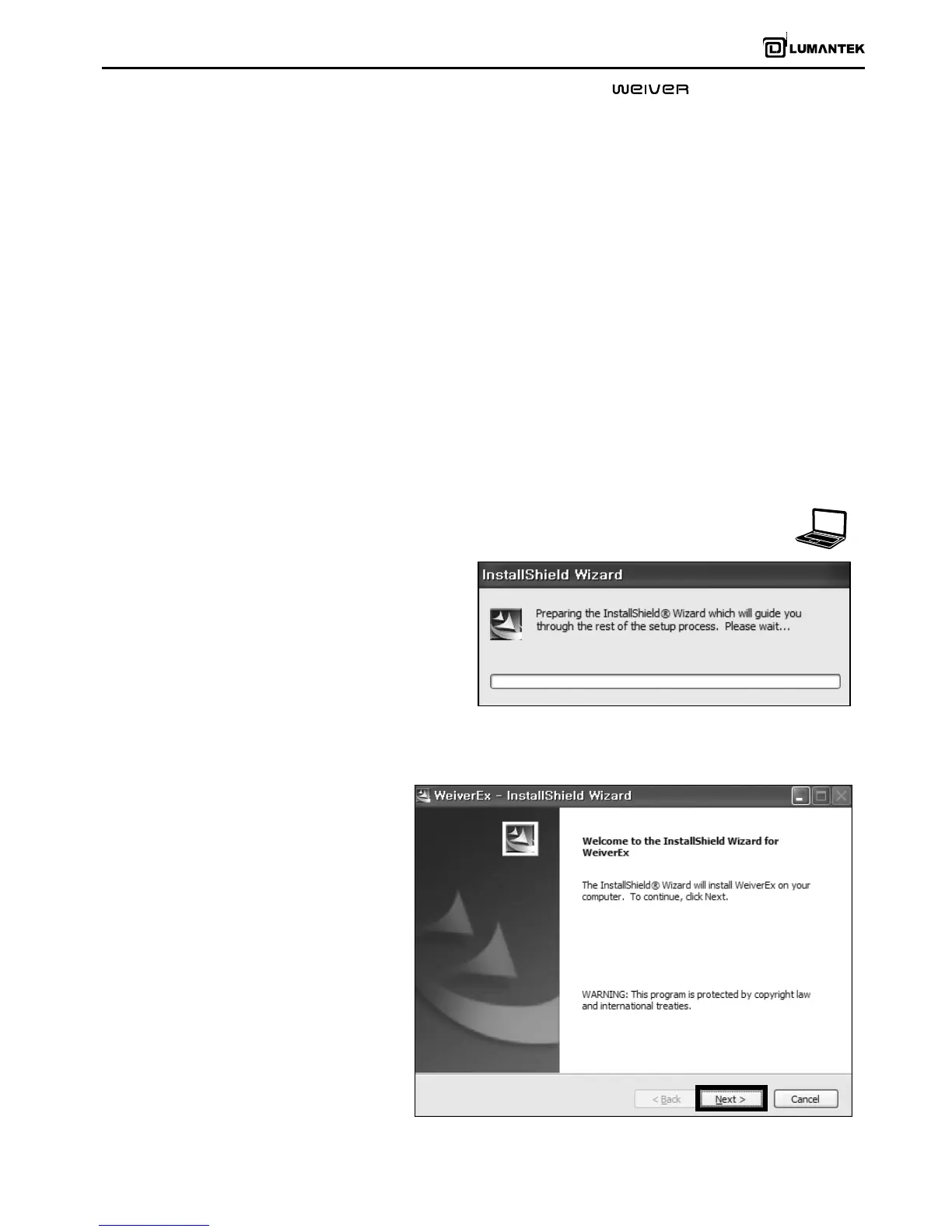
html to download ‘Weiver_EX’ program. Double-
click on the program icon will initiate the
installation.
Click on ‘Next’ to proceed the ‘Weiver_EX’
installation process.


 To Next Page
 Loading...