2.0 Player
/ Operations Manual
61
There are three ways to control the Weiver 2.0 Player
1. Using the buttons at the front panel
2. Using an operating software, the Weiver_Ex
3. Using API
The rst and second methods are supported all previous versions of the WeiverPlayer software, however, the third
method can be supported from the WeiverPlayer software version 2.1.2.0. Hence, if previous version is installed in the
WeiverPlayer, API function is not able to use.
The Weiver_Ex software connects the Weiver 2.0 Player software as IP and send UDP packets to run the Weiver 2.0
Player.
We have opened the WeiverPlayer API example program and packet information because the purpose of the
WeiverPlayer API is to control the Weiver 2.0 Player without the Weiver_Ex software. You can download reference
sources at Lumantek website. ( http://www.lumantek.com/support/download.html )
5.1 / API Description
5.2 / WeiverPlayer API Performance Property
5. API OPERATION
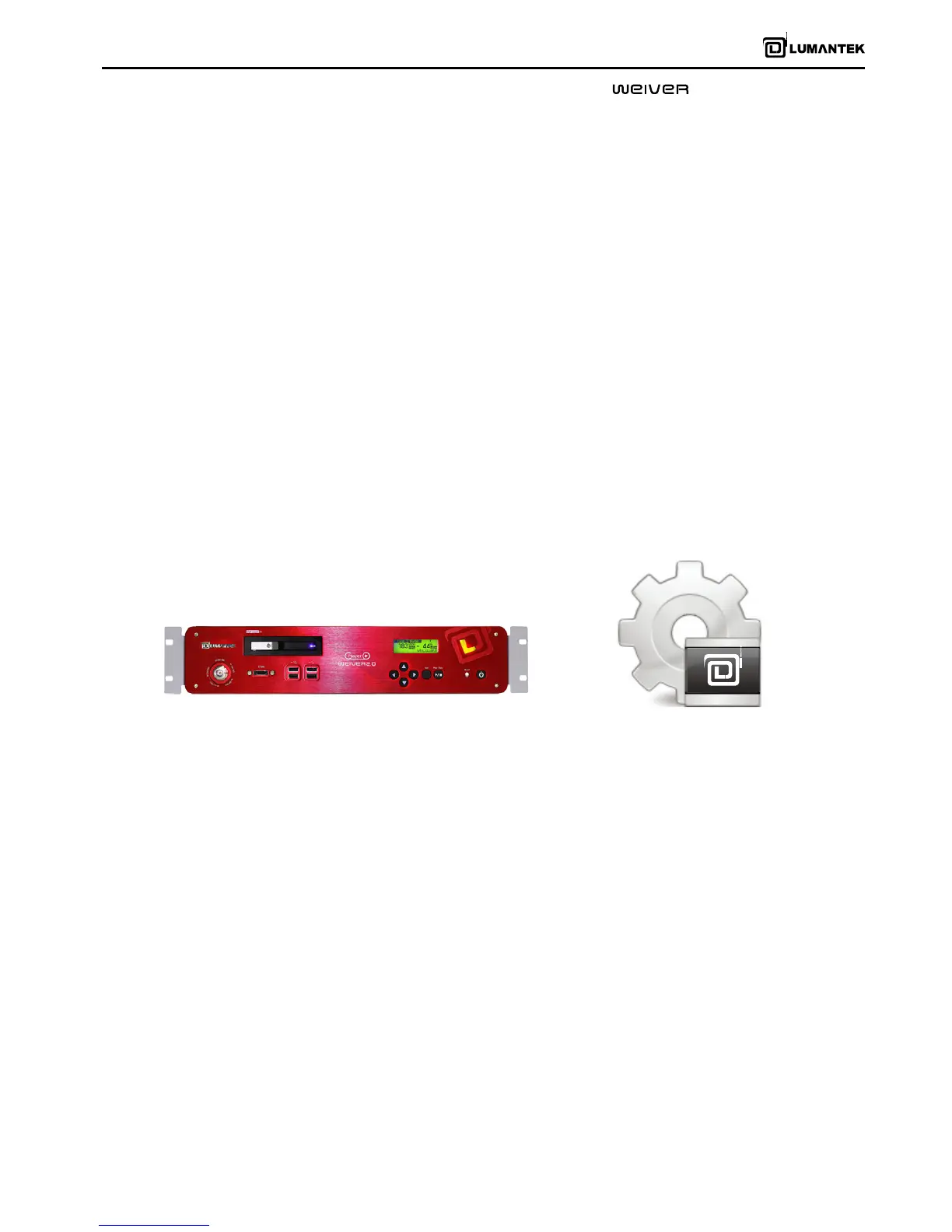
[ WEIVER 2.0 Player ] [ WEIVER 2.0 Player Software ]


 To Next Page
 Loading...