14
Internal
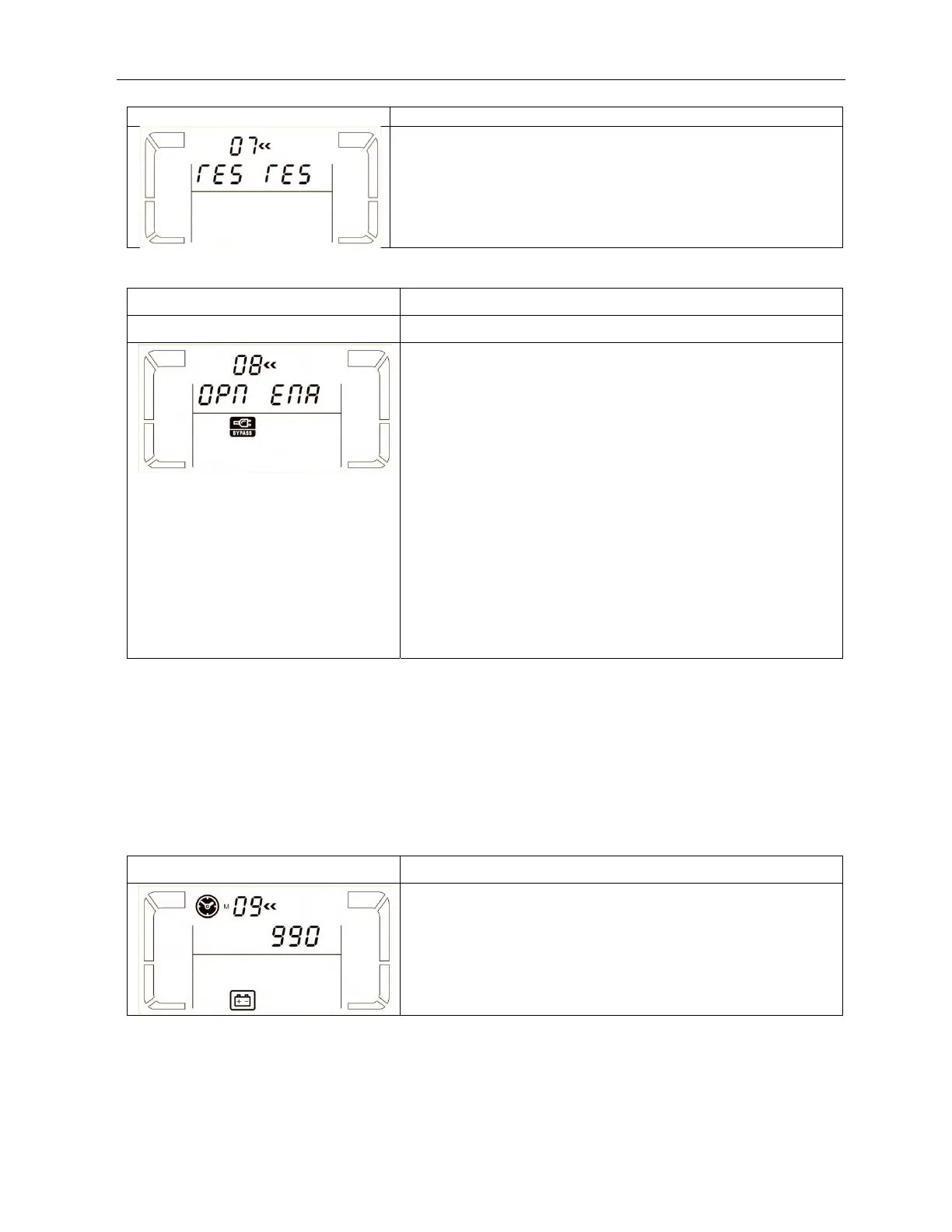
07: reserved
Interface Setting
reserved
08: Bypass mode setting
Interface Setting
Parameter 2:
OPN: Bypass allowed. When selected, UPS will run at Bypass
mode depending on bypass enabled/disabled setting. This is
default setting. This is the default setting.
FBD: Bypass not allowed. When selected, it’s not allowed for
running in Bypass mode under any situations.
Parameter 3:
ENA: Bypass enabled. When selected, Bypass mode is
activated. This is default setting.
DIS: Bypass disabled. When selected, automatic bypass is
acceptable, but manual bypass is not allowed. Manual bypass
means users manually operate UPS for Bypass mode. For
example, pressing OFF button in AC mode to turn into Bypass
mode.
09: Battery maximum discharge time setting
Interface Setting
Parameter 3:
000~999: Set the maximum discharge time from 0 min. to
999 min. UPS will shut down to protect battery after discharge
time arrives. The default value is 990 min.
DIS: Disable battery discharge protection and backup time
will depend on battery capacity.



 To Next Page