17
Internal
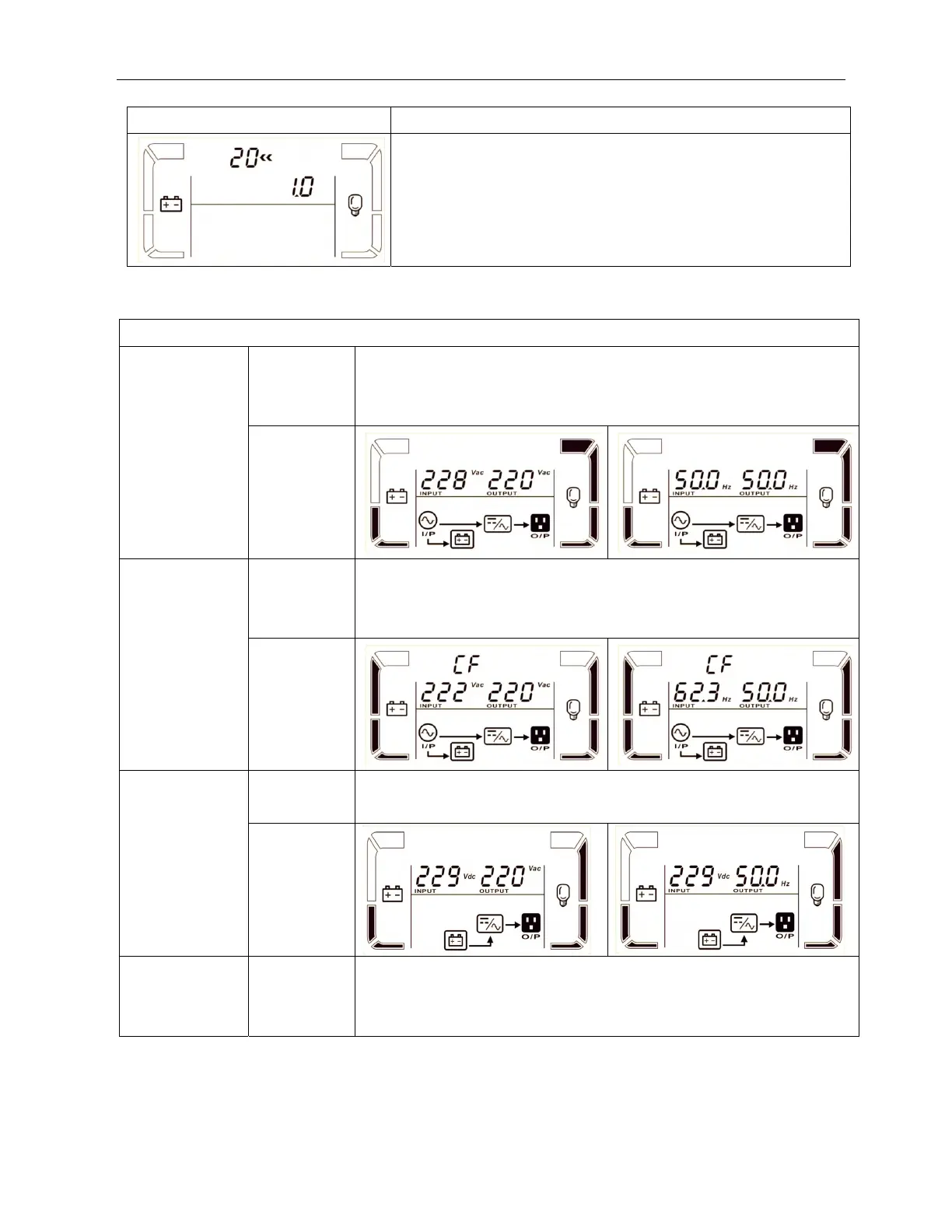
20: Backup time calibration
Interface Setting
Parameter 3:
Calibrate the displayed backup time by adjusting this multiplier
factor. The formulation is listed below:
Displayed backup time=Original calculated backup time x
Multiplier factor
The default value of multiplier factor is 1.0 and the setting range
is from 0.5 to 2.
3-7. Operating Mode/Status Description
Operating mode/status
AC mode Description When the input voltage is within acceptable range, UPS will provide pure
and stable AC power to output. The UPS will also charge the battery at
AC mode.
LCD display
CVCF mode Description When input frequency is within 46 to 64Hz, the UPS can be set at a
constant output frequency, 50 Hz or 60 Hz. The UPS will still charge
battery under this mode.
LCD display
Battery mode Description When the input voltage is beyond the acceptable range or power failure,
UPS will backup power from battery and alarm will beep every 4 seconds.
LCD display
Bypass mode Description When input voltage is within acceptable range and bypass is enabled,
turn off the UPS and it will enter Bypass mode. Alarm beeps every two
minutes.



 To Next Page